
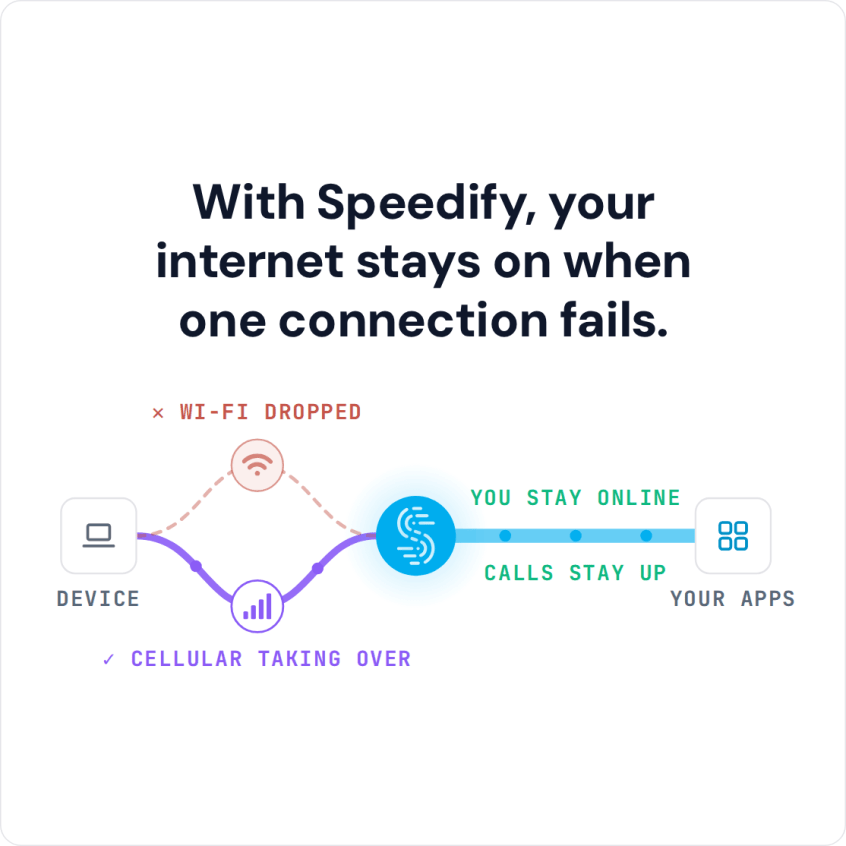
Solve iPhone 18, iOS 27, and Hotspot Internet Connectivity Issues: Use the Speedify Software App to Combine Wi-Fi and 4G/5G at Once If your iPhone 18 isn’t showing the Personal Hotspot option, or other devices can’t find your iPhone in the Wi-Fi list, you’re not alone. Personal Hotspot not showing on iPhone is one of the most common iOS problems, … Read More
VPN Not Working: How to Fix VPN Issues with Speedify, Plus a Troubleshooting Guide
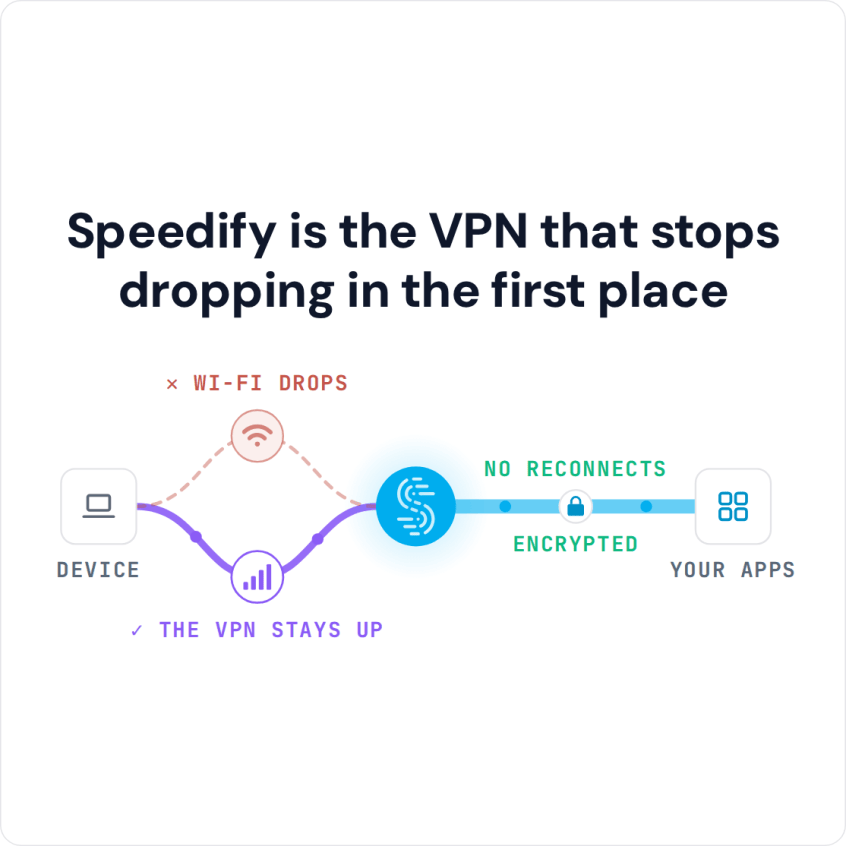
How to Troubleshoot VPN Problems When a VPN is not working, the fix depends on the symptom: a VPN that will not connect, runs slowly, keeps disconnecting, gets blocked by a streaming service or leaks DNS requests. Many of these trace back to the same weak spot: the VPN rides on a single internet connection, so a weak Wi-Fi signal … Read More
Multiple Starlink Dishes with Speedify: Subscriptions, Spacing and Setup

Yes, you can have multiple Starlink dishes on one Starlink account. Each Starlink dish you use at the same time needs its own subscription, though: one subscription can’t run two Starlink dishes at once. Multiple Starlink dishes also don’t add up their speeds on their own. To use them together, for faster downloads and uploads and fewer dropouts, connect them … Read More
Why Starlink Is So Slow Today: 11 Fixes, and How Speedify Adds a Second Internet Connection
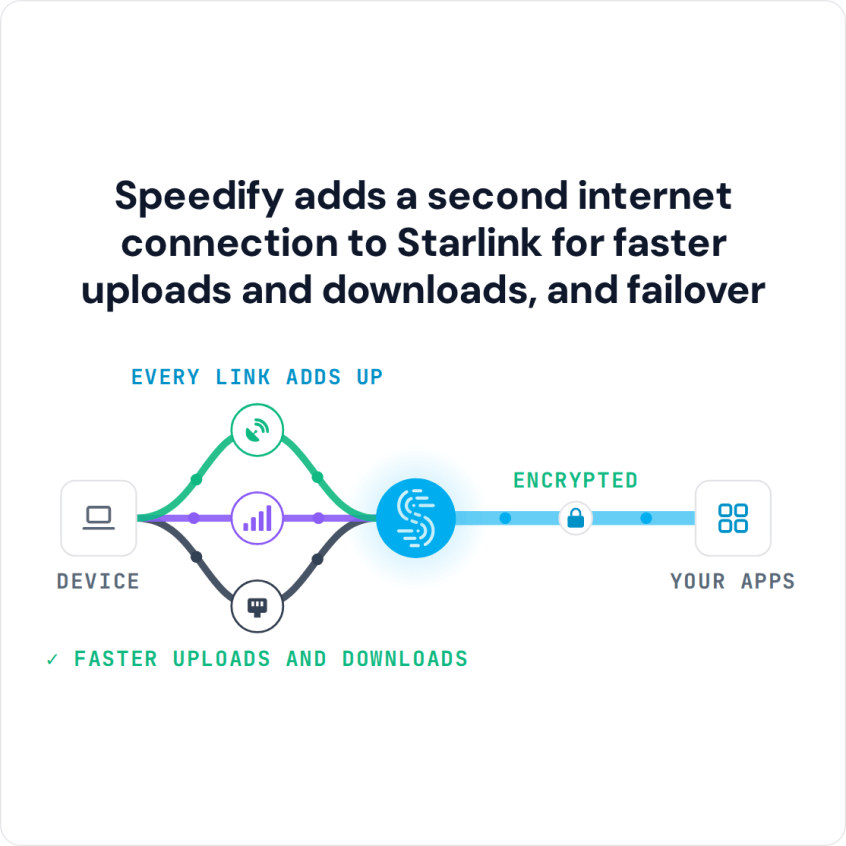
Why Is Your Starlink Internet Connection Slow or Dropping Out? When Starlink is slow, the cause is usually one of a few things: a busy Starlink network in the evening, a blocked view of the sky, bad weather, a Starlink dish or router that needs a restart, weak Wi-Fi inside your home, too many devices online at the same time, … Read More
How to Make Starlink Faster with a Second Internet Connection and Speedify
To make a slow Starlink faster, first clear what’s slowing it down: something blocking your Starlink dish’s view of the sky, a weak or crowded Wi-Fi signal, or an old Starlink dish. Then add a second internet connection, like 4G/5G cellular, a DSL line or another Starlink dish, and use both at the same time with Speedify. On Starlink alone, … Read More
Dial-Up Internet History and Speeds, What Came After, and How Speedify Combines Connections
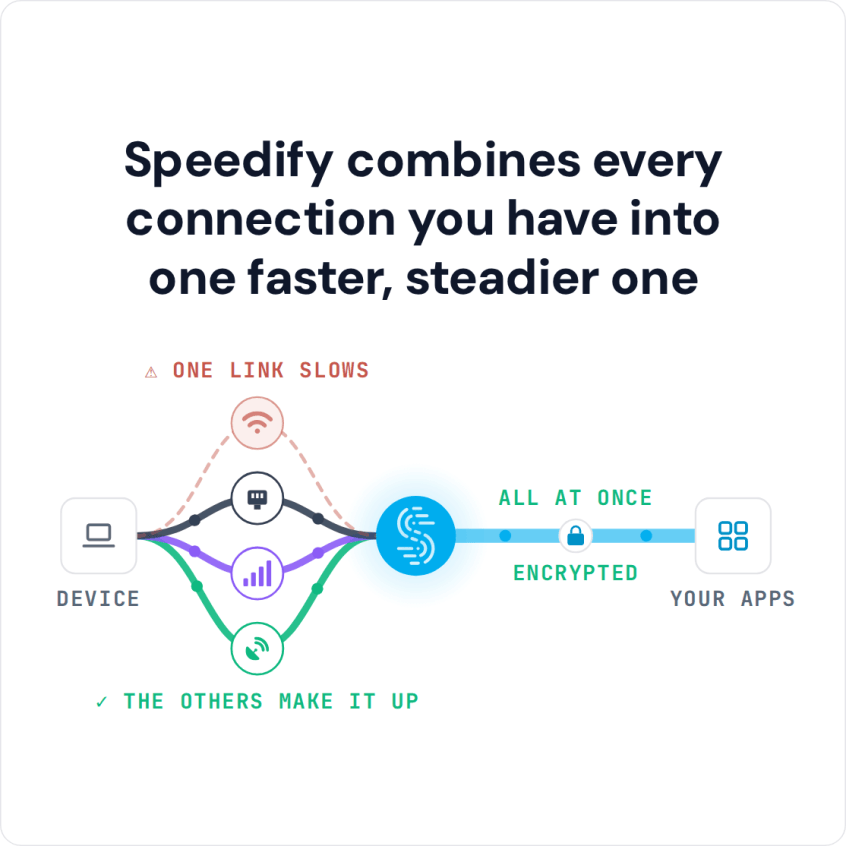
Internet Connectivity – from Dial-Up to Starlink and 6G Cellular Dial-up internet ran at 28.8 to 56 kbps over phone lines and was the main way to get online from the early 1990s into the 2000s. After dial-up came ISDN, then DSL and cable broadband, then fiber, 4G/5G cellular and Starlink satellite. Here is how each one worked, how fast … Read More