
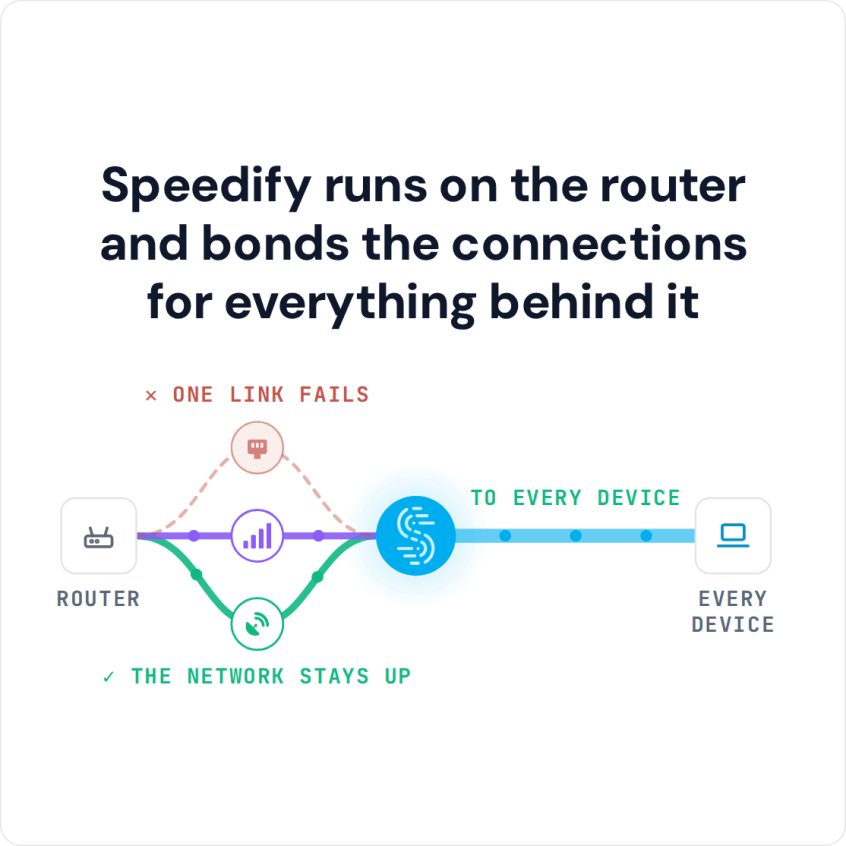
A Linux server does not need a desktop to run Speedify. It runs fully headless through the speedify_cli, bonding connections over nothing but an SSH session.
How to Set Up Speedify on Ubuntu Linux to Combine Wi-Fi and Ethernet
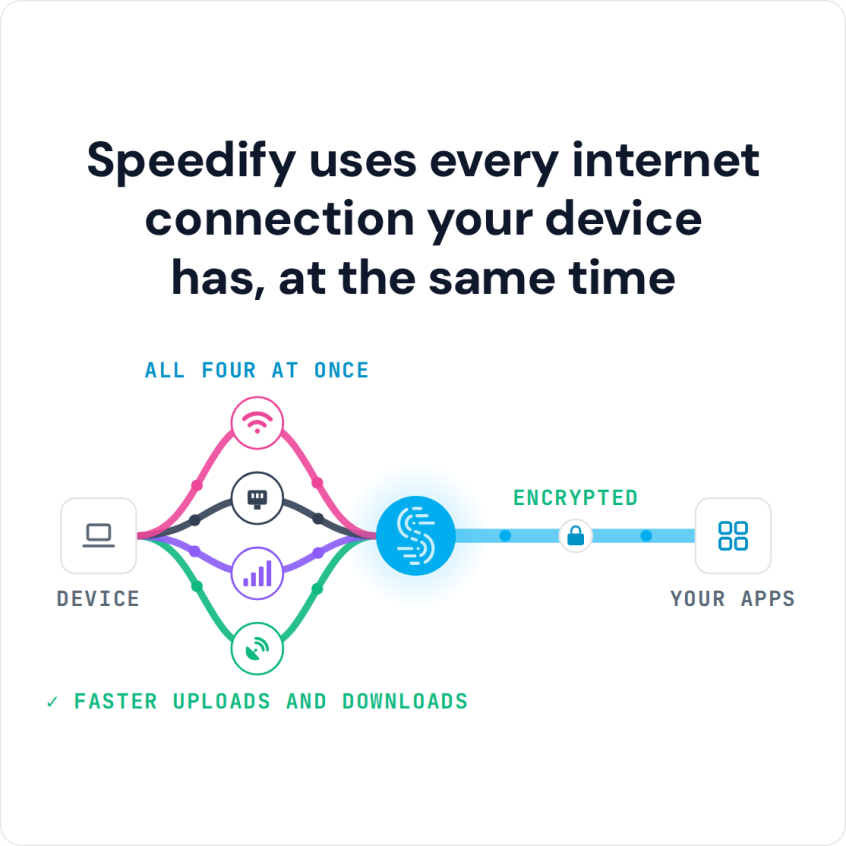
Ubuntu will not bond connections on its own. Speedify combines Wi-Fi, Ethernet, and cellular into one faster, more reliable connection. Here is the setup.
Starlink on Ubuntu Linux: Combine Two Starlink Dishes with Speedify

Speedify Combines Two Starlink Dishes on Ubuntu Linux for Faster Upload and Download Speeds Yes, you can combine two Starlink dishes on Ubuntu Linux. With two Starlink dishes at your location and an Ubuntu machine connected to both, you can use both internet connections together instead of leaving the second Starlink dish unused. Speedify is an app that uses all … Read More
Combine Starlink and a Tethered iPhone on Ubuntu Linux with Speedify for Cellular Failover
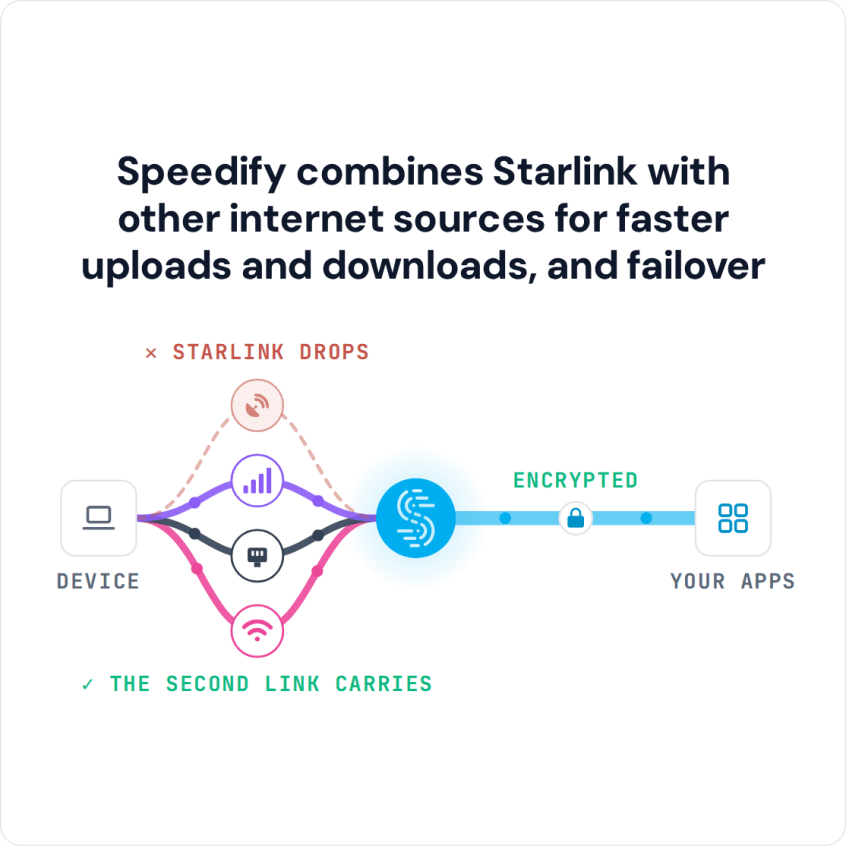
Speedify Uses a Tethered iPhone as Backup for Starlink on Ubuntu Linux to Keep You Online Plug your iPhone into your Ubuntu computer with a USB cable, turn on Personal Hotspot, and Speedify uses your iPhone’s 4G/5G cellular together with Starlink. If your Starlink internet connection drops, Speedify switches your traffic to the iPhone automatically, so SSH sessions, downloads and … Read More
Starlink and Ethernet on Ubuntu Linux: Add a Wired Cable, Fiber or DSL Line with Speedify
Speedify Uses Backup Wired Ethernet Alongside Starlink on Ubuntu Linux to Keep You Online If your Ubuntu server or workstation runs on Starlink and has to stay online, a wired Ethernet line from a cable, fiber or DSL provider makes a strong second internet connection. Speedify uses Starlink and the wired line at the same time, and if your Starlink … Read More
Starlink and 4G/5G on Ubuntu Linux: Add Cellular Failover with Speedify
Speedify Uses Backup 4G/5G Cellular Together with Starlink on Ubuntu Linux to Keep You Online Starlink works on Ubuntu Linux like any other network, and Speedify lets your Ubuntu computer use Starlink and 4G/5G cellular at the same time. Add a USB cellular modem or an Android phone with USB tethering turned on, and if your Starlink internet connection drops, … Read More