
The Starlink Summary Card in Speedify’s Starlink Control Center Shows Every Dish’s Key Stats at a Glance 1Starlink internet slow?The numbers show why Speed, ping, blocked view or uptime 2Check ping success inthe Starlink app? It shows the drops, butcan't stop them 3Stay online when thenumbers look bad Speedify combines Starlink internetand 4G/5G to keep you connected Slow speed Slow … Read More
Watch Now: Starlink Speed Test – Same Location, Wildly Different Results
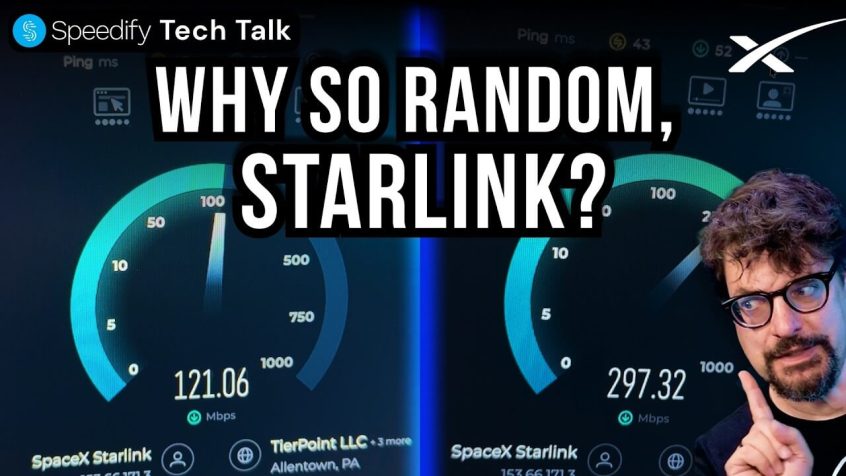
Speedify engineers discuss real Starlink speed test footage showing why Starlink bandwidth and latency are constantly changing: every 15 seconds Starlink switches satellites, and both dishes can end up on the same satellite, which limits their combined download speed. In one of those tests, rain cut Starlink upload speed by 52%. For measurements from real Starlink internet connections, see the … Read More
How to Check Starlink Dish Status and What Each Status Means

Speedify Shows Your Starlink Status in Real Time and Keeps You Online When Your Starlink Internet Connection Drops Out 1Starlink dish statuscan flip to offline Satellite switches, obstructionsand storms can all do it 2Check the Starlinkapp for the status? It shows why you dropped,but you still go offline 3Stay online when theStarlink status drops Speedify combines Starlink internetand 4G/5G to … Read More
Speedify 16.8: Stow, Reboot and Set a Sleep Schedule for a Starlink Dish From Inside Speedify
Speedify 16.8 Adds Starlink Dish Controls A Starlink dish sometimes needs a hands-on fix. For many dish problems, the first step is a restart: unplug the power for 20 seconds, then plug the dish back in. Before transport or extreme weather, the dish needs to be stowed, folded into a protective position. Until Speedify 16.8, both meant leaving Speedify for … Read More
Connect Two Starlink Antennas Together: How to Mount Both Antennas

Speedify Uses Two Mounted Starlink Antennas Together as One Faster, More Reliable Internet Connection 1A tree or roofline canblock a Starlink antenna And a normal router usesone antenna at a time 2Mount a second Starlinkantenna right beside it? The same tree blocks both,and the router uses one 3Mount them apart, andSpeedify uses both Speedify combines both Starlinkantennas to keep you … Read More
Starlink Control Panel: Monitor Every Starlink Dish in One Place
Speedify’s Starlink Control Center Lets You Monitor All Your Starlink Dishes in One Place 1Every Starlink dishcan weaken on its own The Starlink app shows onlyone Starlink dish at a time 2See every Starlink dishin one Speedify screen Status, speed, ping, obstructionsand alerts, live 3Stay online when aStarlink dish weakens Speedify combines Starlink internetand 4G/5G to keep you connected Obstructed … Read More