
Satellite Internet for Business That Survives an Outage Satellite internet for business works well until the sky doesn’t: weather, trees and satellite switches cause short drops, and at busy times of day the satellite network slows down for every business in the area. Speedify, an app for computers, phones and routers, uses your satellite internet connection (Starlink, VSAT or another … Read More
Starlink WAN Bonding vs. Load Balancing: Speedify Gets Faster Uploads and Downloads
Speedify Gets You Faster Upload and Download Speeds on Starlink than a Router That Splits Traffic Between Connections Load balancing and bonding both use Starlink and a second internet connection, like 4G/5G cellular, at the same time, but they split the work differently. Load balancing, which most routers with several internet ports do, puts each app or download on one … Read More
Starlink Backup Internet for Business: How Speedify Switches Without Dropping Calls
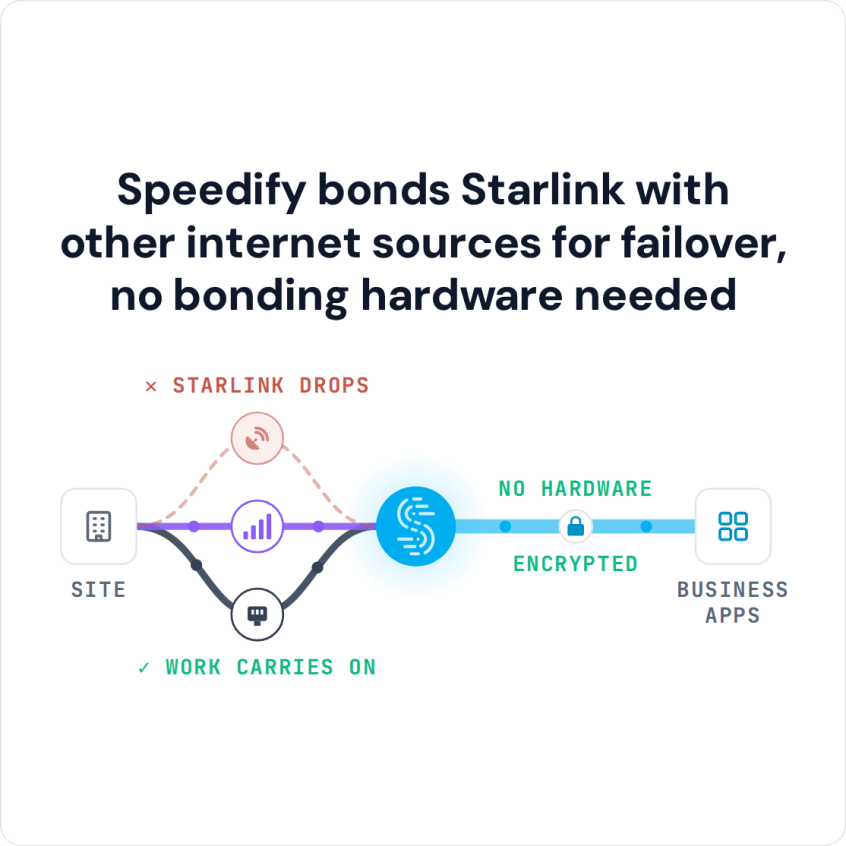
Starlink Backup Internet That Takes Over Before You Notice Starlink works well as a failover internet connection, which is what most people mean by Starlink backup internet. Starlink comes from satellites, not the cables in your street, so a fiber cut or a cable company outage doesn’t take it down. The hard part is the switch: when your main internet … Read More
Starlink App for PC: How to Set Up Starlink on a Windows PC with Speedify

Speedify Helps You Get Faster Upload and Download Speeds from Starlink on a Windows PC There’s no Starlink app for Windows PC: Starlink makes its app for phones and tablets only. To use Starlink on a Windows PC, connect the PC to the Starlink router’s Wi-Fi, or plug it in with an Ethernet cable. To add a second Wi-Fi network … Read More
Starlink App for Mac: How to Set Up Starlink on a Mac or MacBook with Speedify
Speedify Helps You Get Faster Upload and Download Speeds from Starlink on a Mac. Connect Starlink to a Mac and bond it with Wi-Fi or 4G/5G cellular using Speedify channel bonding for maximum speed, automatic failover, and encrypted traffic.
Multiple Starlink Dishes with Speedify: Subscriptions, Spacing and Setup

Yes, you can have multiple Starlink dishes on one Starlink account. Each Starlink dish you use at the same time needs its own subscription, though: one subscription can’t run two Starlink dishes at once. Multiple Starlink dishes also don’t add up their speeds on their own. To use them together, for faster downloads and uploads and fewer dropouts, connect them … Read More