
Use Speedify as Your Starlink Companion A Starlink “Software Install Pending” alert means your Starlink dish has downloaded a software update and needs to restart to install it. Your internet drops for a few minutes during that restart. Starlink usually restarts to install updates on its own, between 2:30 and 3:30 AM local time. If your Starlink subscription or service … Read More
Starlink Stow Meaning, How to Stow the Dish, and How Speedify Keeps Calls Going
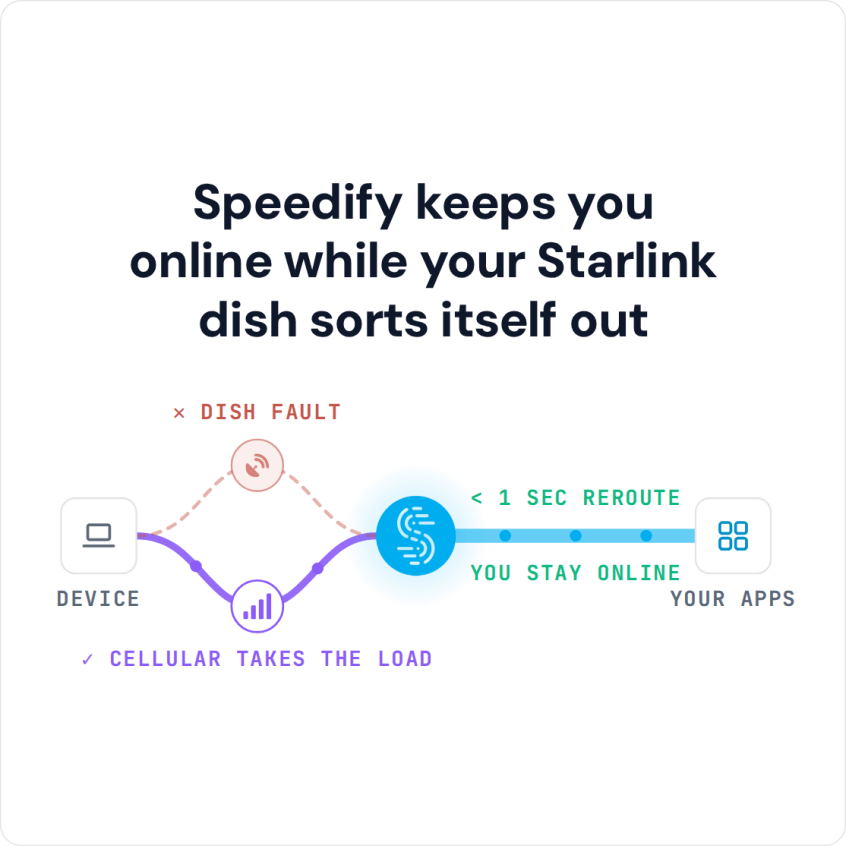
Use Speedify as Your Starlink Companion On Starlink, “stow” means your Starlink dish folds into its storage position and stops its internet connection, so you can unplug it, pack it or move it. The “Starlink Stow Requested” alert means a stow was asked for, in the Starlink app or automatically by the Starlink dish because of the conditions around it, … Read More
Starlink “Heating” Meaning: The Dish Is Melting Snow, and Speedify Keeps Calls Going
Use Speedify as Your Starlink Companion When the Starlink app says “Heating”, your Starlink dish is warming itself up to melt snow and ice, or to reach its normal working temperature on a cold day. It is not overheating. Your internet can be slower while your Starlink dish heats, and it goes back to normal once the Starlink dish is … Read More
Starlink Weak Signal or Bad Signal: Causes, Fixes and How Speedify Keeps Calls Online
Use Speedify as Your Starlink Companion A weak Starlink signal usually means something is blocking your Starlink dish’s view of the sky, like trees, buildings or snow. Rain and heavy snow can weaken the signal too. When the signal stays weak, the Starlink app shows the “SNR Persistently Low” alert. SNR stands for signal-to-noise ratio: how strong the satellite signal … Read More
Satellite Internet Slow on Starlink: 4 Causes and Faster Uploads with Speedify

Combine Starlink with Wi-Fi, 4G/5G Cellular or DSL in Speedify to Fix Slow Starlink Upload and Download Speeds Starlink upload and download speeds are slower than you expect when something blocks your Starlink dish’s view of the sky, when your device has a weak Wi-Fi signal, when the Starlink network near you is busy, or when your Starlink dish switches … Read More
Twitch Streaming with Starlink: How Speedify Keeps the Stream Live
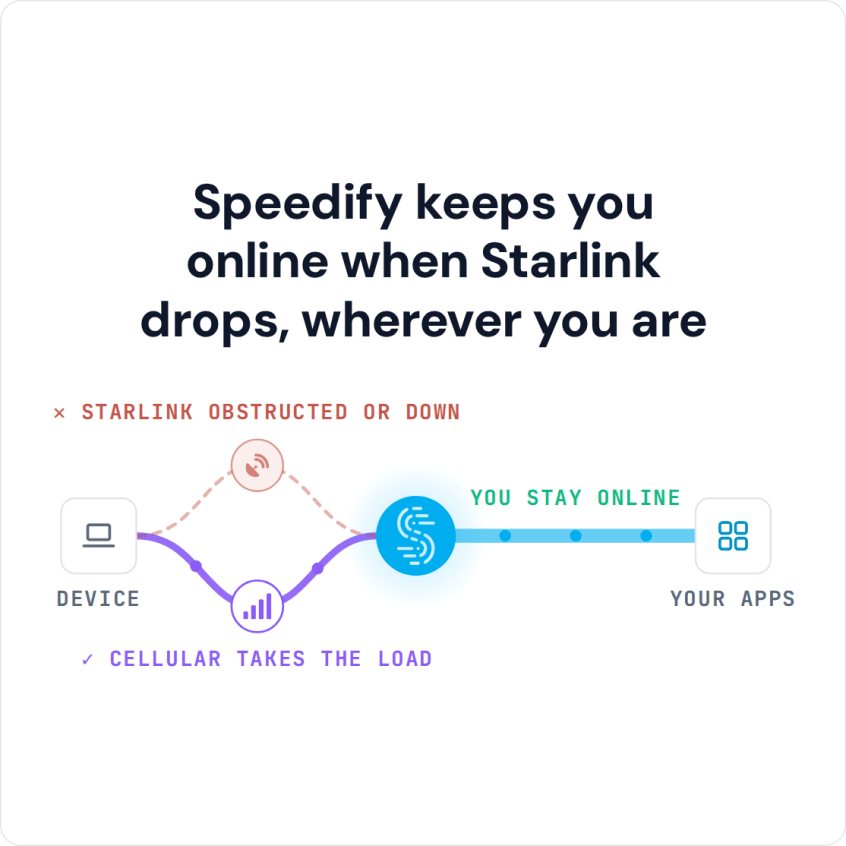
Starlink is good for streaming on Twitch: Starlink uploads run 10 to 30 Mbps, and Twitch recommends 3 to 6 Mbps for a stream. The catch is the short drops. Your Twitch stream freezes, or Twitch keeps buffering while you watch, when something blocks your Starlink dish’s view of the sky, when your computer has a weak Wi-Fi signal, or … Read More