
The Best Internet Setup for a Remote Branch Office A branch office usually runs on whatever internet the building came with: one cable or DSL line carrying the point-of-sale terminals, phones, cameras and staff logins. When that line fails, the whole site goes offline with it, because the traffic has nowhere else to go. Adding 4G/5G cellular failover to office … Read More
VoIP Calls Dropping: Speedify Combines Business Internet Connections to Keep Calls Going

How to Stop VoIP Calls From Dropping on Business Internet Calls made over the internet drop mid-negotiation even though the office speed test looks perfect. Speed is not the problem. Uneven timing between the small pieces of data carrying your voice, pieces that never arrive, and provider outages too short to notice while browsing are each enough to end a … Read More
Security Cameras Offline When the Internet Goes Down: Speedify Adds 4G/5G Cellular Failover
How to Keep Security Cameras Online When the Internet Goes Down A storm takes out the line and every camera goes dark at exactly the moment footage matters. IP cameras push video to the cloud over a single broadband internet connection, so one outage means no live view, no motion alerts, and a hole in the recorded timeline that cannot … Read More
TikTok Live Keeps Disconnecting: Stay Live with Speedify
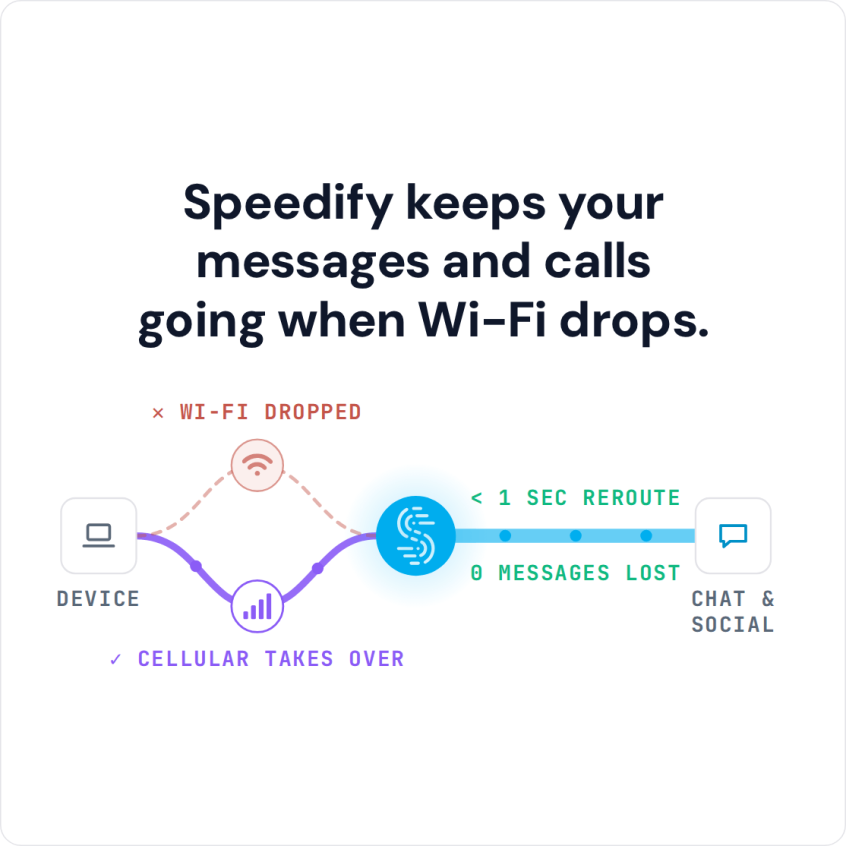
TikTok Live runs as a constant upload over one connection, so any dip drops it. Speedify bonds Wi-Fi and cellular to keep your broadcast on air.
iPhone Keeps Disconnecting from Wi-Fi: Stay Online with Speedify Using Wi-Fi and 4G/5G Cellular at Once
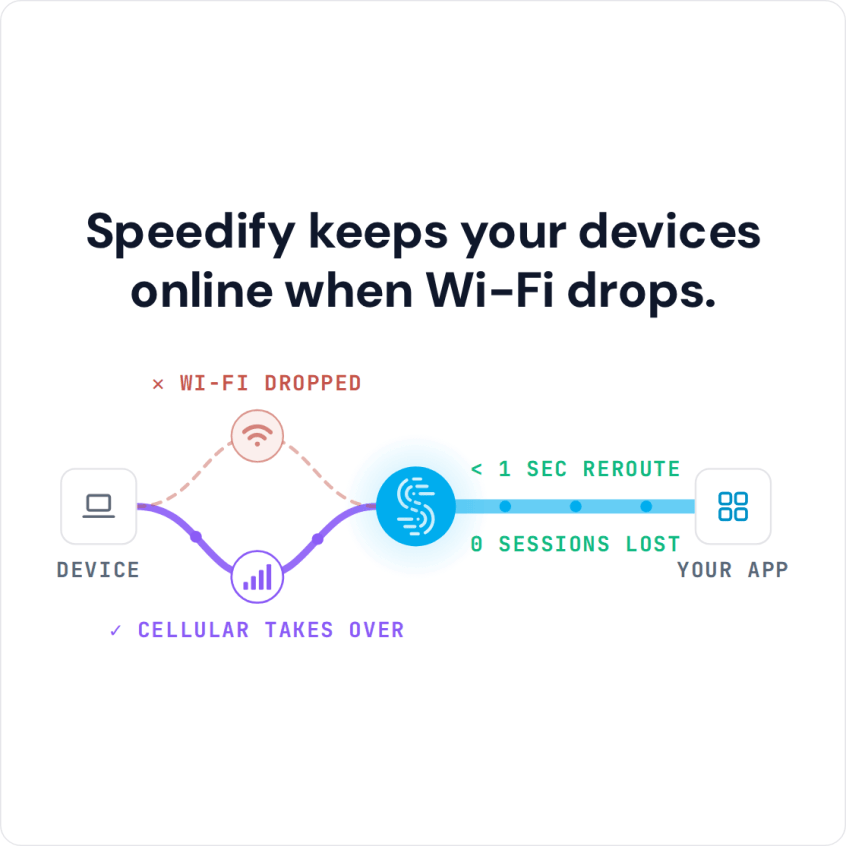
Speedify Stops iPhones from Disconnecting from Wi-Fi by Adding 4G/5G Cellular to the Connection. Find out why your iPhone keeps dropping Wi-Fi and fix it with proven iOS settings tips and Speedify channel bonding — combining Wi-Fi and 4G/5G cellular simultaneously for a connection that never drops.
Mac or MacBook Keeps Disconnecting from Wi-Fi: Speedify Keeps You Online
Speedify Stops MacBooks from Losing Wi-Fi by Adding 4G/5G Cellular to the Connection. Find out why your MacBook keeps dropping Wi-Fi and fix it with proven macOS settings, hardware tips, and Speedify channel bonding — combining Wi-Fi and 4G/5G cellular simultaneously for a connection that never drops.