
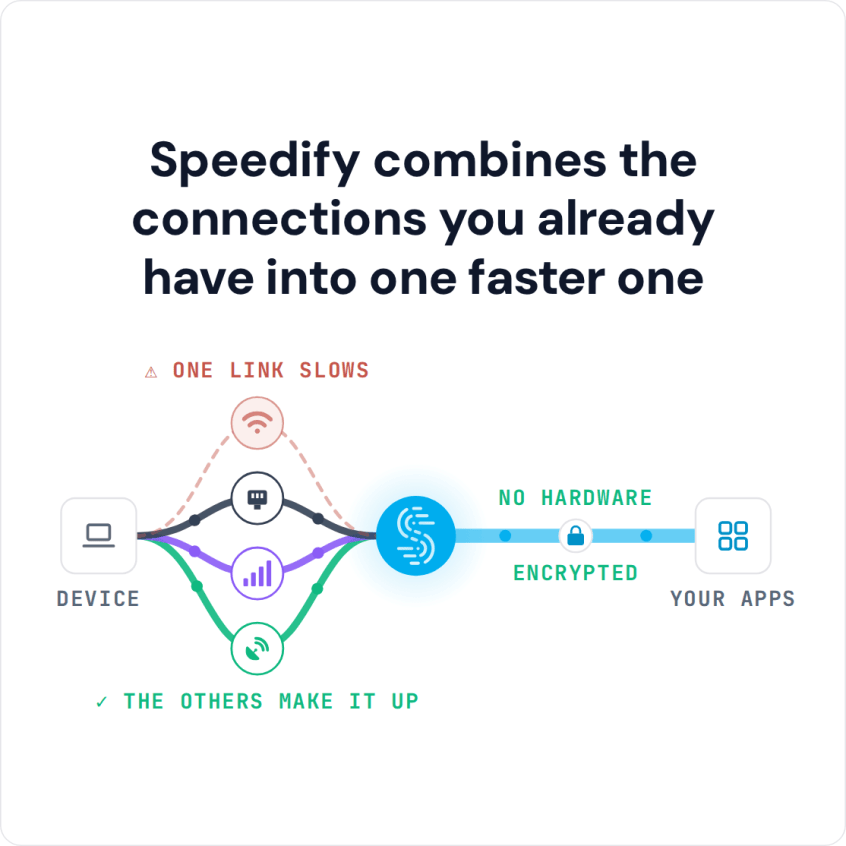
How to Find Cheap Internet and Lower Your Bill To improve internet speed without paying more, start by matching your plan to how you actually use the internet. In 2016, the United Nations declared internet access a basic human right, but that doesn’t stop internet companies from raising their rates every year. These five tips help you reduce your bill … Read More
Cox Internet Packet Loss While Gaming: Checks and Fixes
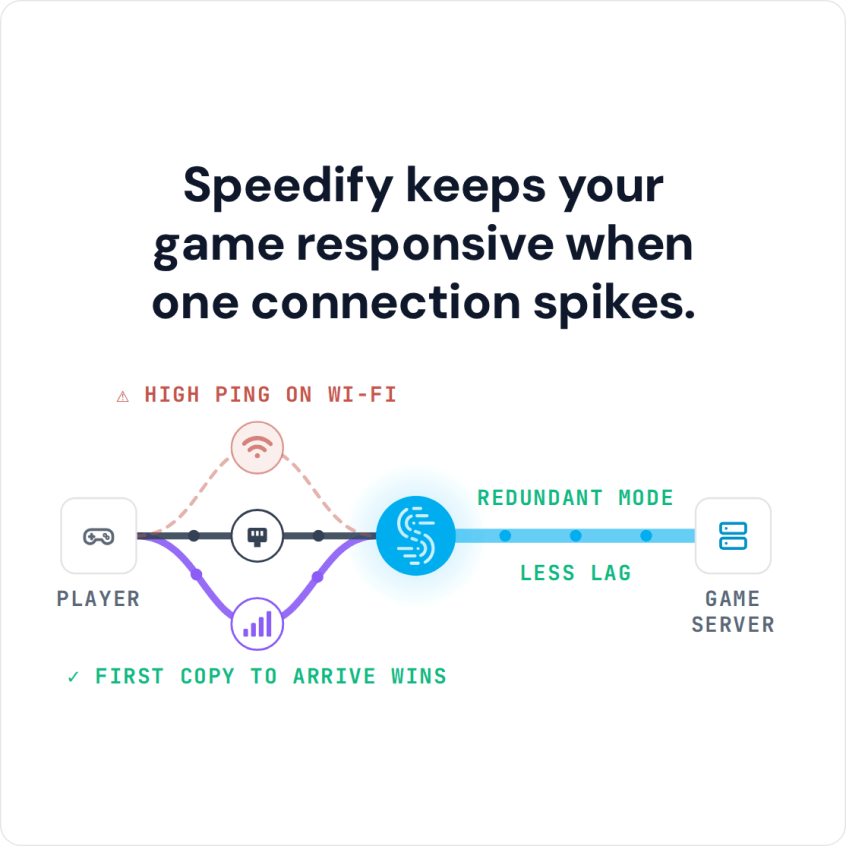
Solve Moderate to Severe Packet Loss from Cox Internet for VoIP or Gaming 1When Cox internet losespackets, the game drops Lag, snapbacks, then disconnects 2Reset your modemand router? Helps, then the loss comes back 3Add a phone's 4G/5Gcellular connection Speedify combines Cox and 4G/5Gto keep the match going Cox Online Packet loss Offline Back online Match dropped Back to the … Read More
Twitch Not Loading or Not Working: How to Fix Streams That Won’t Load
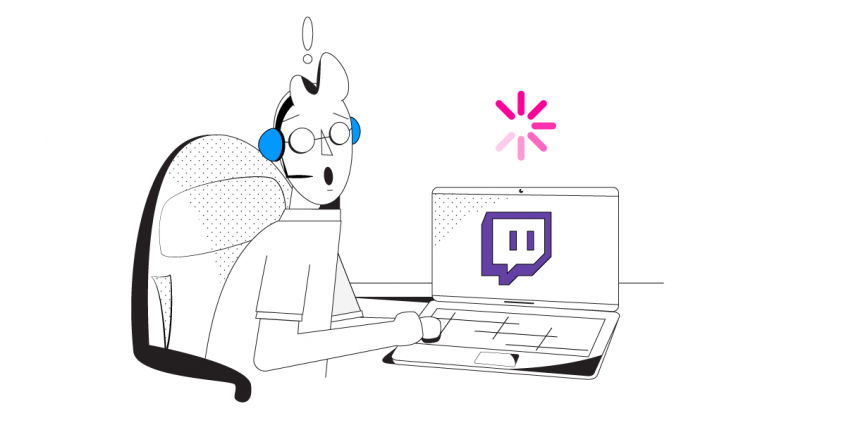
Twitch Not Loading: Combine Wi-Fi, 4G/5G Cellular, Ethernet, Starlink and Satellite Internet Connections with Speedify 1When Wi-Fi drops data,the Twitch stream stalls Speed test fine, player spinning 2Switch networks by hand? Stream stops as you reconnect 3Add a phone's 4G/5Gcellular connection Speedify combines Wi-Fi and 4G/5Gto keep the stream going Wi-Fi Online Offline 1s Offline 2s Offline 3s Back online … Read More
Wi-Fi Connected but No Internet Access: Why It Happens and How to Fix It

Wi-Fi Connected but No Internet Access: Find the Cause and Stay Online 1Wi-Fi says connected,but nothing loads Router, provider or a login page 2Restart the modemand router? You're offline while you fix it 3Add a phone's 4G/5Gcellular connection Speedify combines Wi-Fi and 4G/5Gto keep you connected to the internet Wi-Fi Online No internet No internet Back online Nothing loads Still … Read More
Fortnite Lagging: Why It Happens and How to Stop Lag Spikes with Speedify

Fortnite Lagging: Why It Happens and How to Stop Lag Spikes with Speedify Fortnite lagging usually comes down to one of five things: a problem on Epic’s servers, packet loss or dropouts on your Wi-Fi, high ping from playing far from the server, a device that cannot hold its frame rate, or downloads running in the background. If Fortnite lags … Read More
How to Make Fortnite Update Faster by Combining Internet Connections with Speedify
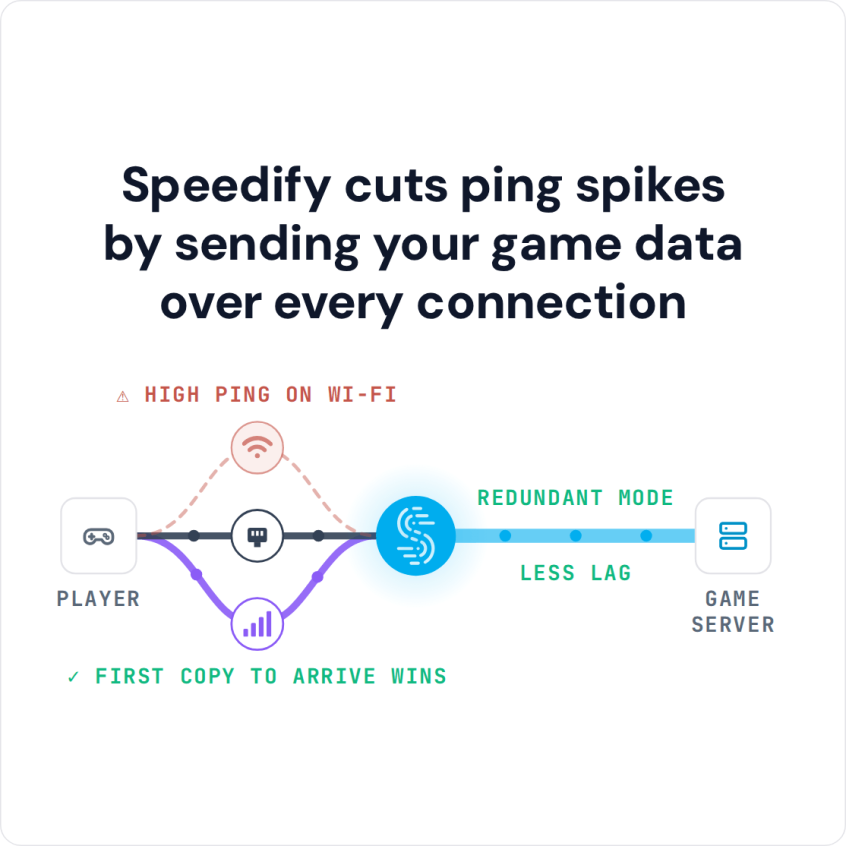
How to Fix Slow Fortnite Downloads To make a Fortnite update faster, start with the connection: a Fortnite download or update is tens of gigabytes, so it shows exactly how much bandwidth you really have, and it will sit at a crawl for hours if the answer is ‘not much’. Speedify is an app that pulls that download over several … Read More