
PokerStars Disconnecting Is Never Fun! PokerStars kicks you out while a hand is live, and a tournament position built over hours is at risk. Disconnects like that almost always start at your end: a brief gap where no data arrives, a home internet connection loaded by other people, or a laptop moving between Wi-Fi and 4G/5G cellular mid-hand. Speedify is … Read More
PartyPoker Down or Lagging? Speedify Combines Wi-Fi and Cellular to Keep You at the Table
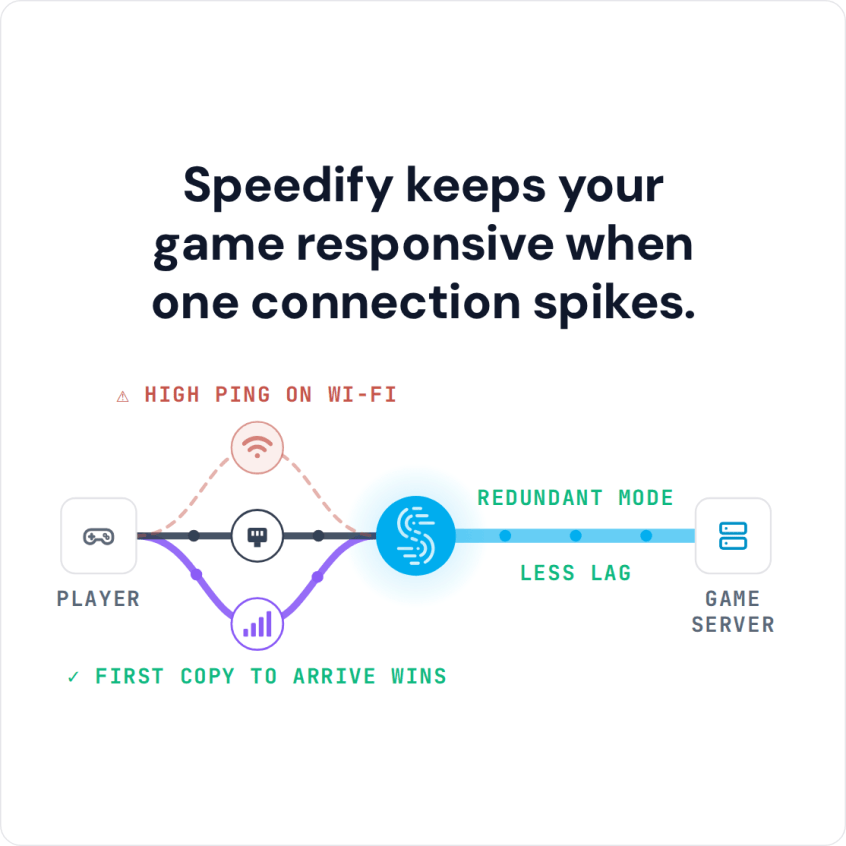
Virtual Poker Dominates the World! When PartyPoker stops responding partway through a hand, the money on the table is real and the clock does not wait. The usual reason is not PartyPoker but the internet connection feeding it, shared at home with streaming and downloads or handed between Wi-Fi and 4G/5G cellular, which leaves short gaps where your moves never … Read More
Lichess Lagging or Stuck on “Reconnecting”? Speedify Adds Cellular to Keep Your Game Going

“Reconnecting” Often on Lichess? Avoid Connection Problems in the First Place Nothing ruins an online chess game like Lichess lagging or showing “Reconnecting” while your clock keeps running. Lichess needs little bandwidth, but it needs it without interruption. Chess.com is the same: see how to fix Chess.com lag. Speedify is an app that keeps a second internet connection running alongside … Read More
Zoom Connection Issues: How to Stay on the Call with Speedify
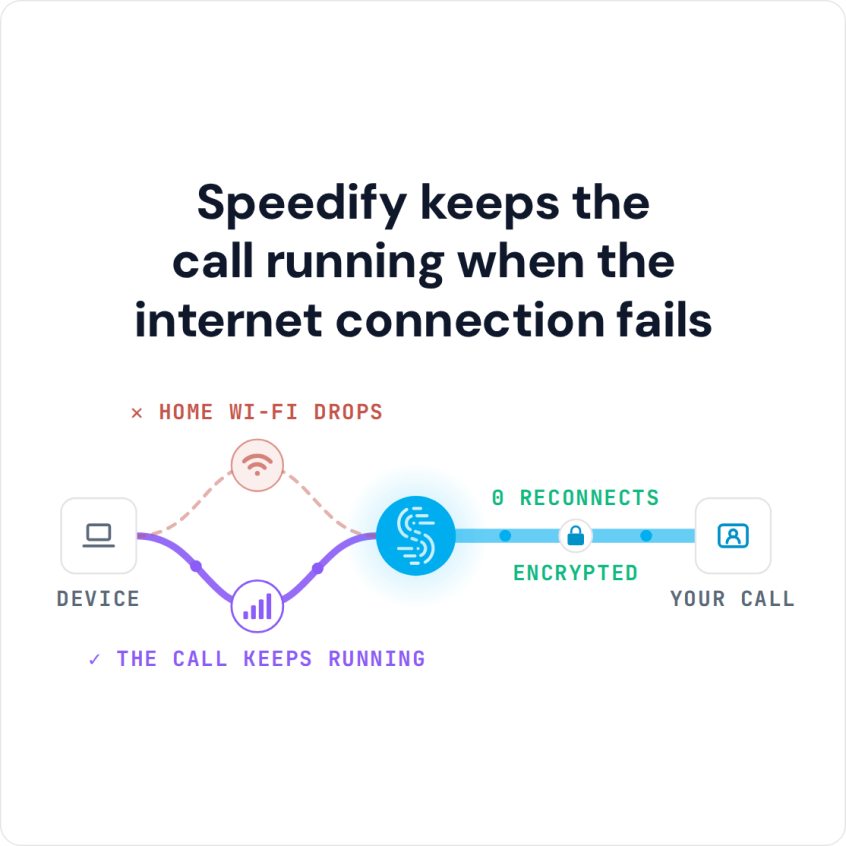
Having Zoom Problems? Fix Them: Combine Multiple Internet Connections Together – Like Starlink, Wi-Fi, 4G, 5G, and DSL – with Speedify When Zoom shows “Your internet connection is unstable” or drops out every few minutes, the timing is the clue. One home internet connection is wobbling, and each wobble lasts long enough for Zoom to give up and start reconnecting. … Read More
How to Fix Google Meet Audio Not Working with Speedify: Combine Wi-Fi and 4G/5G Cellular
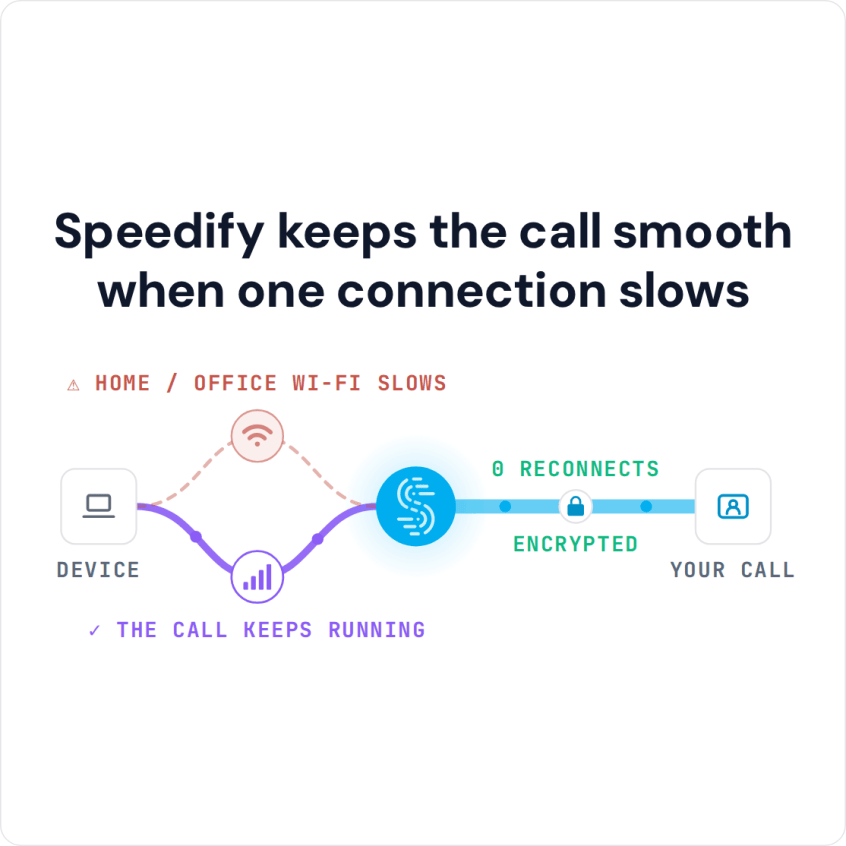
You Can Combine Multiple Internet Connections Together Like Wi-Fi, 4G, 5G, Starlink and DSL to Solve Google Meet Audio Not Working Issues When Google Meet audio is not working, check the simple things first: the right microphone and speaker selected in Meet’s settings, and your browser allowed to use the microphone. If the audio still cuts out while the video … Read More
How to Play Among Us on Wi-Fi and Cellular at Once with Speedify to Avoid Disconnects
Among Us Server Issues – Is It Down or Is It You? You can play Among Us on cellular data: the game runs on 4G/5G cellular alone, and if it will not connect, check that the app is allowed to use cellular data in your phone’s settings. Drops mid-round happen because the game needs a small, constant stream of data, … Read More