
Use Speedify as Your Starlink Companion A Starlink “Hardware Self Test” message means your Starlink dish has switched itself off to run a series of checks that make sure it works properly. It usually happens right after a software update. Your internet is off during the test, and it comes back on its own after a few minutes. If the … Read More
What Does Stow Mean on Starlink? Speedify Keeps You Online While the Dish Is Stowed
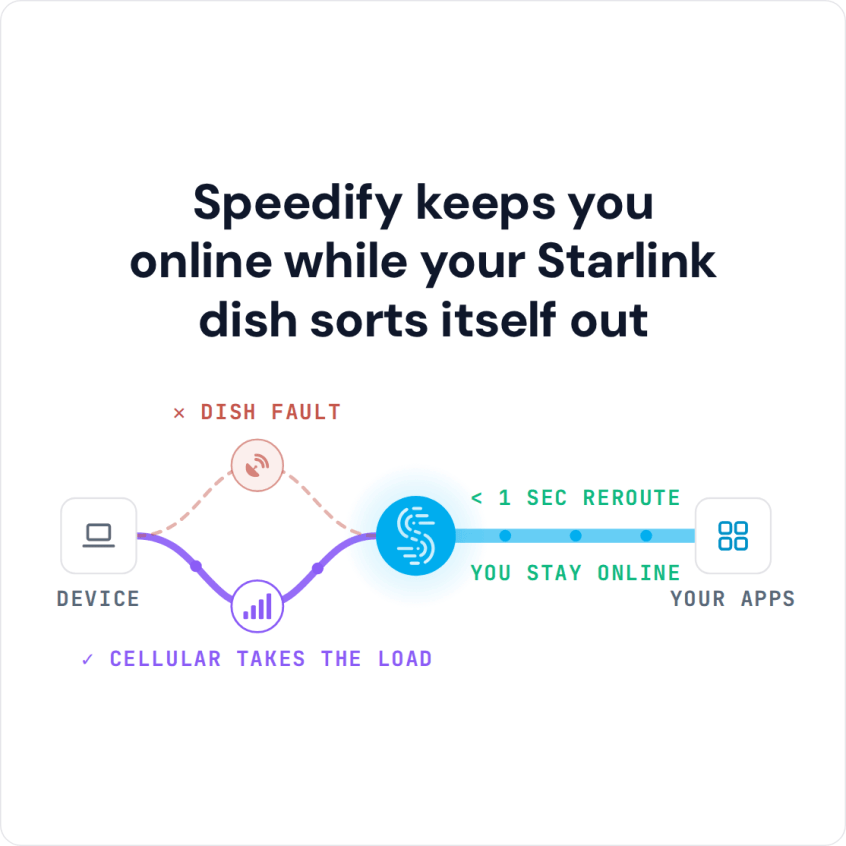
Use Speedify as Your Starlink Companion On Starlink, “stow” means your Starlink dish folds into its storage position and stops its internet connection, so you can unplug it, pack it or move it. The “Starlink Stow Requested” alert means a stow was asked for, in the Starlink app or automatically by the Starlink dish because of the conditions around it, … Read More
Starlink Stats: See Live Speed, Ping and Alerts in Speedify

Speedify: Your Starlink Companion App To see your Starlink stats, open Statistics in the Starlink app, or type dishy.starlink.com or 192.168.100.1 into a web browser while you’re on your Starlink Wi-Fi. The Starlink app, on Google Play for Android and the App Store for iPhone, shows your Starlink dish’s download and upload speed, ping, recent outages and how much of … Read More
Starlink “Moving Too Fast for Policy”? See How Speedify Keeps You Online
Use Speedify as Your Starlink Companion The “Starlink Moving Too Fast for Policy” alert means your Starlink dish is moving faster than your Starlink plan allows. Residential plans are for one fixed address, so using one in a moving car, RV or boat can trigger it, and Starlink cuts your internet until you slow down. To use Starlink on the … Read More
Starlink “Heating” Alert: What the Message Means and How Speedify Keeps You Online
Use Speedify as Your Starlink Companion When the Starlink app says “Heating”, your Starlink dish is warming itself up to melt snow and ice, or to reach its normal working temperature on a cold day. It is not overheating. Your internet can be slower while your Starlink dish heats, and it goes back to normal once the Starlink dish is … Read More
Starlink “Mast Not Vertical”: Stay Online with Speedify While You Fix the Mast
Use Speedify as Your Starlink Companion A Starlink “Mast Not Vertical” alert means the pole your Starlink dish is mounted on (Starlink calls it the mast) leans more than 30 degrees away from straight up. From that angle your Starlink dish can’t aim itself at the sky properly, so your internet gets slow or stops until you straighten the pole. … Read More