
Use Speedify as Your Starlink Companion A Starlink “Software Install Pending” alert means your Starlink dish has downloaded a software update and needs to restart to install it. Your internet drops for a few minutes during that restart. Starlink usually restarts to install updates on its own, between 2:30 and 3:30 AM local time. Speedify is an app that uses … Read More
Starlink Stowed: How to Unstow Starlink and Stay Online with Speedify
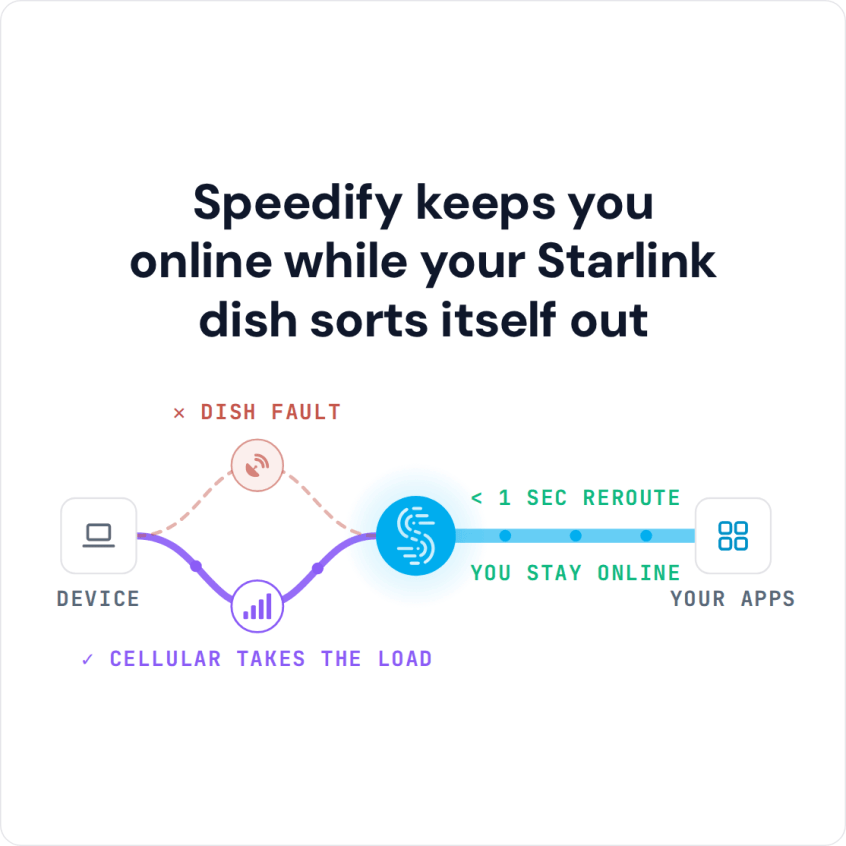
Use Speedify as Your Starlink Companion A “Starlink Stowed” alert means your Starlink dish is in its storage position and turned off, so it isn’t giving you internet. Someone stowed it, in the Starlink app or by hand, usually to store it, move it or return it. To get your internet back, unstow your Starlink dish in the Starlink app, … Read More
Starlink Hardware Self Test: What to Do and How Speedify Keeps Calls Going
Use Speedify as Your Starlink Companion A Starlink “Hardware Self Test” message means your Starlink dish has switched itself off to run a series of checks that make sure it works properly. It usually happens right after a software update. Your internet is off during the test, and it comes back on its own after a few minutes. If the … Read More
What Does Stow Mean on Starlink? Speedify Keeps You Online While the Dish Is Stowed
Use Speedify as Your Starlink Companion On Starlink, “stow” means your Starlink dish folds into its storage position and stops its internet connection, so you can unplug it, pack it or move it. The “Starlink Stow Requested” alert means a stow was asked for, in the Starlink app or automatically by the Starlink dish because of the conditions around it, … Read More
Starlink “Moving Too Fast for Policy”? See How Speedify Keeps You Online
Use Speedify as Your Starlink Companion The “Starlink Moving Too Fast for Policy” alert means your Starlink dish is moving faster than your Starlink plan allows. Residential plans are for one fixed address, so using one in a moving car, RV or boat can trigger it, and Starlink cuts your internet until you slow down. To use Starlink on the … Read More
Starlink “Heating” Alert: What the Message Means and How Speedify Keeps You Online
Use Speedify as Your Starlink Companion When the Starlink app says “Heating”, your Starlink dish is warming itself up to melt snow and ice, or to reach its normal working temperature on a cold day. It is not overheating. Your internet can be slower while your Starlink dish heats, and it goes back to normal once the Starlink dish is … Read More