
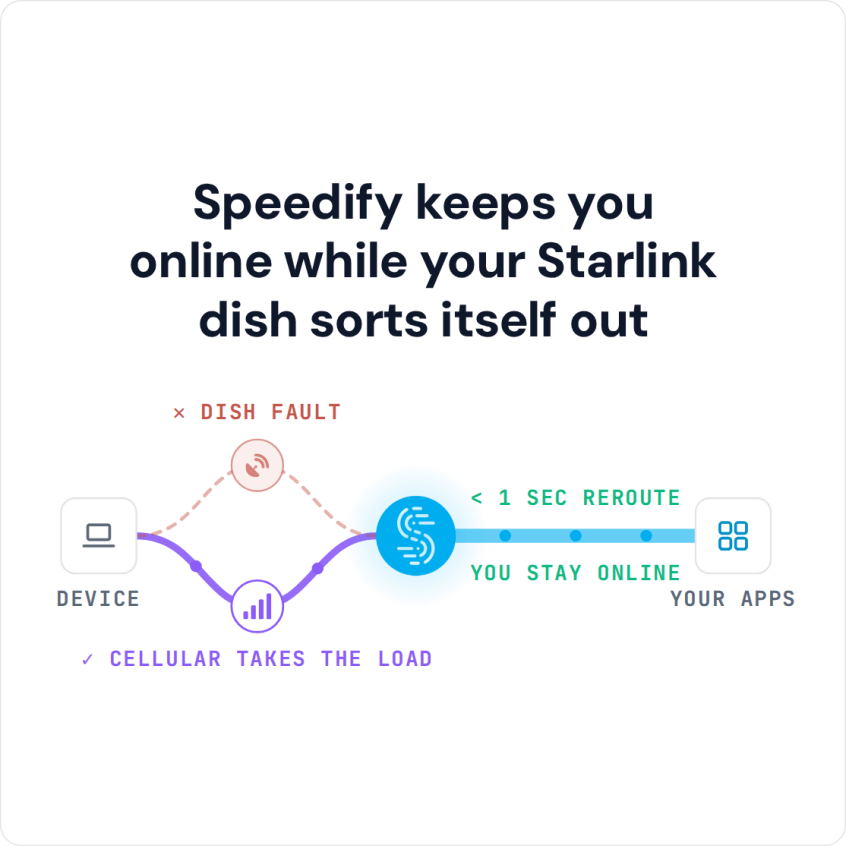
Use Speedify as Your Starlink Companion Starlink “Obstructed” means something, like a tree, a building or part of your roof, blocks part of your Starlink dish’s view of the sky. Every time a satellite moves behind that obstruction, your Starlink internet connection drops for a moment, which freezes video calls and games. “Partially obstructed” means only a small part of … Read More
Starlink Unstable Connection: 4 Fixes, Plus How Speedify Keeps Your Internet Steady
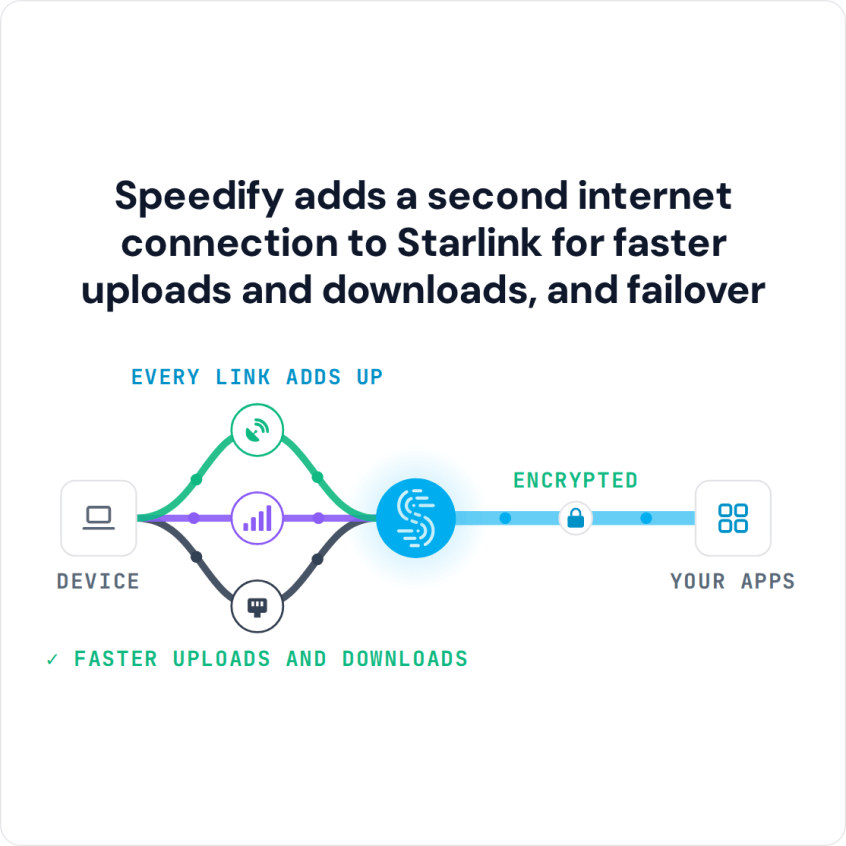
An unstable Starlink internet connection, one that keeps slowing down or cutting out, usually comes from one of four things: something blocking your Starlink dish’s view of the sky, a damaged cable, a weak Wi-Fi signal from the Starlink router, or the short dropouts every Starlink dish gets when it switches satellites about every 15 seconds. The Speedify team installed … Read More
Starlink No Internet Connection: 5 Fixes, and How Speedify Keeps Calls Online
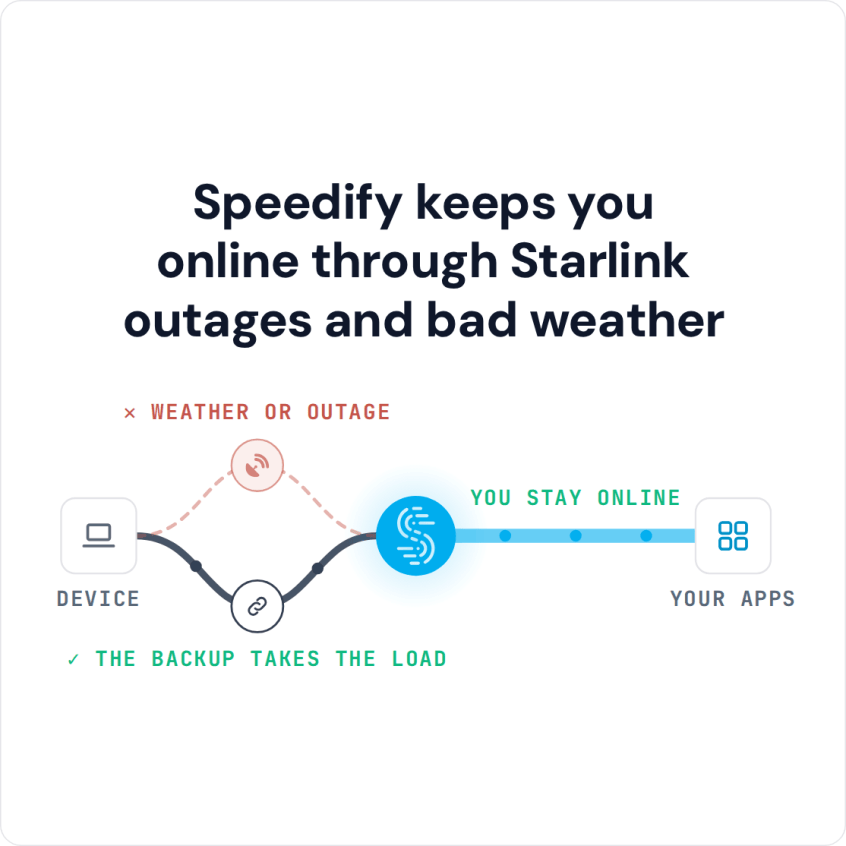
Combine Starlink with Wi-Fi, 4G/5G Cellular or DSL in Speedify When Your Starlink Internet Connection Is Not Working When Starlink has no internet connection, won’t connect to the internet, or shows connected but nothing loads, check the Starlink app first. If the Starlink app shows your Starlink dish offline, the cause is the Starlink dish, its cable, its view of … Read More