
Speedify Keeps You Online When Weather Slows Starlink by Combining It With 4G/5G Cellular, Wi-Fi, Ethernet Yes, weather affects Starlink. Heavy rain, snow and thick storm clouds weaken the signal between your Starlink dish and the satellites. Most of the time that only slows your Starlink internet connection down, but in a hard storm it can drop out for a … Read More
Starlink as Backup Internet: How Speedify Switches Over Without Dropping Calls
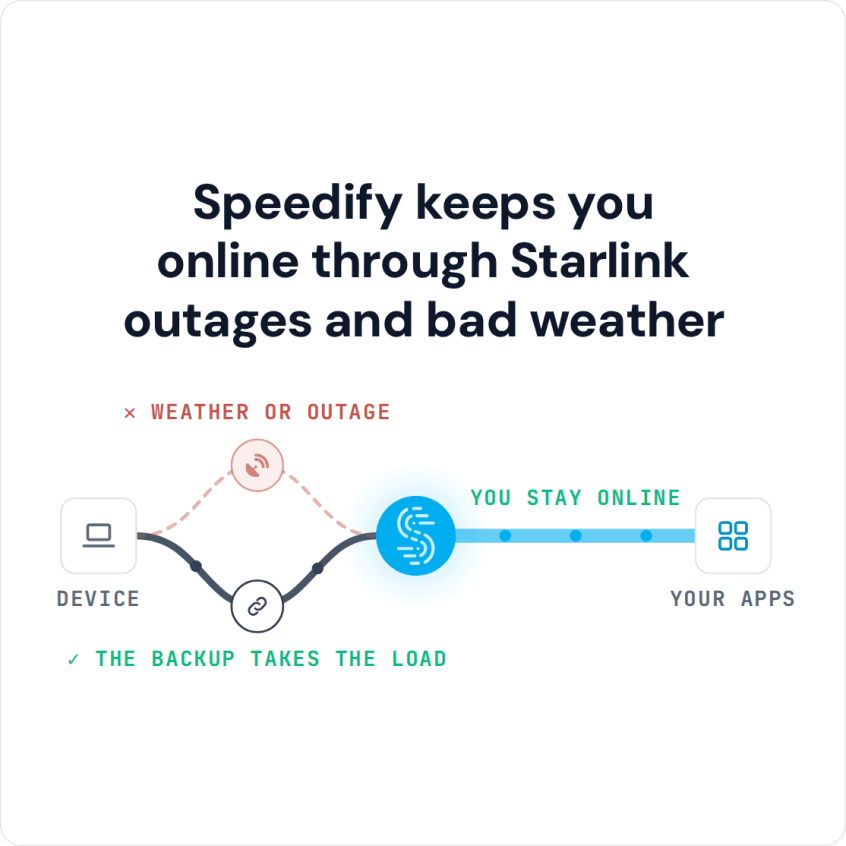
Speedify Uses Your Home Internet and Starlink Together, So Switching to Backup Never Drops a Call or a Stream Yes, Starlink makes good backup internet for a home, because it doesn’t depend on the local cables and lines that take your main internet connection down. The catch is the switch: a router that switches to Starlink when your main line … Read More
Starlink vs 5G for Business: How Speedify Uses Starlink and 5G Together
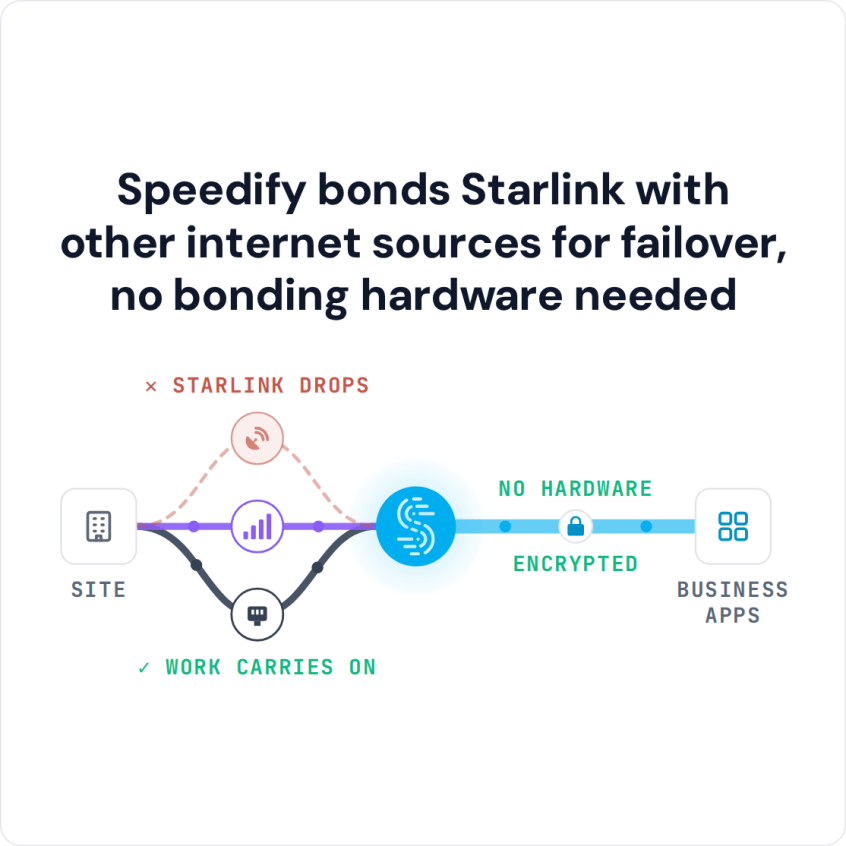
Speedify Uses Starlink and 5G Together as One Business Internet Connection, and Switches to the Other When One Drops Starlink vs 5G for business: 5G often has less delay and can cost less per month where a strong cell tower is nearby, while Starlink reaches sites where 5G has no usable signal. Each has bad days, and on a bad … Read More
Working From Home on Starlink: Speedify Keeps Your Video Calls and Uploads Stable
Speedify Keeps Remote Work Stable on Starlink by Combining It With 4G/5G Cellular, Wi-Fi, Ethernet Yes, you can work from home on Starlink. Starlink says most users get downloads over 100 Mbps and uploads of 10 to 30 Mbps, enough for video calls and internet phone calls. The trouble is the moments that matter: the call that freezes mid-sentence, the … Read More
Starlink vs 5G Home Internet Compared: Speedify Combines Starlink and 5G for More Reliable Internet
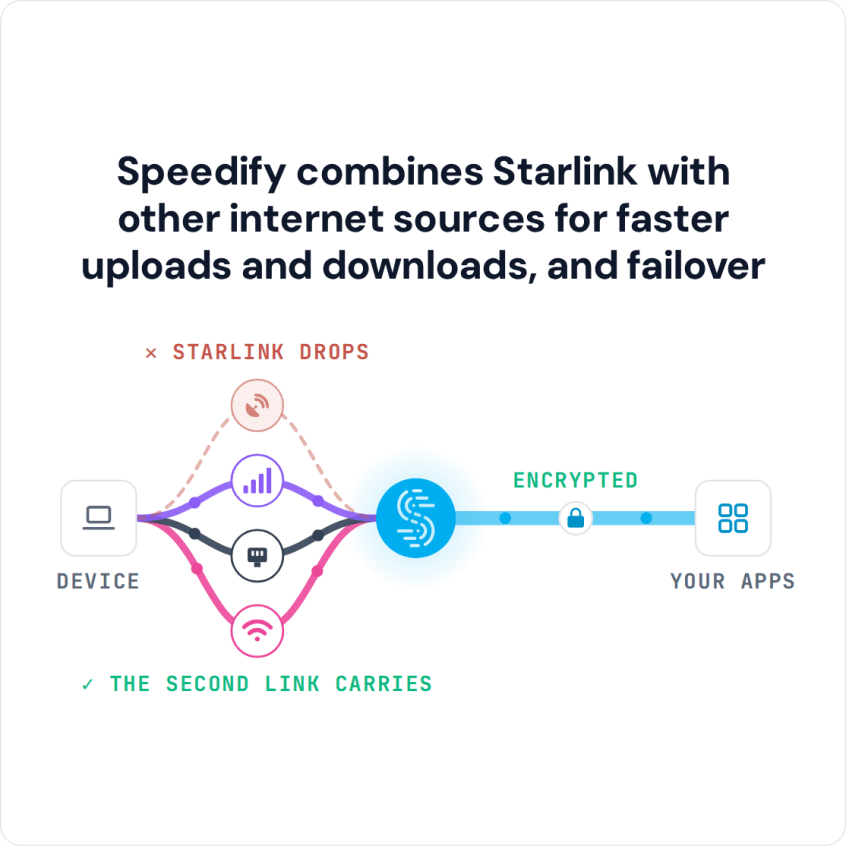
Speedify Combines Starlink and 5G Home Internet Into One Faster, More Reliable Connection Starlink vs 5G home internet: Starlink is satellite internet, not 5G. A Starlink dish talks to satellites passing overhead, so it works almost anywhere with a clear view of the sky. 5G home internet comes from a cell tower near you, so it’s often cheaper and has … Read More
Starlink VPN with Speedify: Private, Encrypted Traffic Without Slowing Starlink Down
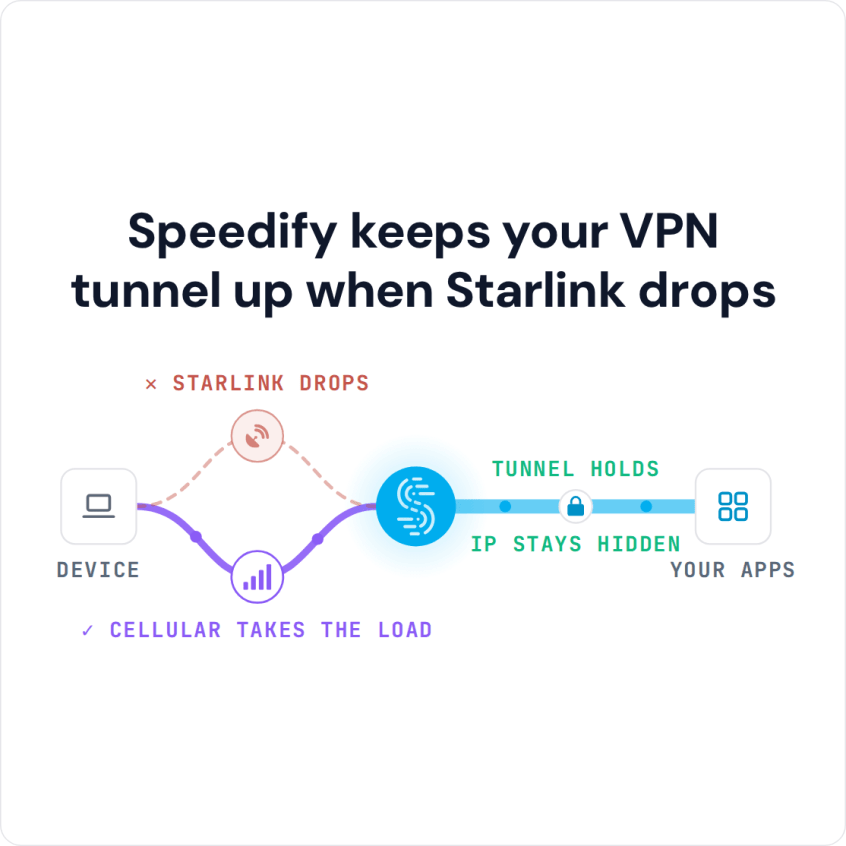
Speedify Is a VPN That Combines Starlink With 4G/5G Cellular, Wi-Fi, Ethernet to Keep You Private Without Slowing Down Yes, Starlink works with a VPN. Starlink itself is an internet service, not a VPN, and it doesn’t come with one. You need a VPN on Starlink if you want to keep your browsing private on shared or public Wi-Fi, or … Read More