
Internet Connection Continuity Problem? Fix it with Speedify!
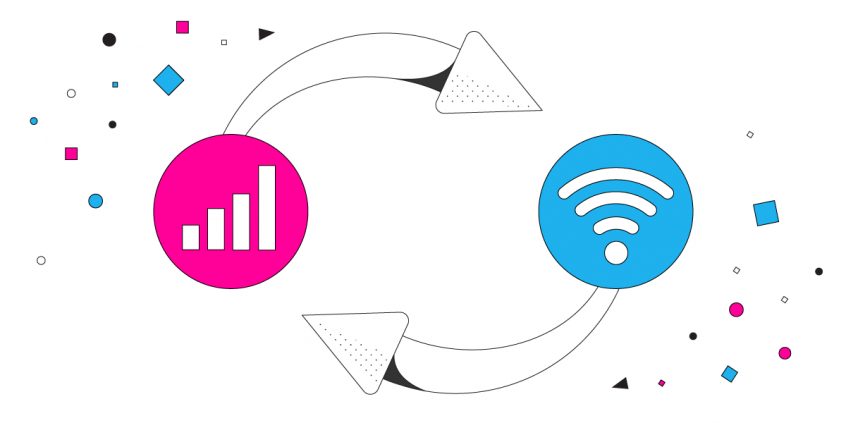
Staying online should be simple, yet a phone loses its internet connection constantly, and the design of the phone is why. It uses either the cellular network or Wi-Fi, never both at the same time, so every switch from one network to the other is a break in service.
Speedify is an app that runs your internet over Wi-Fi, 4G/5G cellular data, wired Ethernet, Starlink and other internet connections together, removing those breaks. Coming up is what actually breaks an internet connection, why other fixes fall short, and what using Speedify delivers on your phone, tablet or computer.
Speedify keeps you online when your connection keeps dropping.
What Breaks Connection Continuity?
Connection continuity is a major issue for mobile phone users. The main cause is the design of your device. No matter who your carrier is, your cell signal is going to fluctuate a lot as you move around. That’s part of the way it works. Your device is designed to only connect to either the cell network or a WiFi network. By default, it cannot connect to both.
That means if something happens to your signal, you lose the connection. There is no backup. When your phone tries to switch to new WiFi networks, it first breaks the first connection and then enables the second connection. This causes data loss and connection gaps that range from an annoying few seconds to a painful few minutes.
When you are moving around the chances of breaking connection continuity are greater. But, it can also happen when you are sitting still in a coffee shop. Cell signals and WiFi signals are not stable.
How Speedify Delivers Connection Continuity
Speedify solves the issue with connection continuity. The Speedify app allows your phone to connect to a WiFi network and a cell signal at the same time. This means you have a backup when something happens to one of the connections.
But, even more important, Speedify uses smart technology to manage all of your Internet connections in the background. It uses your cell signal as a bridge when you switch between WiFi networks. You don’t have to do anything to make the switch, Speedify does it all automatically. You get to keep enjoying your Facetime call or YouTube videouninterrupted.
With Speedify, you also don’t have to worry about excessive data usage or having it drain your battery. Speedify can prioritize WiFi connections so that you only use your valuable data when absolutely necessary. It works in the background, but does not draw significantly from your device’s resources. It doesn’t affect your battery life.
Issues with Other Developer “Fixes”
Android and iOS developers know that connection continuity is a major problem for their customers. They have each tried to address this with weak software fixes. However, these “fixes” have three major drawbacks:
- They are not available for all users, only those who can download the most recent OS
- They keep you vulnerable to compromised WiFi networks
- They don’t work very well
The Speedify app is easier to use and works better than either the Android OS or the iOS connection continuity solution. Plus, Speedify does much more than just manage your connections.
What the Speedify App Delivers
Speedify also uses cutting-edge encryption to keep your data safe. Your privacy is protected from the prying eyes of any ISP or any hackers who have compromised a public Wi-Fi network. Speedify also makes your Internet connection faster that you have ever experienced on your mobile device.
Download the Speedify app today for Android and iOS devices. It will change the way you experience the internet forever.
Speedify
Get started with Speedify today.
Combine Wi-Fi, 4G/5G cellular, Ethernet, Starlink, and more into one faster, steadier connection. Free to try — no credit card required.
🚀 Speed
Faster uploads and downloads by bonding all your connections at once.
📶 Stability
Automatic failover in under a second when any connection drops.
🔒 Security
AES-256 encryption on every connection, on every network you join.



15M+ downloads worldwide. 75K+ five-star reviews on iOS and Android.