
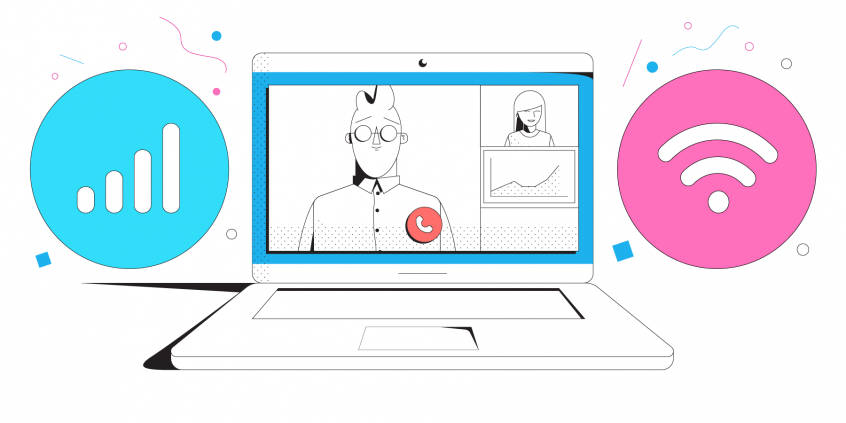
You Never Want to Have a Single Virtual Conference Internet Issue
Here we are; offices are virtual, general meetings, annual reviews, sales conferences, break out rooms with your counterparts about a project. We have all been there. Looks like we are here to stay awhile, and we adjusted pretty well to becoming a remote society. So even after the pandemic is over, there is the fact that virtual conferences save money, time, and are very cost effective in business.
If it’s your event, there is so much to prepare for. Just remember in that top tier for your to do list is to ensure your internet connection is secure, fast, and stable. If it’s not, your agenda goes out the window. Just like when someone forgets to check their settings and shows up as a Cat to the meeting.
Back to that connection however, if your power point can’t be seen without the video freezing up or the audio making you sound like you are in a wind tunnel, your presentation is going to go nowhere fast. So let’s make certain that your table is set for the best possible interaction, but not just from you. Check with that guest list too. Their connection is equally important as yours.
Quick answer
Should you have a backup 4G, 5G, Starlink, or cable internet connection?
Yes — every internet connection goes down, including Starlink, which drops for ~34 minutes a day on average. A backup connection from a different provider means one outage never takes you fully offline. The most common options are a 4G/5G cellular hotspot, a cable or DSL line, or a second satellite dish.
4G/5G cellular
Works anywhere. Just a SIM or hotspot — no installation needed.
Learn more →Cable / DSL
Best for fixed locations. Different network, so outages rarely overlap.
Learn more →Second Starlink
Adds redundancy and throughput for remote sites or heavy usage.
Learn more →Speedify bonds any two connections into one — automatic failover, more speed, no dropped calls.
Try free →Speedify
Speedify gives you faster, steadier internet by combining Wi-Fi, cellular, and Starlink
Speedify bonds Wi-Fi, 4G/5G cellular, Ethernet, and Starlink into one connection at the same time, giving you more speed, automatic failover when one drops, and AES-256 encryption on every link.
Download Speedify ›More speed
Upload and download speeds combine across every active connection on your device.
Automatic failover
If a connection drops, Speedify moves your traffic to another in milliseconds. Calls stay connected.
Always encrypted
Every link runs through an encrypted tunnel, including public Wi-Fi, cellular, and Starlink.

Speedify Feature · Pair & Share
Speedify Pair & Share: share cellular between your devices, both ways
Most hotspots give. Speedify's Pair & Share gives and takes. Two devices running Speedify pair up and each uses the other's cellular connection simultaneously, so you both get faster uploads, faster downloads, and a steadier connection. No extra hardware, no new data plans, no setup beyond a tap.
Learn how Speedify's Pair & Share works ›More speed
Every device you pair with adds its cellular to yours, and yours to theirs.
Stays connected
If a paired device drops out, Speedify keeps you online on the remaining links.
Always private
Every shared connection runs through AES-256 encryption. Your traffic is yours.
No new gear
Runs on devices already running Speedify, over your local network. Pair once, reconnects automatically.


The Usual Causes for Virtual Conference Internet Issues
Are you planning to have a "central" place where all speakers will hold their virtual conference? Or where you will moderate from?
Fortunately, most company campuses have high-speed broadband. But if you’re holding the corporate event outside the company campus, it might become difficult to get fast and stable internet. To ensure that your virtual event goes smoothly, you’ll need to bond various internet networks. This will take care of issues such as network congestion.
Depending on your internet provider, you can visit their coverage map to see the level of service they can offer in a specific area. For example, you can see the AT&T coverage map here.
If you need more bandwidth than what’s provided by the internet company in a single connection, you’ll need to combine multiple internet channels. This results in a faster online experience that’s required to run any successful virtual event.
Another advantage of using bonded internet is its reliability. If one connection fails, there are others to serve as a backup so you won’t go offline.
If you won't have "central" base for your virtual event, then you should equip yourself and your speakers with fast, stable and secure connectivity. This can be done by using the solution above - using multiple internet connections at once.
Always Have a Backup Internet Connection to Ensure your Virtual Conference Runs Smoothly
Using multiple Internet connections at once is normally done with the help of dedicated bonding hardware. There are devices that can plug in various internet connections. Here’s what you need extra along with the hardware:
- Pay to rent the equipment. After the event is over, bonded Internet is gone.
- Specialist engineers to manage and run that hardware. The companies that offer channel bonding services on rent send their own people and hardware for your event.
But now, several companies have used software channel bonding services that are easier and cheaper to run. They are more efficient and don’t require a special setup. Speedify is one such channel bonding software option.
Speedify Can Help you Fix and Secure your Virtual Internet Conferences
The takeaway here is how to run a virtual event successfully? At the bare minimum, use software channel bonding for the organizers and the speakers. And, of course, if those attending find themselves with slow, unreliable Internet, they can get it as well. And it's very simple to do it - there's no need to rent equipment, sign contracts, etc.
Speedify provides channel bonding services at no extra costs–there is no hardware setup and you don’t need extra engineers for all the work. There are no special VPNs required to keep your data safe. Speedify is one app that performs all these functions. It bonds several channels and encrypts your traffic. And it’s so easy to use that even an internet novice can use it. It offers enterprise-level coverage, providing your team with the bandwidth.
As a fast bonding VPN, Speedify acts like a power-up for your device. Instead of only using a single Internet connection at a time, Speedify allows your device to use multiple connections simultaneously. You’ll get more bandwidth and more stable livestreams.
Speedify constantly monitors the quality of your Internet connections. If the Wi-Fi becomes unreliable, it’ll automatically reroute data through cellular data until Wi-Fi is available again.
It will automatically identify audio and video streams, and provide quality of service (QoS) by prioritizing streams over other traffic. Web browsing and software updates can’t mess up your calls and live streams.
Get rid of all the connectivity hassles that come with running a successful virtual Internet conference. Use Speedify!
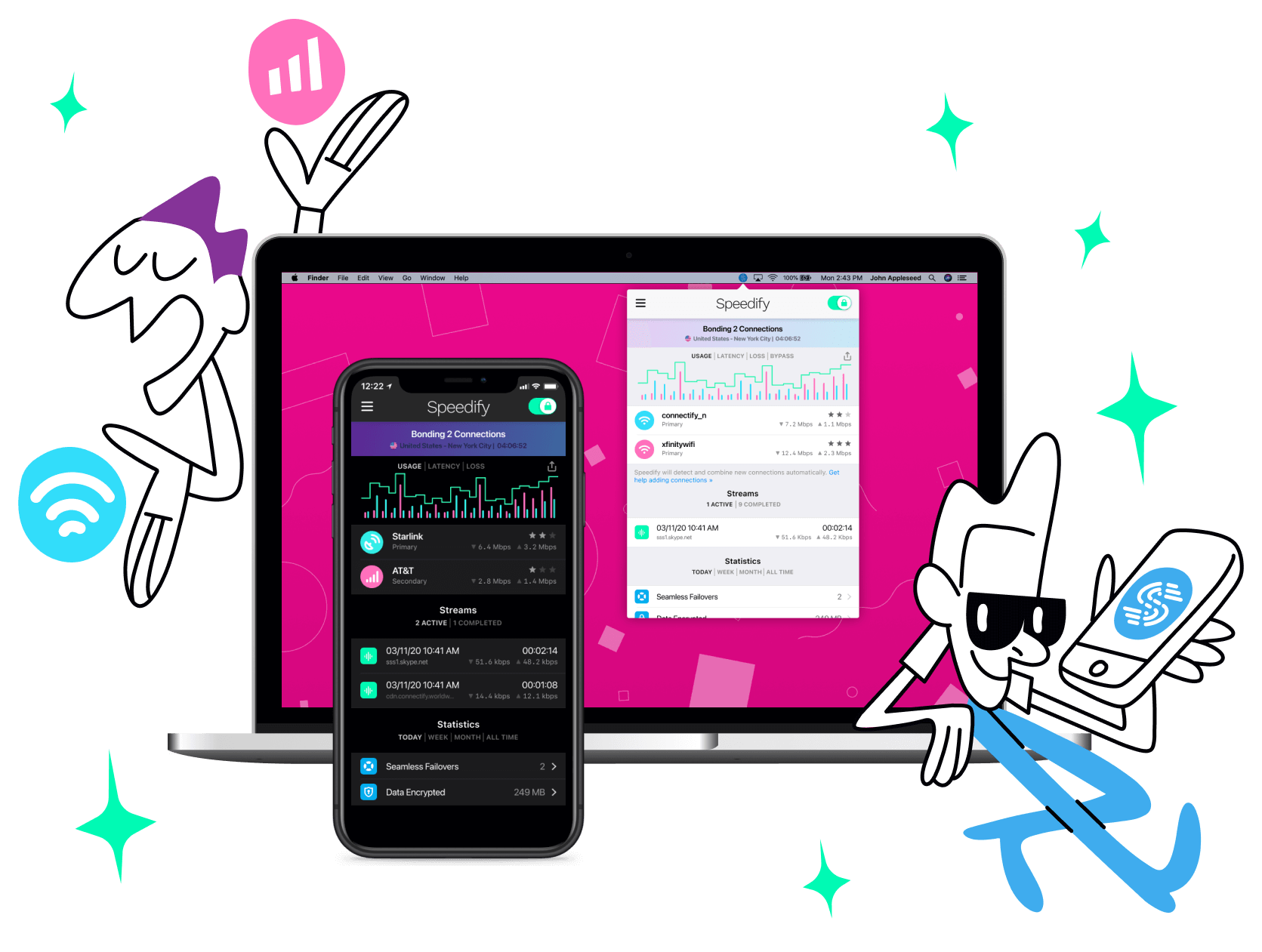
Get started with Speedify today!
With Speedify you can combine Wi-Fi, 4G / 5G cellular, Ethernet, Starlink and other satellites into one bonded super-connection to improve livestreaming, video calling, gaming, web browsing, and everything else you do online.




Speed
Stability
Security
Speedify engineers love talking tech on YouTube, Tiktok, and Instagram!
Alex Gizis and the Speedify engineers discuss and explain technology including Starlink satellites, Wi-Fi 7 routers, Apple networking features, fiber optics, broadband internet, 5G mobile networks, AI, networking protocols, and much more. Follow Speedify on YouTube, TikTok, Instagram, and LinkedIn!
Alex and the Speedify team are always exploring the latest in networking and security technology—like 5G, 6G, WiFi 7, laser and satellite internet—and sharing it in new discussion content across YouTube, TikTok, Instagram, and LinkedIn every week.
Got a tech question? Let's go deeper! Pop into Speedify Office Hours live every Wednesday at 10 AM Eastern. Speedify CEO Alex Gizis and our network engineers are standing by to break down your questions about networks, tech updates, and Speedify features.
