
Solved: Unstable WiFi on Smartphone. How to Fix?
Wi-Fi is radio, and radio is easy to disturb – a neighbor’s network on the same channel, a microwave, a wall or two, and your internet connection starts stuttering. Phones make it worse: they let go of one Wi-Fi network before the next one is ready, and they join weak networks on their own. Here is how to stay online when you switch networks. Speedify is an app that keeps Wi-Fi and 4G/5G cellular data running together, so there is never a moment when nothing at all is carrying your data. On this page: why smartphone Wi-Fi is unstable, why the auto-switching features built into Android and iOS fall short, and the reliable internet you get from using Speedify.
Speedify keeps your devices online when Wi-Fi drops.
Problems with Some Auto WiFi Switching Tools
Android and iOS developers tried to address WiFi issues with Auto Join, Smart Network Switch and WiFi Assist. But, there are a few issues with these tools. They are not widely available on all devices and they don’t work that well.
These services can end up having you use large amounts of data without you even knowing about it or they can keep you from staying connected to the best WiFi in your area.
How Speedify Delivers Stable Internet Connections
Speedify takes a different approach to solving the unstable WiFi issue. Speedify was created to give users a speedy, secure, and stable Internet connection.
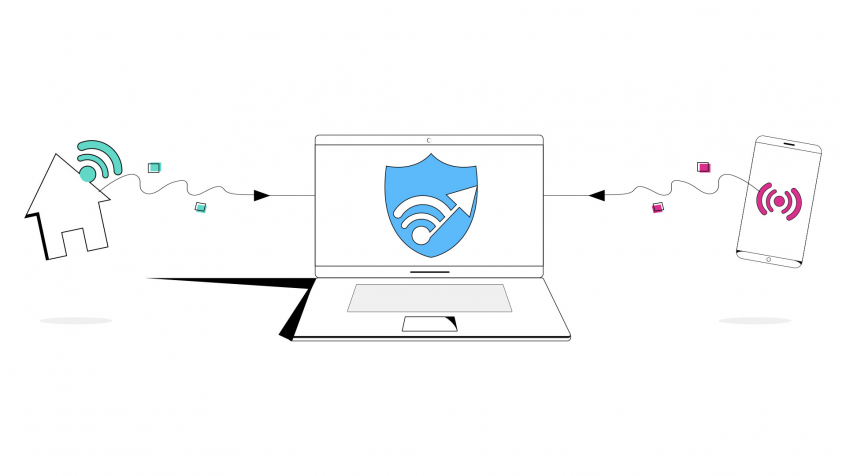
The Speedify app can be downloaded from Google Play or the App Store. It works in the background to monitor the quality of your Internet connections. It never will disconnect from a stronger WiFi connection for a weaker one. Instead, it bonds a WiFi connection with a mobile data connection to give you one fast connection. But, it also prioritizes the use of WiFi to keep your data costs low.
If the WiFi goes out, you remain connected with your mobile data so that you don’t miss anything. It then connects you back to WiFi as soon a safe connection comes back online. When you move between WiFi networks, it connects automatically without you having to do anything and without disconnecting you.
Get Speed, Security, and Stability with One App: Speedify
Speedify goes beyond just managing your WiFi connections. It also makes sure you get the fastest and most secureconnection possible. It uses state-of-the-art technology to make sure your data is encrypted and you avoid any lag with your connection.
Speedify was developed with an understanding of the weaknesses of WiFi and with an understanding of how important WiFi is to everyone trying to use the Internet on their mobile devices. It is smart enough to work around unstable WiFi and still deliver a strong Internet connection while minimizing use of expensive data.
Download Speedify right now and never worry about unstable WiFi again.
Speedify
Get started with Speedify today.
Combine Wi-Fi, 4G/5G cellular, Ethernet, Starlink, and more into one faster, steadier connection. Free to try — no credit card required.
🚀 Speed
Faster uploads and downloads by bonding all your connections at once.
📶 Stability
Automatic failover in under a second when any connection drops.
🔒 Security
AES-256 encryption on every connection, on every network you join.



15M+ downloads worldwide. 75K+ five-star reviews on iOS and Android.