
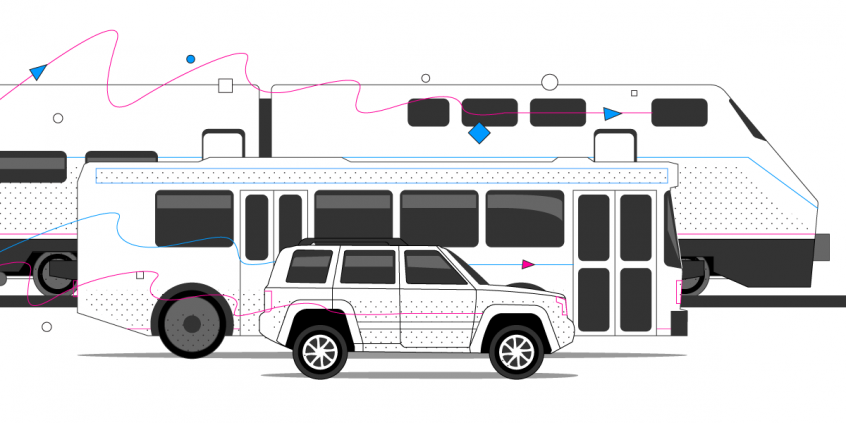
Overview of RV Internet Options
Recreational vehicles (RVs) are great as they let you travel to various destinations without having to stop and look for accommodation. Plus, in today’s Covid-19 context, social distancing is very important. When using an RV or going camping, you can travel safely with your family without exposing yourself to health hazards.
When talking about RV Internet options, getting stable connectivity can be difficult. You have to rely on whatever internet connection you can find. The 3 main ways to access the Internet while on the road are:
- public or private accessible WiFi networks. Examples include Starbucks, McDonalds, the ones in RV parks, etc.
- cellular connections – Verizon, AT&T, Sprint, Vodafone, etc.
- satellite connections – Dish, Hughesnet, Starband, etc.
Most of the time it’s crucial you have a good Internet connection. You will be able to work while traveling, access online maps or simply relax while watching streaming movies. So – how can you be sure you have fast, stable and secure RV Internet connectivity?
See below how to get the best Internet in an RV or when camping.
Quick answer
Should you have a backup 4G, 5G, Starlink, or cable internet connection?
Yes — every internet connection goes down, including Starlink, which drops for ~34 minutes a day on average. A backup connection from a different provider means one outage never takes you fully offline. The most common options are a 4G/5G cellular hotspot, a cable or DSL line, or a second satellite dish.
4G/5G cellular
Works anywhere. Just a SIM or hotspot — no installation needed.
Learn more →Cable / DSL
Best for fixed locations. Different network, so outages rarely overlap.
Learn more →Second Starlink
Adds redundancy and throughput for remote sites or heavy usage.
Learn more →Speedify bonds any two connections into one — automatic failover, more speed, no dropped calls.
Try free →Speedify
Speedify gives you faster, steadier internet by combining Wi-Fi, cellular, and Starlink
Speedify bonds Wi-Fi, 4G/5G cellular, Ethernet, and Starlink into one connection at the same time, giving you more speed, automatic failover when one drops, and AES-256 encryption on every link.
Download Speedify ›More speed
Upload and download speeds combine across every active connection on your device.
Automatic failover
If a connection drops, Speedify moves your traffic to another in milliseconds. Calls stay connected.
Always encrypted
Every link runs through an encrypted tunnel, including public Wi-Fi, cellular, and Starlink.

Speedify Feature · Pair & Share
Speedify Pair & Share: share cellular between your devices, both ways
Most hotspots give. Speedify's Pair & Share gives and takes. Two devices running Speedify pair up and each uses the other's cellular connection simultaneously, so you both get faster uploads, faster downloads, and a steadier connection. No extra hardware, no new data plans, no setup beyond a tap.
Learn how Speedify's Pair & Share works ›More speed
Every device you pair with adds its cellular to yours, and yours to theirs.
Stays connected
If a paired device drops out, Speedify keeps you online on the remaining links.
Always private
Every shared connection runs through AES-256 encryption. Your traffic is yours.
No new gear
Runs on devices already running Speedify, over your local network. Pair once, reconnects automatically.


Why You Often Get Slow and Unstable RV Internet Options
When you’re traveling by RV it can be hard to get any online work done. That’s because you often get a flaky, slow, or unreliable WiFi connection.
Compared to wired connections, which are unavailable in your motorhome, wireless connections are far more prone to sporadic and temporary connectivity issues.
These are the most common problems with on-the-go Internet:
- Free Wi-Fi has a limited signal range. If you’re parked near a café, you might be able to access their free wireless network. However, when you start moving, you’ll lose the connection. Besides, free Wi-Fi connections can have hackers lurking on it and you need to protect your data when you access such a connection.
- Mobile data can be really expensive, especially when you’re traveling far. There are roaming charges, not to mention the unavailability of network if you’re traveling to another country.
- Satellite internet options are limited and cost a lot. Satellite dishes cost thousands of dollars and the internet they deliver is often slow and spotty.
- Relying on RV park internet isn’t a good option either. RV internet park services have high prices for below-average internet services.
Assuming you have access to multiple connections – WiFi, cellular, satellite – this will not save you from slow and unstable Internet. Each connection can be slow on its own. The best you can get is be able to stay online, with short disconnects while your device switches between connections. If only there was a way to combine multiple networks, it would lead to one stable connection.
Apart from that, you’d also need something to secure your connection so when you connect to a public Wi-Fi, you can stay protected from hackers.
Speedify Is Your Best RV Internet Option for Speed, Stability and Security
Speedify is a unique software app available for iOS, Android, macOS, Windows and Linux. It was built specifically to harness and optimize all the Internet connections you have available. This results in faster, more stable, and secure RV Internet.
Speedify is a fast bonding VPN that allows you to use multiple Internet connections at once. If you’re using two or more connections with Speedify, you’ll always be online. Speedify intelligently monitors the quality of your connections. It will know before your Internet drops and will shift the traffic to the other working connection(s). Once the troublesome connection gets back in parameters, data is going to be sent through it. This way, you will be able to avoid low-quality video streaming, buffering or even disconnects.
If you don’t have multiple connections available in your RV or while camping, Speedify can still help. It detects transmission delays and fixes packet loss before it occurs – see more details in this article.
Best RV Internet Option: Choose Speedify
Speedify is an app that runs on all major platforms and helps you:
- Use multiple internet networks at once, thus better connectivity. This boosts your speeds and resolves the patchy internet problem. Also, since it combines multiple connections, you can use public WiFi with your mobile data without consuming too much of the latter. You will, thus, keep your bills within your budget.
- Stay online and avoid disconnects. Speedify features automatic internet failover protection, which makes sure you have a seamless connection even when the service is spotty. When one connection goes down, the traffic is sent on the other available network(s) so you continue being online without missing anything.
- Protect your private data. Speedify has advanced encryption so when you use unsecured Wi-Fi networks, you don’t have to worry about hackers spying on your data.
Regardless of the RV Internet option you choose, also use Speedify to use all available connections and get speed, stability and security for your Internet.
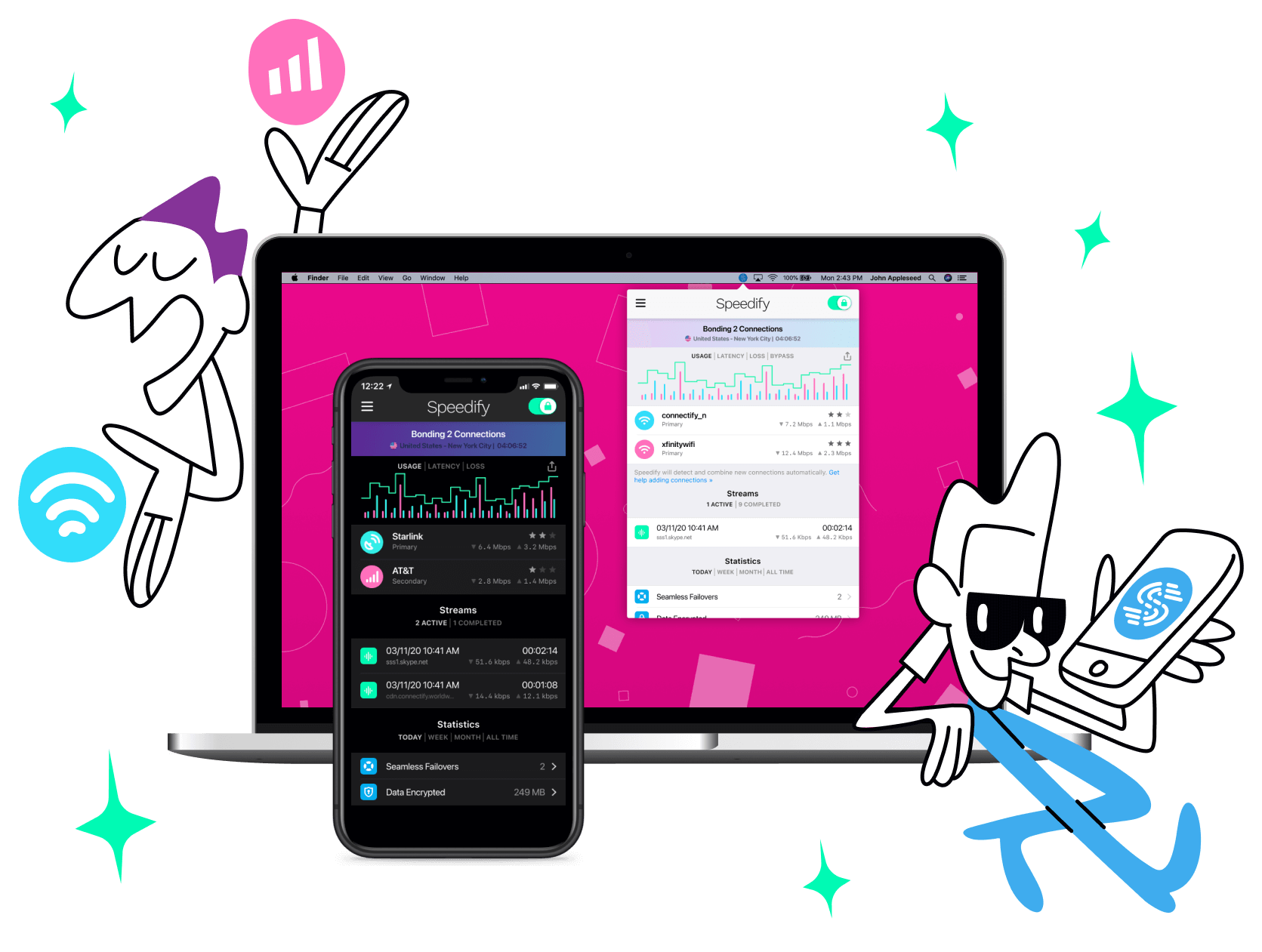
Get started with Speedify today!
With Speedify you can combine Wi-Fi, 4G / 5G cellular, Ethernet, Starlink and other satellites into one bonded super-connection to improve livestreaming, video calling, gaming, web browsing, and everything else you do online.




Speed
Stability
Security
Speedify engineers love talking tech on YouTube, Tiktok, and Instagram!
Alex Gizis and the Speedify engineers discuss and explain technology including Starlink satellites, Wi-Fi 7 routers, Apple networking features, fiber optics, broadband internet, 5G mobile networks, AI, networking protocols, and much more. Follow Speedify on YouTube, TikTok, Instagram, and LinkedIn!
Alex and the Speedify team are always exploring the latest in networking and security technology—like 5G, 6G, WiFi 7, laser and satellite internet—and sharing it in new discussion content across YouTube, TikTok, Instagram, and LinkedIn every week.
Got a tech question? Let's go deeper! Pop into Speedify Office Hours live every Wednesday at 10 AM Eastern. Speedify CEO Alex Gizis and our network engineers are standing by to break down your questions about networks, tech updates, and Speedify features.
