

Troubleshoot and Avoid StreamYard Issues Related to Slow and Unreliable Connectivity
Whenever you’re live streaming online with StreamYard on Twitch or any other platform, you need a fast and reliable Internet connection, especially for uploading. That way, you won’t have any headaches like dropped frames, low video quality and disconnects from the streaming server.
Unfortunately, this happens much too often, especially when you’re least expecting it. And when that happens:
- you appear unprofessional to your Twitch audience
- you may also lose followers, if this takes place frequently
- the activity you’re streaming will be affected - for example - you can lose progress with the game, people will miss important bits from your speech or interview, etc.
At Speedify we help live content creators from Twitch and other platforms improve their live streams. We wanted to know exactly how much our service helps live streamers, so we put Speedify to the test with StreamYard in order to see how it helps in avoiding connectivity related issues. This article shares the results we got from testing and how you can enhance your StreamYard live streams.
Quick answer
Should you have a backup 4G, 5G, Starlink, or cable internet connection?
Yes — every internet connection goes down, including Starlink, which drops for ~34 minutes a day on average. A backup connection from a different provider means one outage never takes you fully offline. The most common options are a 4G/5G cellular hotspot, a cable or DSL line, or a second satellite dish.
4G/5G cellular
Works anywhere. Just a SIM or hotspot — no installation needed.
Learn more →Cable / DSL
Best for fixed locations. Different network, so outages rarely overlap.
Learn more →Second Starlink
Adds redundancy and throughput for remote sites or heavy usage.
Learn more →Speedify bonds any two connections into one — automatic failover, more speed, no dropped calls.
Try free →Speedify
Speedify gives you faster, steadier internet by combining Wi-Fi, cellular, and Starlink
Speedify bonds Wi-Fi, 4G/5G cellular, Ethernet, and Starlink into one connection at the same time, giving you more speed, automatic failover when one drops, and AES-256 encryption on every link.
Download Speedify ›More speed
Upload and download speeds combine across every active connection on your device.
Automatic failover
If a connection drops, Speedify moves your traffic to another in milliseconds. Calls stay connected.
Always encrypted
Every link runs through an encrypted tunnel, including public Wi-Fi, cellular, and Starlink.

Speedify Feature · Pair & Share
Speedify Pair & Share: share cellular between your devices, both ways
Most hotspots give. Speedify's Pair & Share gives and takes. Two devices running Speedify pair up and each uses the other's cellular connection simultaneously, so you both get faster uploads, faster downloads, and a steadier connection. No extra hardware, no new data plans, no setup beyond a tap.
Learn how Speedify's Pair & Share works ›More speed
Every device you pair with adds its cellular to yours, and yours to theirs.
Stays connected
If a paired device drops out, Speedify keeps you online on the remaining links.
Always private
Every shared connection runs through AES-256 encryption. Your traffic is yours.
No new gear
Runs on devices already running Speedify, over your local network. Pair once, reconnects automatically.


Why Is StreamYard Choppy? Why Is My Live Stream Glitching?
Is your StreamYard live stream experiencing an issue? Is it blurry and/or laggy?
These are just a few of the questions that are popular in the live streaming community. As per this article from StreamYard, a blurry (low video quality) or laggy live stream is caused almost always by the quality of your Internet connection.
What you can do: use wired connections instead of Wi-Fi, contact your ISP, choose another streaming server, restart your network equipment - more in this comprehensive troubleshooting guide.
Broadcasting with StreamYard requires a steady and fast Internet connection so your stream’s video quality doesn’t drop or disconnect. That’s why Internet connectivity is very important. Here at Speedify we get that - our service does everything to help live streaming - from optimizing live streams to making sure you never get offline during a stream.
[TEST] Does Speedify Help Avoid StreamYard Issues on Twitch?
There are many online reviews and discussions where streamers agree that Speedify helps their live streaming. But we wanted to test it ourselves with StreamYard and see exactly how much it does that. Especially now, when we have the brand new Speedify protocol in place.
Test setup: our goal is to evaluate Twitch streaming improvements with StreamYard when using Speedify vs. not using Speedify. So we ran multiple tests for a 30 minute video.
All tests were conducted via StreamYard on a PC with the following configuration:
Operating system: Windows 10 20H2
CPU: Intel i5-1035G1
RAM: 16 GB
GPU: Intel UHD
Internet connectivity:
- Wi-Fi hotspot with 30% packet loss; rate limited to 740 Kbps
- Two cellular connections tethered via USB: 3G HSPA+ network with 10 Mbps download / 2 Mbps upload
Video source: 1080p video file
Video resolution: 1080p
Streaming quality: determined automatically by StreamYard
Twitch streaming server: Austria
Speedify server: Vienna (Austria)
StreamYard settings: default
Testing scenarios: we tested with and without Speedify using one or more Internet connections out of the three above.
Takeaways on testing StreamYard with Speedify
- First of all - as a streaming platform, Streamyard is fairly limited, with no control over the stream, other than the resolution. In the background, the platform seems to keep up with the bitrate and fps rate, sacrificing the quality of the video instead.
- Video quality is clearly better when using Speedify with the bad Wi-Fi network, in comparison with not using Speedify on that.
- When we added the cellular connections to Speedify, the stream quality improved even more.
Speedify Helps Avoid StreamYard Live Streaming Issues on Twitch
As expected, Speedify improves the quality of the live stream when using StreamYard. In fact, we are always testing Speedify with live streaming for each new release. We are finding that as the Internet connection has a higher packet loss rate, you can see a higher improvement with Speedify than without it.
If you need your stream to be steady and not be affected by any Internet variations, make sure you equip yourself with a channel bonding solution like Speedify. Here’s what somebody whose company and job depends on successful live streaming has to say about Speedify:
Get started with Speedify today!
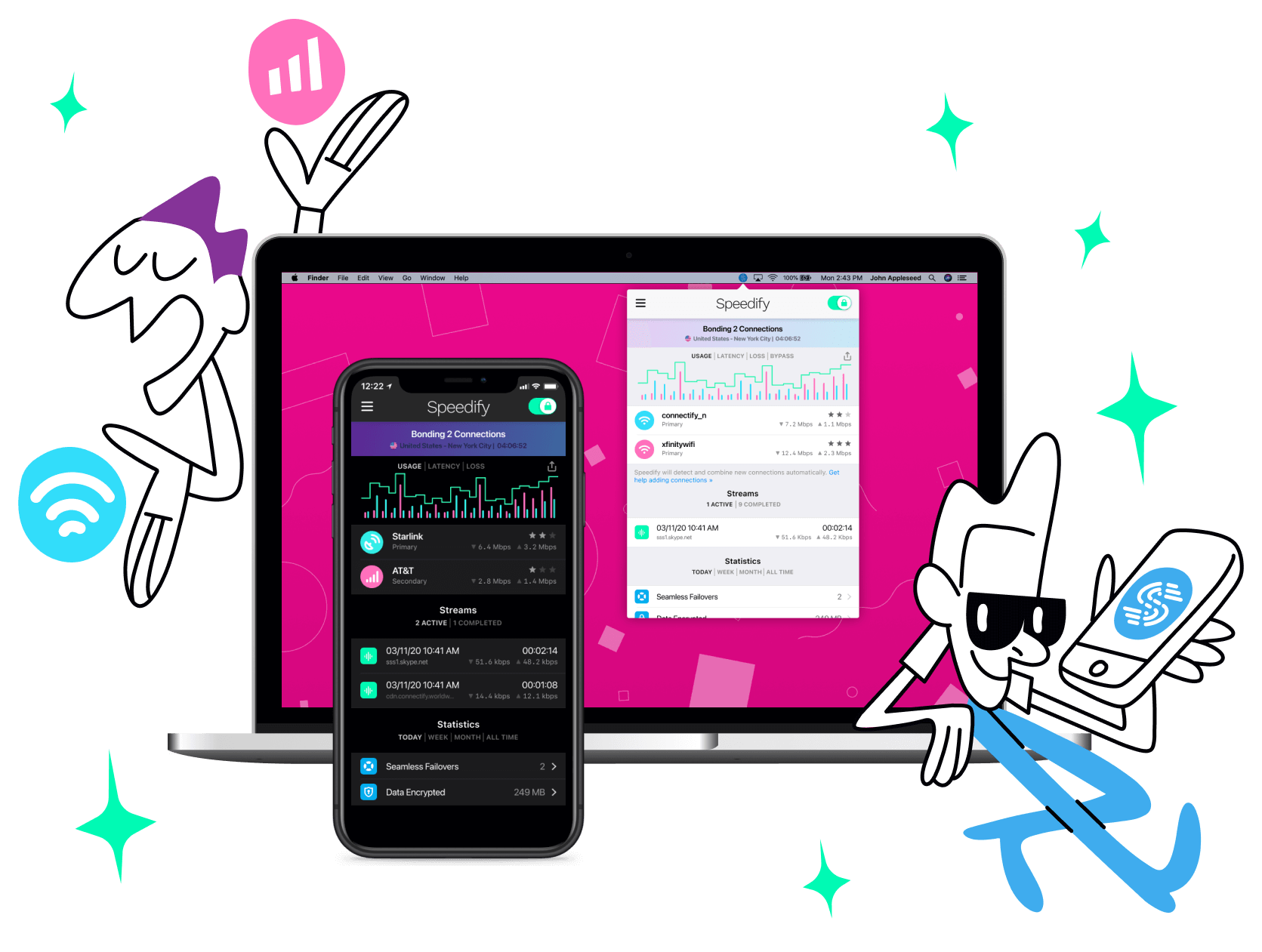
With Speedify you can combine Wi-Fi, 4G / 5G cellular, Ethernet, Starlink and other satellites into one bonded super-connection to improve livestreaming, video calling, gaming, web browsing, and everything else you do online.




Speed
Stability
Security
Speedify engineers love talking tech on YouTube, Tiktok, and Instagram!
Alex Gizis and the Speedify engineers discuss and explain technology including Starlink satellites, Wi-Fi 7 routers, Apple networking features, fiber optics, broadband internet, 5G mobile networks, AI, networking protocols, and much more. Follow Speedify on YouTube, TikTok, Instagram, and LinkedIn!
Alex and the Speedify team are always exploring the latest in networking and security technology—like 5G, 6G, WiFi 7, laser and satellite internet—and sharing it in new discussion content across YouTube, TikTok, Instagram, and LinkedIn every week.
Got a tech question? Let's go deeper! Pop into Speedify Office Hours live every Wednesday at 10 AM Eastern. Speedify CEO Alex Gizis and our network engineers are standing by to break down your questions about networks, tech updates, and Speedify features.
