


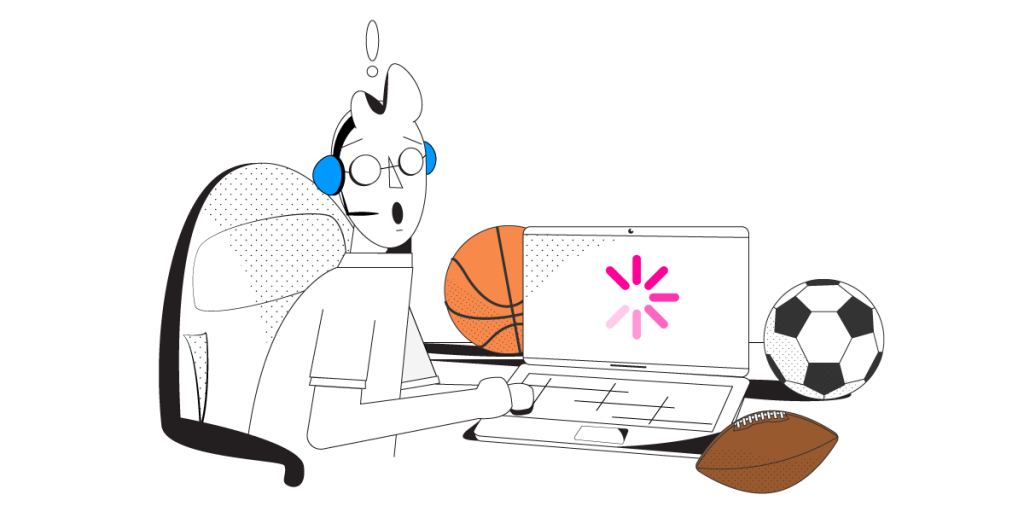
How to Watch FIFA World Cup Live Stream Online from Anywhere in the World
If you don’t have access to cable TV or don’t have any local TV station broadcasting the matches of the FIFA World Cup, there’s always the alternative of watching the matches online.
The problem is that if your Internet connection is poor or not stable, this results in choppy video with poor quality, buffering or even disconnects. A recent research shows that the demand for mobile video streaming will surge during the event in Russia (double compared to the previous World Cup), but quality fears persist. Since you don’t want to lose any seconds during an exciting football (soccer) game, you need a fast and reliable Internet connection. Read below to see how to get that.
Should you have a backup 4G, 5G, Starlink, or cable internet connection?
Yes — every internet connection goes down, including Starlink, which drops for ~34 minutes a day on average. A backup connection from a different provider means one outage never takes you fully offline. The most common options are a 4G/5G cellular hotspot, a cable or DSL line, or a second satellite dish.
4G/5G cellular
Works anywhere. Just a SIM or hotspot — no installation needed.
Learn more →Cable / DSL
Best for fixed locations. Different network, so outages rarely overlap.
Learn more →Second Starlink
Adds redundancy and throughput for remote sites or heavy usage.
Learn more →Speedify bonds any two connections into one — automatic failover, more speed, no dropped calls.
Try Speedify free →FIFA World Cup Matches: Watch on TV or Stream Online?
Clearly watching the FIFA World Cup football matches on TV is preferred – it’s live and it’s smooth. Check out this list of official broadcasters for the event to see if there’s any local TV station broadcasting the FIFA World Cup in your region.
However, if you’re on a distant time zone or can’t watch all the matches live, streaming them online is a viable alternative as long as you have a fast and dependable Internet connection.
Potential Live Streaming Issues for FIFA World Cup
Generally, if you encounter issues when watching a live stream – poor quality video, buffering, disconnects – the culprit is your Internet connection. Low bandwidth, high latency and/or high packet loss are causes for this. Here are a couple of situations where this happens and some recommended actions:
- Your WiFi connection may be spotty, especially if you’re far away from the hotspot location
What to do >> move around until signal strength is better - You may be connected to a non working WiFi hotspot that has no Internet connectivity
What to do >> connect to a different WiFi hotspot - Your ISP may have temporary functionality issues, resulting in low bandwidth, high latency and high packet loss.
What to do >> contact your ISP - Your ISP may have temporary peering issues with Twitch, YouTube, Fox, DirecTV or other streaming platforms. Usually these should not last for more than a couple of days.
What to do >> contact your ISP - Your ISP may be throttling your connection. Since watching live streams online can require a lot of bandwidth, ISPs may try to limit users in the sense of not allowing more than a certain bandwidth to be used with streaming servers.
What to do >> contact your ISP
If you want to skip the troubleshooting steps above and fix FIFA World Cup live stream issues, you need the Speedify bonding app on your computer or mobile device!
FIFA World Cup Live Stream: Speedify Fixes Buffering, Disconnects and Choppy Video Quality
Speedify is a next generation fast bonding mobile VPN that can combine 2 or mode Internet connections at the same time. This way, you can have all the bandwidth you need to watch the FIFA World Cup live stream on dedicated online platforms, including YouTube, Fox, BBC, ITV, etc. Since Speedify is an intelligent channel bonding solution, you will also benefit from lower latency and Internet failover protection.
Plus – you’ll get 2 for the price of 1: a bonding app to fix streaming issues and also a VPN to secure your online privacy. When it comes to bandwidth-hungry applications like live audio and video streaming, Twitch or YouTube online gaming, business calls, other VPNs slow down your connection, as all the traffic has to be encrypted before being transmitted. Speedify is different by the way it’s been created – to eliminate the choice of security or speed!
If you don’t have a way to watch the FIFA World Cup on TV and need to live stream the matches, it’s time you make sure you’ll be getting the best quality and relibility. Get started with Speedify. Not only will you be able to use all your bandwidth, you will also benefit from online security and privacy, and increased Internet reliability.
Alex and the Speedify team are always exploring the latest in networking and security technology—like 5G, 6G, WiFi 7, laser and satellite internet—and sharing it in new discussion content across YouTube, TikTok, Instagram, and LinkedIn every week.
Got a tech question? Let's go deeper! Pop into Speedify Office Hours live every Wednesday at 10 AM Eastern. Speedify CEO Alex Gizis and our network engineers are standing by to break down your questions about networks, tech updates, and Speedify features.


Speedify
Get started with Speedify today.
Combine Wi-Fi, 4G/5G cellular, Ethernet, Starlink, and more into one faster, steadier connection. Free to try — no credit card required.
🚀 Speed
Faster uploads and downloads by bonding all your connections at once.
📶 Stability
Automatic failover in under a second when any connection drops.
🔒 Security
AES-256 encryption on every connection, on every network you join.





15M+ downloads worldwide. 75K+ five-star reviews on iOS and Android.