
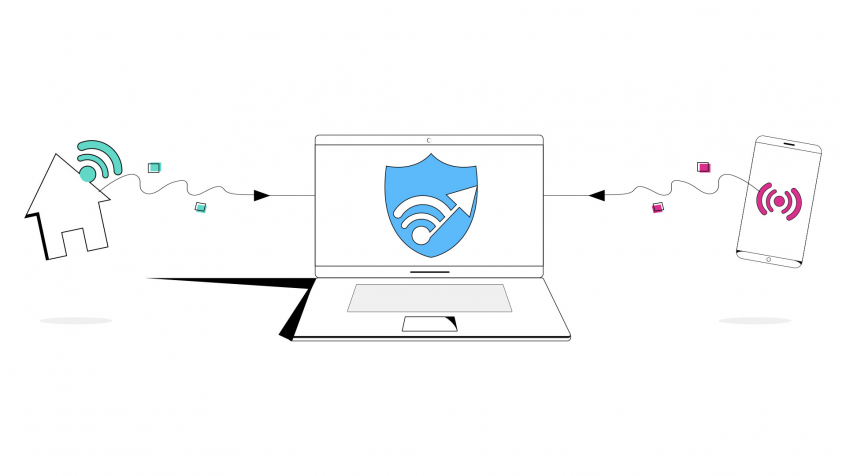
Unbreakable VPN Connection by Combining Starlink, Wi-Fi, 4G, 5G, and DSL with Speedify
Testing a VPN’s speed is not the same as running an ordinary speed test. An ordinary test picks the server nearest to you and ignores the VPN completely, so the result describes your internet connection rather than the encrypted route the VPN sends your data along.
Speedify is a VPN app that encrypts your traffic and spreads it across Wi-Fi, wired Ethernet, 4G/5G cellular data, Starlink and other internet connections at once, so it often measures faster than any single one of them. What follows explains why VPN speed tests work differently, which test server to use, and what running Speedify does to your upload and download numbers.
How VPN Speed Testing is Different from Regular Online Speed Tests
At their root, both regular Internet speed tests and VPN speed tests are the same: Internet speed is tested by sending and receiving data to a server, before measuring upload and download rates and latency. However, when using a VPN, you have to choose the correct servers to get accurate results.
Here’s what happens during a VPN speed test:
- When using a VPN, your actual location may differ from your server’s location.
- Regular speed tests use your current location to determine internet speeds, based on IP address or smartphone and tablet browser data. Using a VPN connected to an overseas server would affect the accuracy of tests like these. This is because most Internet speed testing providers have several ways to determine your actual location. Outside of your IP address, they may also use your smartphone or tablet’s location data from your browser. So, even if you’re connected to an overseas VPN server, the online speed test could see your actual geographical location.
- A regular speed test would not be accurate, because, instead of measuring from the testing server closest to the VPN location, it measures from the VPN server in the cloud and then transmits back to the nearby geographical location, adding latency and not providing the full bandwidth.
So, how to test VPN speed properly?
VPN Bandwidth Test Done Right: Use the VPN Servers!
Since every VPN service uses its own servers, there’s no universal tool to test VPN speed. Instead, you should look at your VPN provider for such functionality. Speedify includes a VPN speed test widget that you can use to test VPN speed and determine how well Speedify performs as a VPN and as a channel bonding solution.
Our embedded VPN speed test uses the Speedify VPN servers directly to test the bandwidth and latency of the connection for each adapter (WiFi, cellular, Ethernet, etc.) you’re using, and then for the combined connection of the 2 or more network adapters. Thus, you’ll get the most relevant results and will be able to select the fastest server for your needs, whether it’s live streaming, eSports / online gaming, day trading, VoIP calls or other bandwidth-intensive activities.
Speedify
Get started with Speedify today.
Combine Wi-Fi, 4G/5G cellular, Ethernet, Starlink, and more into one faster, steadier connection. Free to try — no credit card required.
🚀 Speed
Faster uploads and downloads by bonding all your connections at once.
📶 Stability
Automatic failover in under a second when any connection drops.
🔒 Security
AES-256 encryption on every connection, on every network you join.



15M+ downloads worldwide. 75K+ five-star reviews on iOS and Android.