
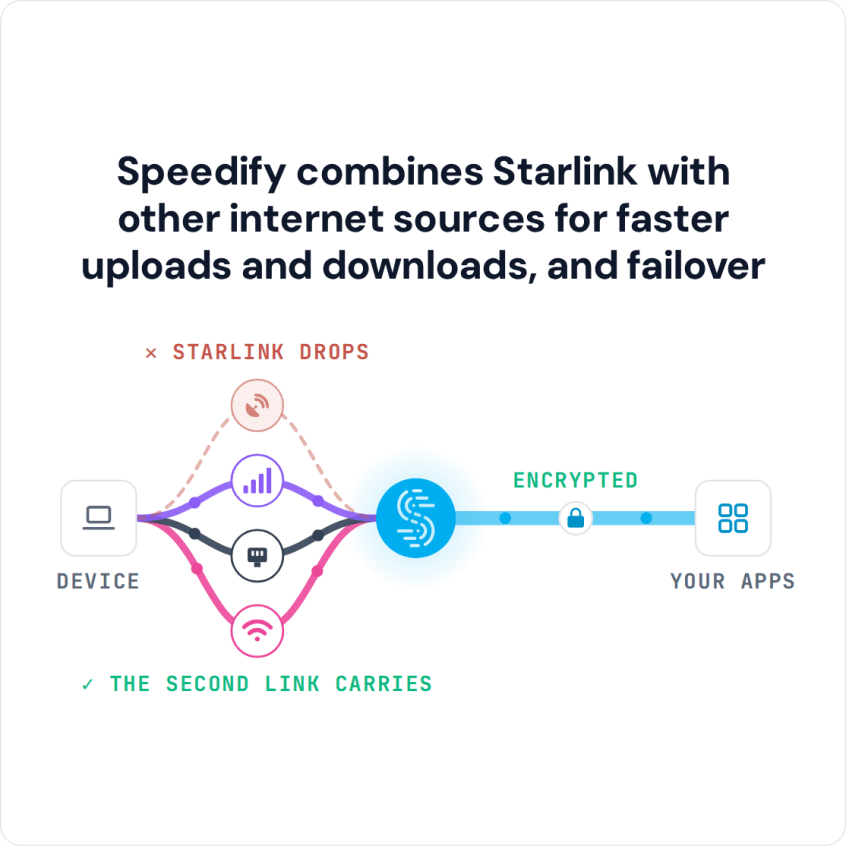
If Starlink feels slow or keeps dropping, you can run it alongside a wired Ethernet connection on your iPhone or iPad at the same time. Speedify is an app that combines multiple internet connections at once. It uses your Starlink Wi-Fi and wired Ethernet together for faster uploads and downloads, and keeps you online when Starlink drops. The Ethernet line … Read More
How to Connect iPhone to Ethernet and Use Wi-Fi at Once with Speedify
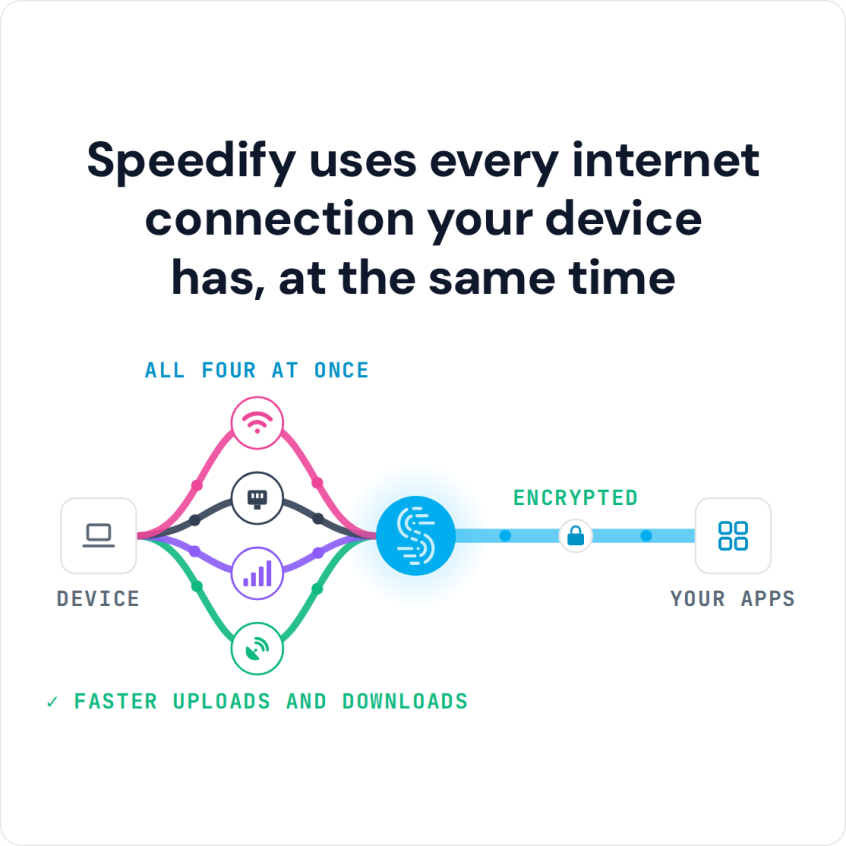
Combine Wi-Fi and Wired Ethernet to Increase Bandwidth and Lower Latency on iPhone To connect an iPhone to Ethernet, plug a USB-C or Lightning Ethernet adapter (whichever port your iPhone has) into the phone and connect the Ethernet cable to the adapter. You can then use Wi-Fi and wired Ethernet at the same time. Speedify is an app that combines … Read More
iPhone Ethernet and 4G/5G Cellular at the Same Time with Speedify
Combine 4G/5G Cellular with Wired Ethernet to Increase Bandwidth and Lower Latency on iPhone You can connect an iPhone or iPad to wired Ethernet and use its 4G/5G cellular connection at the same time. Speedify is an app that combines two or more internet connections at once, such as 4G/5G cellular and Ethernet, so you get faster downloads and uploads … Read More
iPhone Not Connecting to Wi-Fi? Speedify Keeps You Online
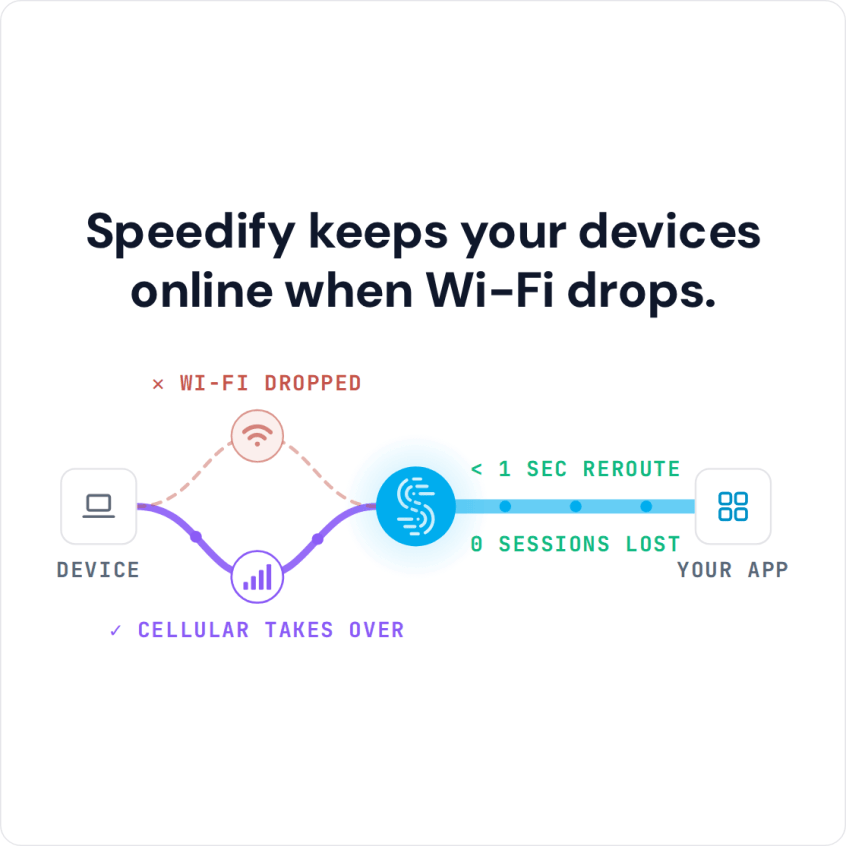
Use Both Wi-Fi and Mobile Data with Speedify for Faster, Reliable Internet When an iPhone won’t connect to Wi-Fi even with the right password, the cause is usually the stored details, not you: the iPhone remembers the settings for that network, and once the router’s password or security setting changes, the saved details no longer match. Busy airport and hotel … Read More
Wi-Fi Assist vs Speedify: What Each One Actually Does
How Speedify Outperforms iPhone’s Wi-Fi Assist Wi-Fi Assist is the iPhone setting that switches over to 4G/5G cellular when the Wi-Fi signal gets too weak to be useful; up to iOS 26 you find it at the bottom of Settings > Cellular, and in iOS 27 Apple renamed it Connectivity Assist and moved it to Settings > Wi-Fi. Wi-Fi Assist … Read More
iPhone Won’t Connect to Wi-Fi: Stay Online with Speedify Using 4G/5G Cellular
Speedify Helps Combine Wi-Fi and Mobile Data for Faster, More Reliable Internet iPhone won’t connect to Wi-Fi? You are not alone: a changed password, an iOS bug, an old router or a crowded network can all stop an iPhone from joining. The six fixes below cover each cause. To stay online in the meantime, run Wi-Fi and 4G/5G cellular at … Read More