
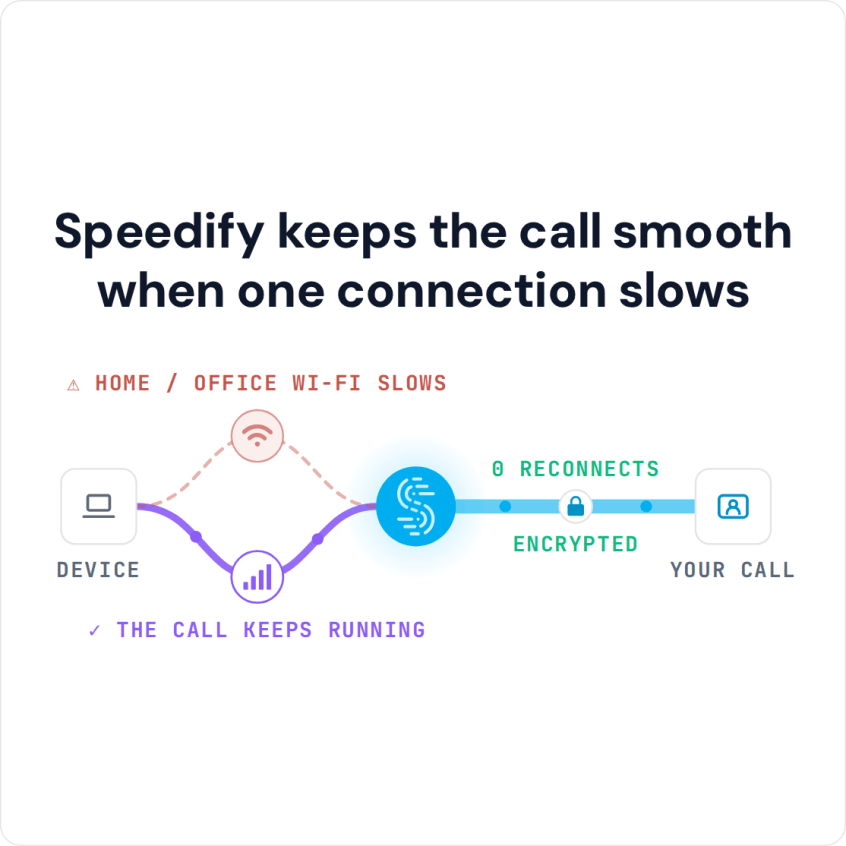
Slow FaceTime Calls? You Can Combine Multiple Internet Connections Together – Like Starlink, Wi-Fi, 4G, 5G, and DSL – with Speedify FaceTime lagging is usually one person’s connection, not both, and while you are on the call it is rarely obvious which end is at fault. If the call never starts at all, see how to fix FaceTime stuck on … Read More
Instagram Slow to Load: Why Instagram Is So Slow and How Speedify Fixes the Connection
You Can Combine Multiple Internet Connections Together – Like Starlink, Wi-Fi, 4G, 5G, and DSL – with Speedify, to Fix Slow Instagram Instagram is so slow for one of three reasons: Instagram itself is having problems, the app is out of date or your phone is short of storage, or your internet connection is weak or crowded. The connection is … Read More
YouTube Keeps Buffering with Good Internet: Speedify Combines Internet Connections for Faster Downloads
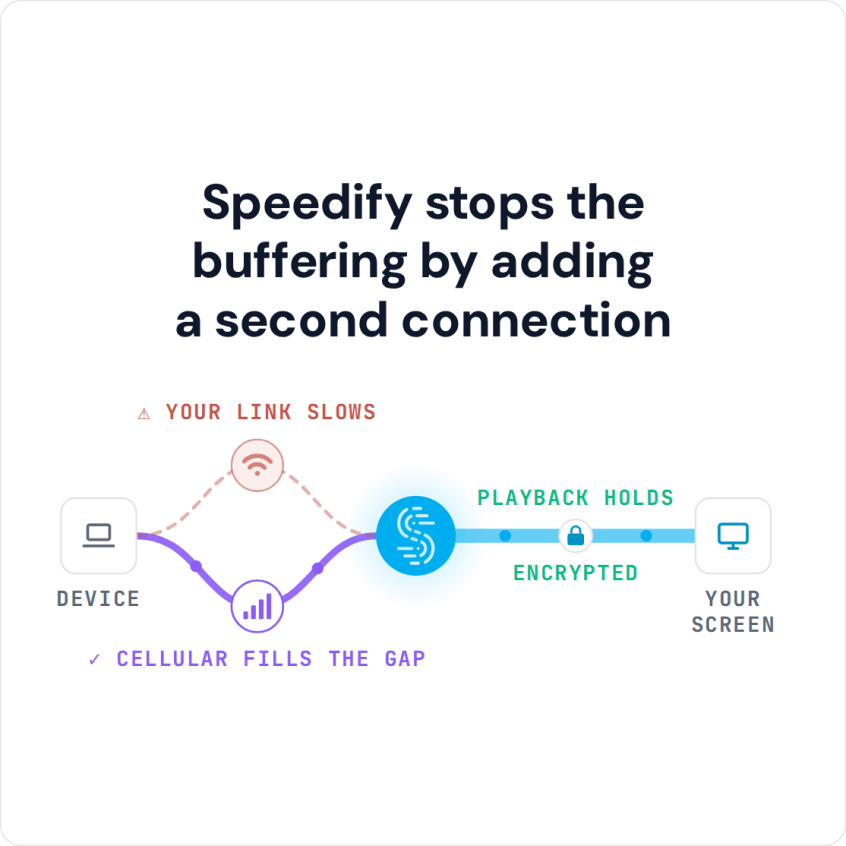
Is YouTube Buffering for You? Combine Multiple Internet Connections Together – Like Starlink, Wi-Fi, 4G, 5G, and DSL – with Speedify When YouTube keeps buffering but your internet is fine, the problem is usually how steady the connection is, not how fast, and you are not the only one: people on fast fiber see it too. Buffering nearly always strikes … Read More
Snapchat Not Working on Wi-Fi but Works on Data: Causes and Fixes
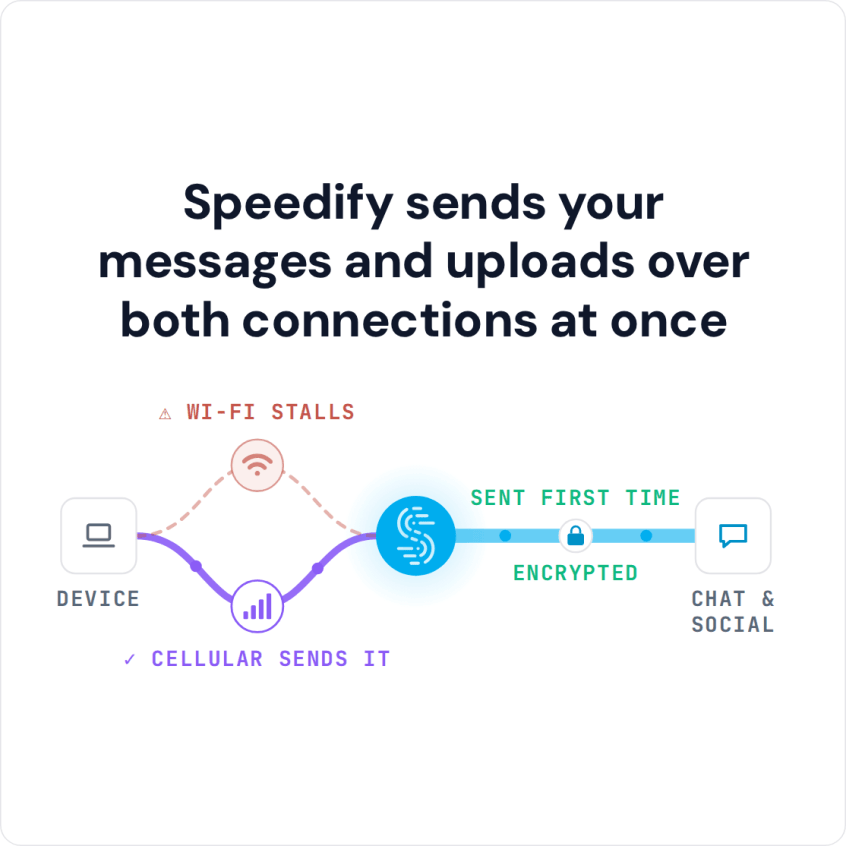
You Can Combine Multiple Internet Connections Together – Like Starlink, Wi-Fi, 4G, 5G, and DSL – with Speedify, to Fix Snapchat Not Working Snapchat not working on Wi-Fi, or saying there is no internet connection, usually means the Wi-Fi is too weak or unsteady for the app, or the network blocks Snapchat, as some school and office networks do. Sending … Read More
Snapchat Video Call Not Working or Can’t Call Anyone: Causes and Fixes
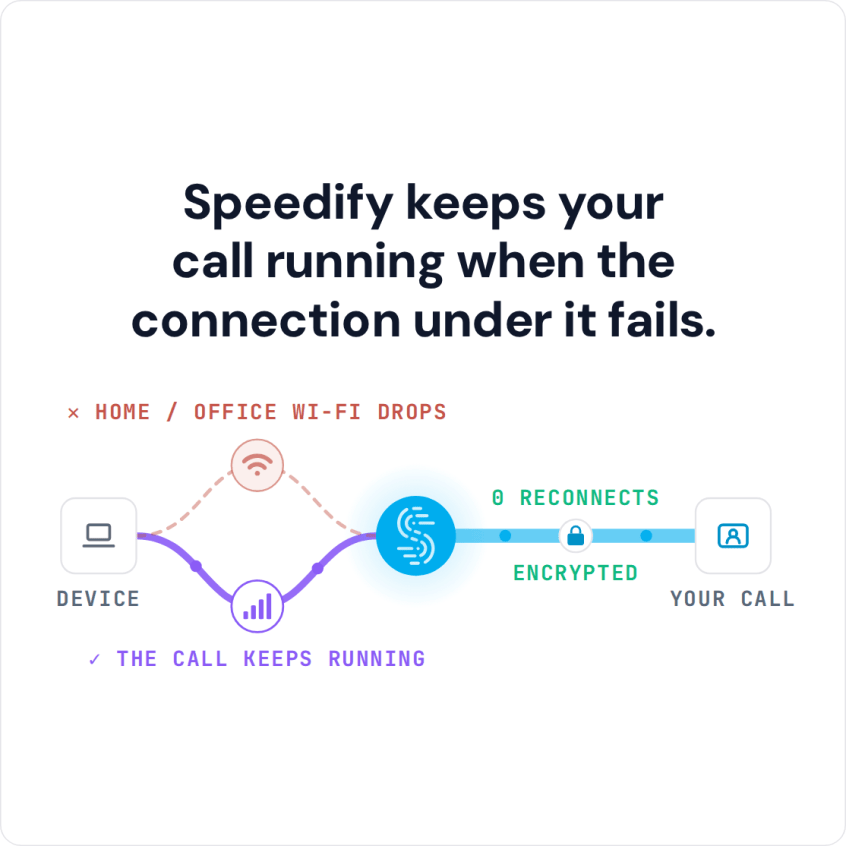
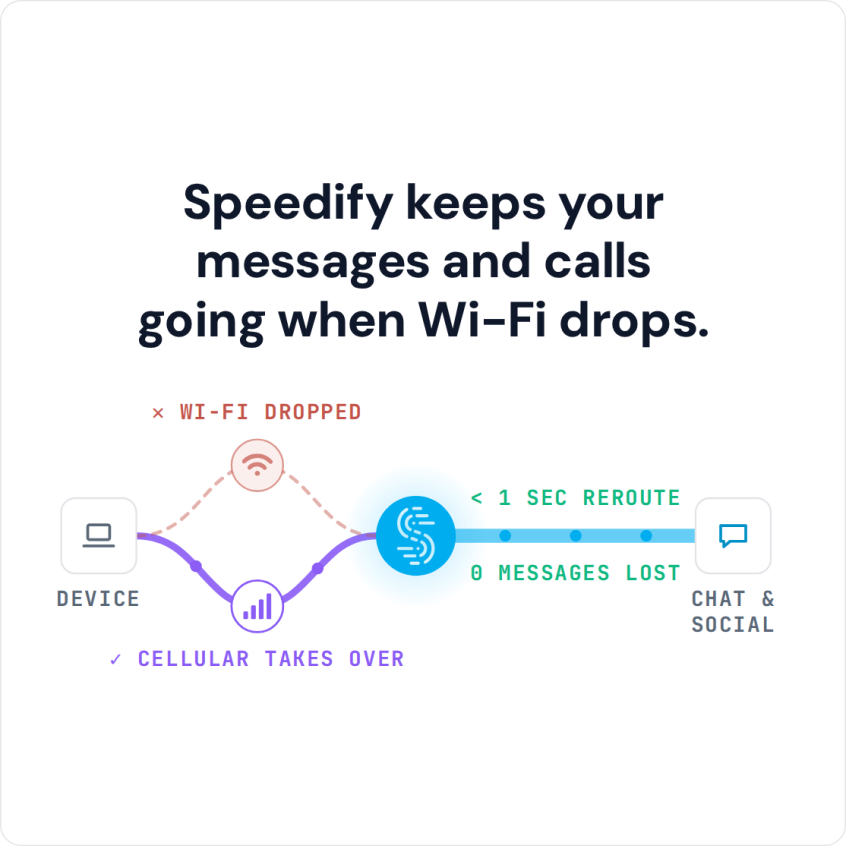
Snapchat Video Call Not Working? You Can Combine Multiple Internet Connections Together – Like Starlink, Wi-Fi, 4G, 5G, and DSL – with Speedify Tapping the video call button in Snapchat and getting nothing usually points at your phone’s internet connection rather than Snapchat itself, because video calling needs far more steady data than sending snaps does. A weak signal, or … Read More
Best Video Bitrate for YouTube: Mbps for Live Streaming and Uploads
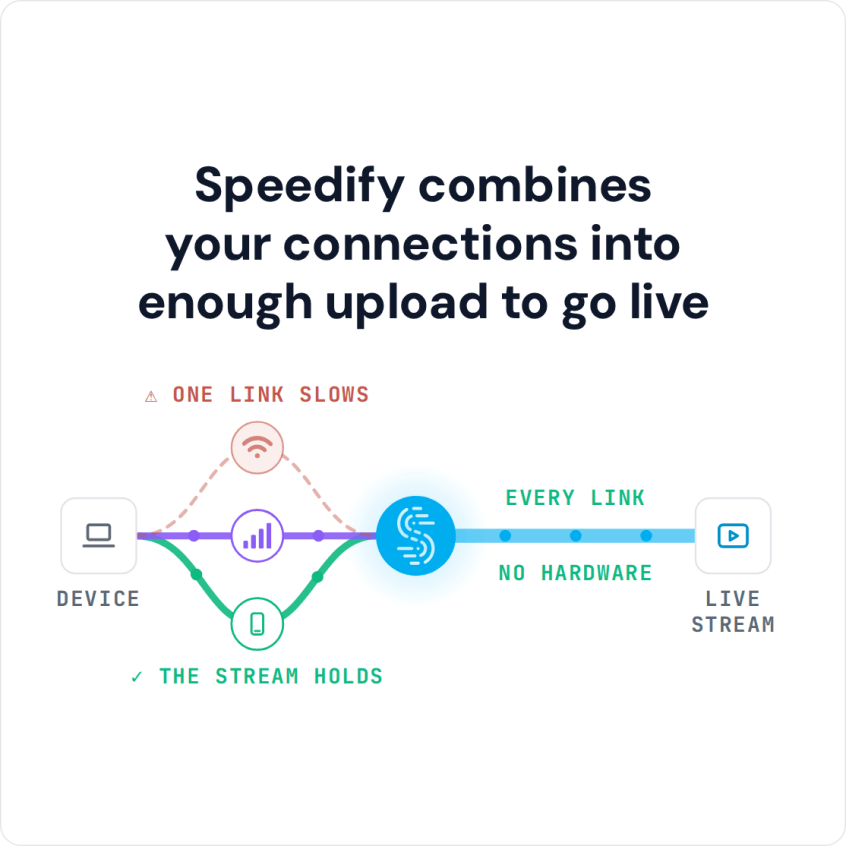
Recommended YouTube Bitrate Settings for Live Streaming and Uploads For YouTube live streaming, Google’s recommended bitrate with the common H.264 codec runs from 0.4 to 4 Mbps for 360p up to 14 to 50 Mbps for 4K at 60 fps, and a full HD 1080p stream at 30 fps needs 5 to 14 Mbps. Your stream holds that bitrate only … Read More