
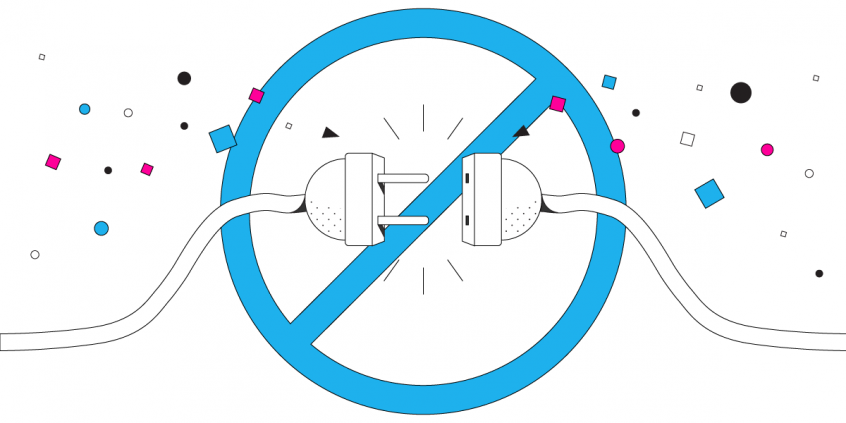
Unbreakable VPN Connection to Fix Android Disconnects by Combining Wi-Fi and 4G / 5G Mobile Data with Speedify
Most Android VPN apps are built to hold one internet connection and nothing more, which is why a short Wi-Fi glitch or a weak signal can drop the VPN seconds after it connects.
Speedify changes the shape of the problem: Speedify is a VPN that carries encrypted traffic over Wi-Fi and 4G/5G mobile data together, so no single failure can knock an Android phone or tablet offline.
The article works through why an Android VPN disconnects almost immediately, and what using Speedify means day to day – work email, banking and browsing that stay private and stay connected.
Android VPN Connection Dropped after a few Seconds – Why?
The basic design of VPN software has been the same for over a decade. The VPN uses a single Internet connection to create a single socket to connect with the VPN server. All of the data is then sent to the VPN server where it is encrypted before it is forwarded on to its eventual destination.
Even if devices are capable of using more than one Internet connection at a time, the VPN software only uses a single connection. So, if something happens to that connection – e.g. getting out of the range of your Wi-Fi network or experiencing cell signal fluctuations – then the VPN on your Android phone or tablet will disconnect. You will have to manually reconnect to the VPN server, assuming you’re watching the active screen on your phone to see if the little key icon for VPN is still there.
“My VPN immediately disconnects on Android”
Unfortunately, most Android VPN disconnects are a matter of app design. Conventional VPNs do a great job of keeping your data secure from hackers and unauthorized surveillance. But, because they rely on a single socket and a single Internet connection, they often slow down your Internet experience and make disconnections and connection problems much more likely.
If you are trying to use a VPN while moving (while riding the train or bus), you are even more likely to get disconnected, as the connection will fluctuate more. With a standard VPN service all of your data packets are in one channel.
The design of traditional VPN software makes getting disconnected on your Android device a question of when, not if. There is no way to increase the speed and reliability of a VPN without redesigning the software.
Speedify VPN for Mobility Fixes VPN Disconnects on Android phones and tablets
Redesigning the VPN experience from the ground up is exactly what the developers behind Speedify did. We built Speedify as a bonding VPN so that users would no longer have to choose between security, speed, and reliability. Speedify gives you all three.
Speedify uses multiple parallel sockets to connect with the VPN server. It also uses the full capabilities of Android devices. Speedify allows you to connect to the Internet and the Speedify VPN server using a mobile data connection and a Wi-Fi signal simultaneously. This increases your bandwidth and keeps you connected to the VPN, even if one connection goes down.
But, Speedify does so much more. It also runs in the background monitoring the quality of your Internet connections. It has auto failover so that if one connection becomes unstable, all the traffic is automatically rerouted until the second connection comes back online.
Speedify uses cutting-edge encryption technology to make sure your data says secure. It is a powerful mobile VPN that gets the job done. Every Internet dependent app runs faster with a Speedify connection. Plus, Speedify has been shown to have no impact on your battery.
Stop Android VPN disconnects quickly and easily with Speedify!
You don’t have the same phone you had ten years ago, why are you using the same VPN technology? It’s time to download the next generation in VPN. Speedify is available on Google Play. Get started with Speedify for FREE today – no strings attached, no email sign-up necessary, no logging of data!
Speedify
Get started with Speedify today.
Combine Wi-Fi, 4G/5G cellular, Ethernet, Starlink, and more into one faster, steadier connection. Free to try — no credit card required.
🚀 Speed
Faster uploads and downloads by bonding all your connections at once.
📶 Stability
Automatic failover in under a second when any connection drops.
🔒 Security
AES-256 encryption on every connection, on every network you join.



15M+ downloads worldwide. 75K+ five-star reviews on iOS and Android.