
Unbreakable and Fast VPN Connection by Combining Starlink, Wi-Fi, 4G, 5G, and DSL with Speedify
How fast is my VPN? You’re not the only one asking that. Whether you are already using a VPN service to protect your online privacy and browse anonymously or are thinking about doing that, there’s one thing that you most certainly need: a fast VPN solution that doesn’t decrease Internet speed.
Most of traditional VPN services slow down the Internet connection because of how they’re built: encrypting and sending all data through a single Internet connection. Thus, when you test VPN speed, you’ll most likely get slower numbers for bandwidth and higher values for latency.
Outside of how VPN services work, testing your VPN speed has to be done the right way, so you get real numbers.
Speedify delivers an unbreakable VPN connection by intelligently bonding multiple internet sources, ensuring continuous uptime and encrypted protection.
Why Speedify's VPN Tunnel is Unbreakable vs Other VPNs
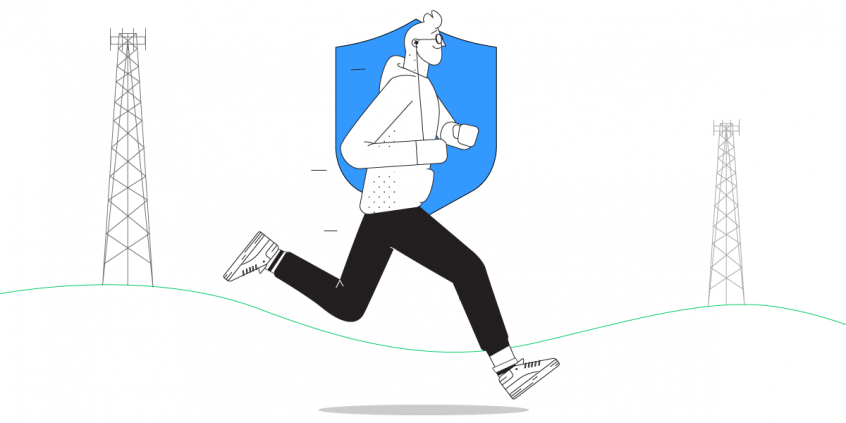
Most VPNs stop working the moment one of your internet connections has a problem. If your Wi-Fi glitches, or your device briefly switches between 4G / 5G and Starlink, you can suddenly lose your VPN connection.
Speedify is built to prevent that. Instead of relying on just one connection, Speedify can use all your available internet connections at the same time: Wi-Fi, Ethernet, 4G / 5G cellular, even Starlink or other satellite. If one connection slows down or drops, Speedify instantly moves your traffic to another internet source so your VPN stays connected and your online activity isn’t interrupted.
In this video, you’ll see how Speedify keeps your internet connection secure, smooth, and reliable by intelligently spreading your encrypted data across the available connections. The result: an unbreakable VPN tunnel.
Combining multiple internet sources like WiFi, 4G, 5G, & Starlink together makes Speedify's secure VPN tunnels unbreakable
Combine internet connections for better bandwidth and signal strength
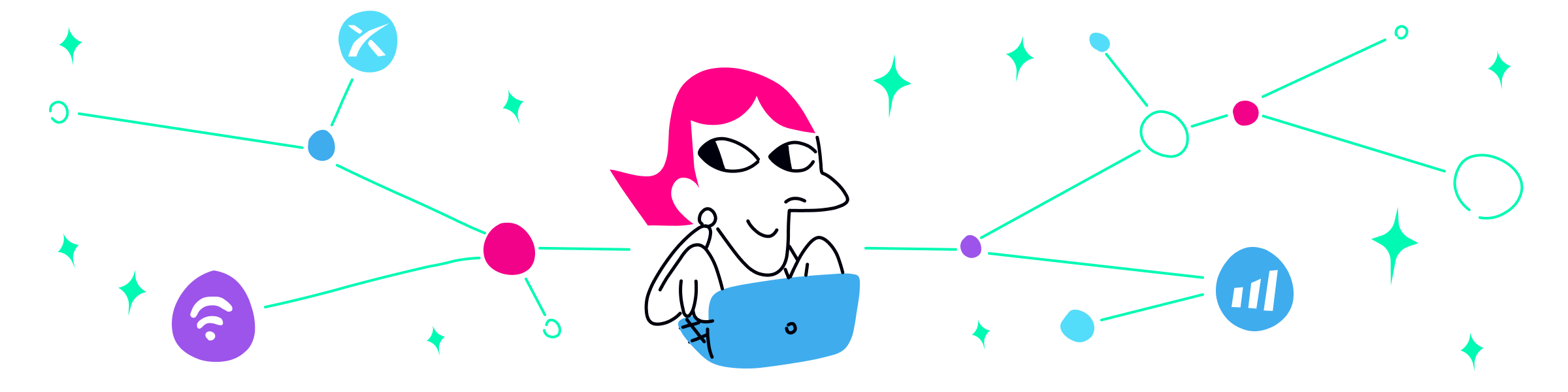
No matter how secure your VPN is, if you experience a drop in your Internet connection, either your VPN tunnel will break leaving you unprotected, or you’ll be stuck offline. Speedify is the only VPN that seamlessly combines all of your connections, including WiFi, 4G, 5G, Ethernet, and Starlink, into one unbreakable connection to keep you online and secure.
Speedify will automatically detect any available Internet connections on your device, encrypting and intelligently distributing your online traffic between them for optimal performance. If you need help we have quick start guides available for most common set ups.
Join multiple mobile personal hotspots at the same time
Speedify's Pair & Share is a feature that enables you to connect to multiple personal hotspots at the same time and wirelessly share LTE, 4G, and 5G cellular connections back and forth between multiple Speedify users on the same local network to create a faster, more reliable connection for everyone.
With Speedify, all of your available internet sources - even shared personal hotspots - are combined inside the secure VPN tunnel with your encrypted traffic intelligently distributed between them, while split tunneling allows blocked sites to bypass. So, if any connection slows down or drops out, the VPN tunnel stays active and the other connections will automatically take over to keep you securely, seamlessly connected.
How Fast Is My VPN: Test VPN Speed by Using the VPN Servers
1. Testing Internet Speed without VPN Running
When you typically run an online speed test, the provider determines your location and, based on that, they select the closest server to run the test. This is an accurate way to test your Internet speed, as the closest server available for testing should also be the fastest close to you. Most Internet service providers also have testing tools you can use to more accurately test the speeds you’re getting.
Testing your Internet speeds when not running a VPN will also help you determine if your ISP is throttling your Internet connection.
2. Internet Speed Testing with VPN Running to See How Fast It Is
Things get more complicated when you’re running a VPN on your computer or mobile device. And this is because you’re connected to a VPN server that may be located closer or farther than your actual location. Here’s what typically happens when you test VPN speed online:
- Most Internet speed testing providers have several ways to determine your actual location. Outside of your IP address, they may also use your device’s location (from smartphones and tablets) and location data from your browser (using the HTML5 Geolocation API, for example, available on most modern browsers).
- This means that although you’re connected to a VPN server overseas (as an example), the speed test sees your actual geographical location and still selects a server nearby.
- Thus, the test results are not relevant, as instead of going directly to the testing server nearby, the data goes to the VPN server in the cloud and then back to the nearby testing server, adding more milliseconds to the latency score and cutting down on bandwidth Mbps.
As a result, after you test VPN speed on your device, you may consider that your VPN is not fast enough, although the connection to the VPN server is actually fast.
Is My VPN Fast or Slow?
As mentioned above, any traditional VPN service that only encrypts traffic to protect your online privacy will slow down your Internet connection to a certain degree – this is because it adds encryption to the traffic. Check out your VPN service’s FAQs or Support articles and you’ll most surely find an issue related to speed performance.
However, with certain VPN solutions such as Speedify fast bonding VPN, this is actually not an issue anymore. This is because of the unique “sauce” that Speedify is made with: the ability to combine multiple Internet connections at the same time.
How Fast Is My VPN: What Is the Fastest VPN?
Speedify fast mobile VPN includes a speed test widget that you can use to test VPN speed and determine how well Speedify performs as a VPN and a channel bonding solution.
Our embedded Internet speed test uses the Speedify VPN servers directly to test the bandwidth and latency of the connection for each adapter you’re using, and then for the combined connection of the 2 or more network adapters. Thus, you’ll get the most relevant results and will be able to select the fastest server that will fit your needs, whether it’s live streaming, eSports / online gaming, day trading, VoIP calls or other bandwidth-intensive activities you need to accomplish.
You are welcome to test the VPN speed of Speedify. You will be amazed by the results. Get Speedify now or upgrade to the latest version and see how fast your VPN connection really is! Test VPN speed from within the app!

Get started today!
With Speedify you can combine multiple internet sources into one bonded super-connection to improve livestreaming, video calling, gaming, web browsing, and everything else you do online.
Speed
Stability
Security
We love talking about connectivity!
Alex and the Speedify team are always exploring the latest in networking and security technology—like 5G, 6G, WiFi 7, laser and satellite internet—and sharing it in new discussion content across YouTube, TikTok, Instagram, and LinkedIn every week.
Got a tech question? Let's go deeper! Pop into Speedify Office Hours live every Wednesday at 10 AM Eastern. Speedify CEO Alex Gizis and our network engineers are standing by to break down your questions about networks, tech updates, and Speedify features.
