
Combine Starlink with Wi-Fi, 4G/5G Cellular or DSL in Speedify to Fix Slow WhatsApp on Starlink WhatsApp works on Starlink, but calls can freeze or drop, and voice messages and videos can take a long time to send, when your Starlink internet connection slows down or has short drops: when something blocks your Starlink dish’s view of the sky, when … Read More
How to Fix Starlink Ping and Lag Spikes in Games with Speedify
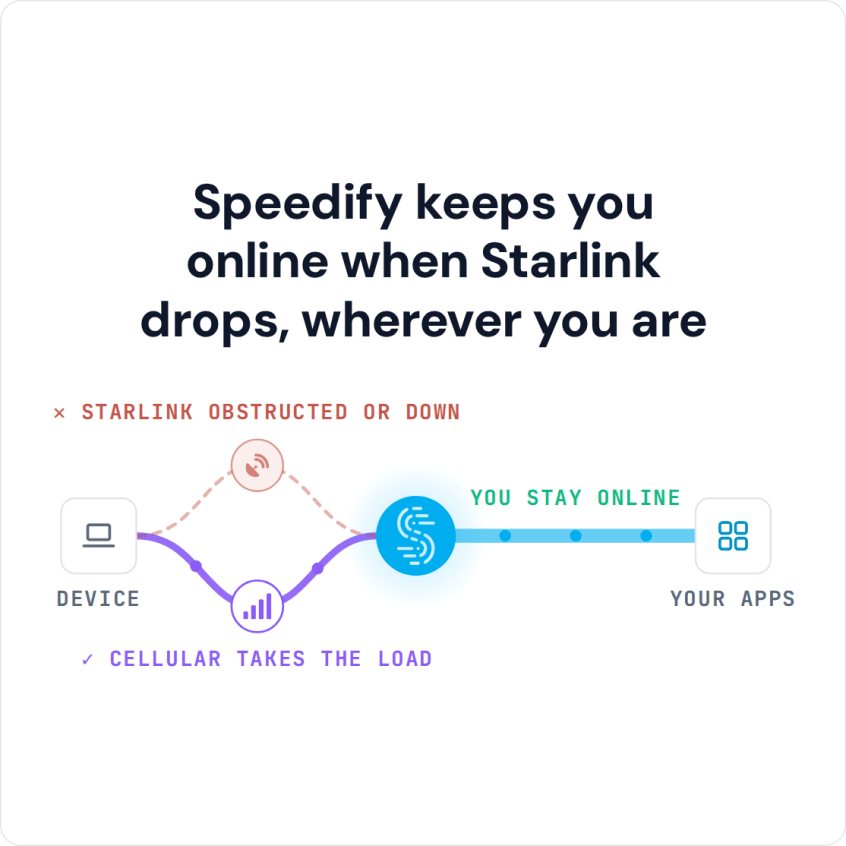
Combine Starlink with Wi-Fi, 4G/5G Cellular or DSL in Speedify to Fix Gaming Lag Spikes Starlink’s ping is usually between 25 and 60 milliseconds on land, Starlink says, which is fine for most online games. The problem is lag spikes: sudden jumps in ping, or a short dropout, when your Starlink dish switches satellites, something blocks its view of the … Read More
Boost Starlink Speed with Speedify: Add Your Phone and DSL in 4 Steps

The quickest way to boost Starlink speed with what you already have is to use three internet connections on your computer at the same time: Starlink Wi-Fi, a cable or DSL line plugged in with an Ethernet cable, and your iPhone or Android phone’s 4G/5G cellular connection. Speedify combines all three, so you get their speeds together. On Starlink alone, … Read More
Can You Live Stream with Starlink? How Speedify Ran a 24/7 Starlink Livestream

The Speedify Team’s Starlink Setup for a Non-Stop Livestream of the Philadelphia Skyline Yes, you can live stream with Starlink. A Starlink dish uploads at 10 to 30 Mbps, and Twitch recommends 3 to 6 Mbps for 720p to 1080p streams, so one Starlink dish has enough upload speed for most streams. The problem is the short dropouts: your Starlink … Read More
Use Starlink and Cable or DSL at the Same Time on Windows with Speedify
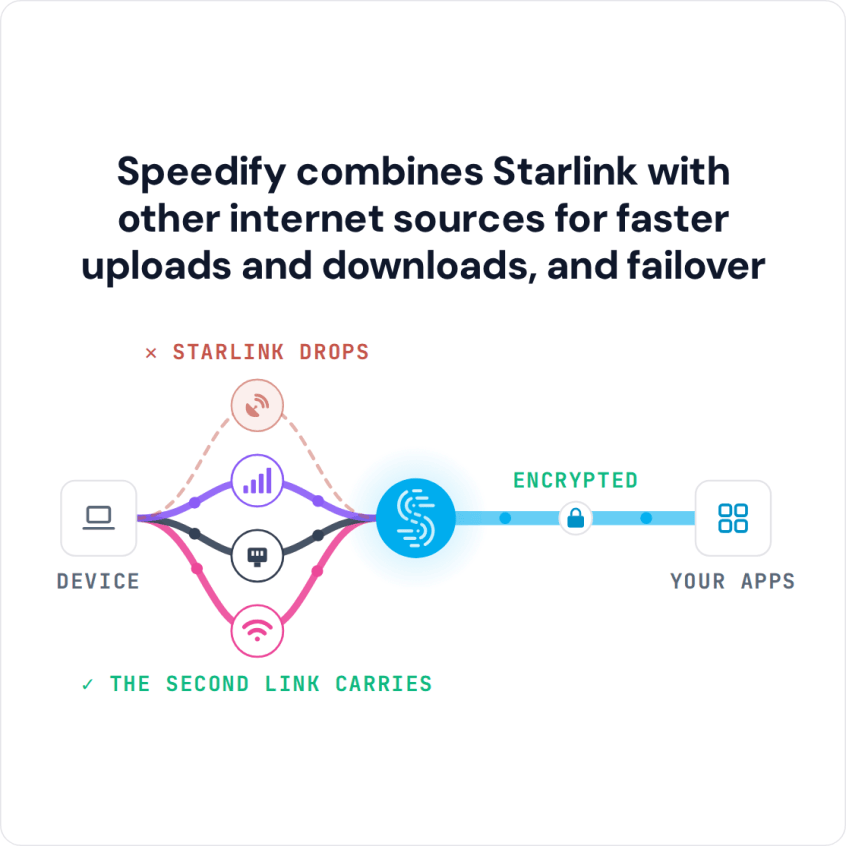
Yes, you can have Starlink and a cable internet service like Spectrum, or DSL, at the same time, and your Windows PC can use both at once with Speedify. If one of them drops, Speedify switches your traffic to the other automatically. The same setup works with two Starlink connections on a Windows PC. Connect your PC to the Starlink … Read More
Starlink No Internet Connection: 5 Fixes, and How Speedify Keeps Calls Online
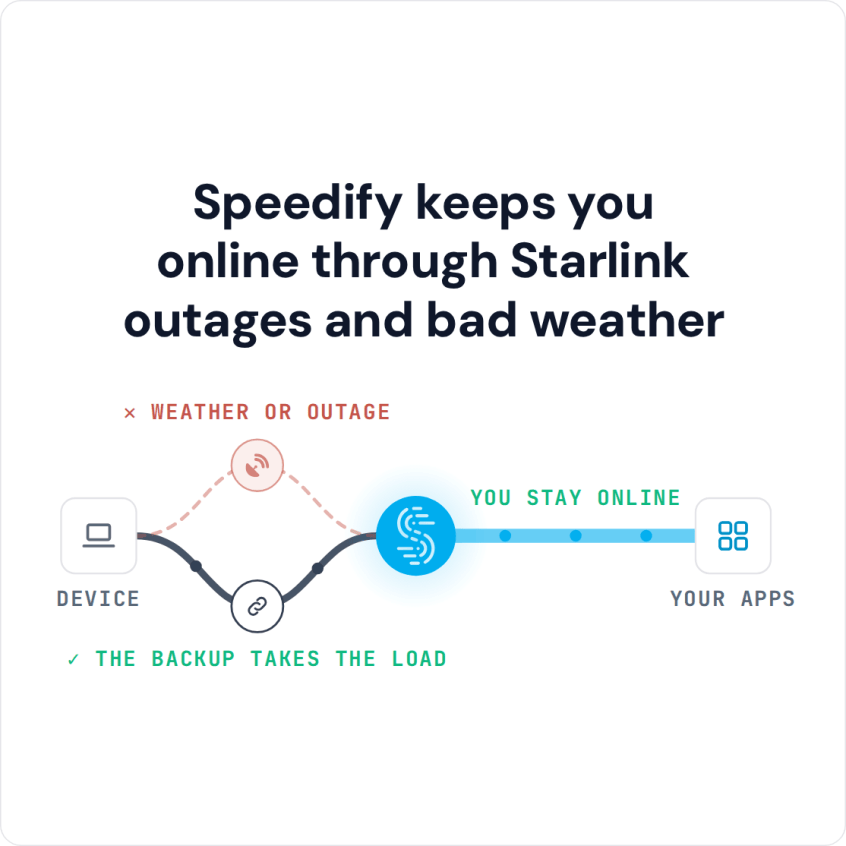
Combine Starlink with Wi-Fi, 4G/5G Cellular or DSL in Speedify When Your Starlink Internet Connection Is Not Working When Starlink has no internet connection, won’t connect to the internet, or shows connected but nothing loads, check the Starlink app first. If the Starlink app shows your Starlink dish offline, the cause is the Starlink dish, its cable, its view of … Read More