
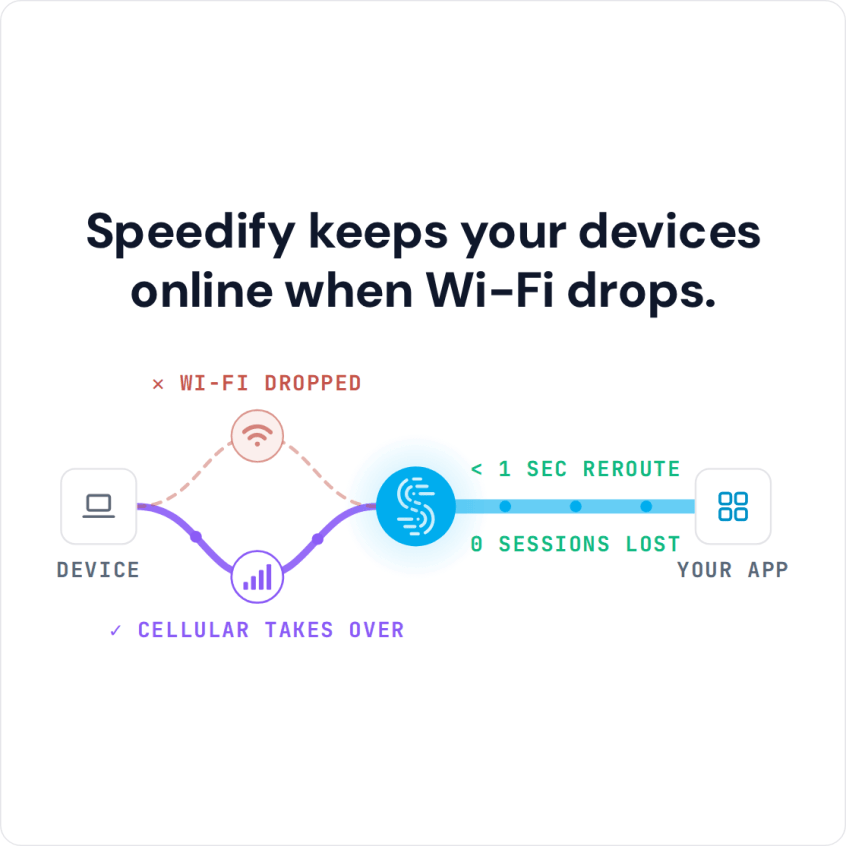
Sticky WiFi – What’s the Problem? Your phone stays glued to the coffee shop Wi-Fi long after that network has slowed to a crawl, because a phone judges a Wi-Fi network by signal strength and never checks whether data is actually moving. Meanwhile the 4G/5G cellular data in your pocket sits unused. Speedify is an app that spreads your internet … Read More
How to Fix Video Streaming Problems and Stop Buffering: Use Speedify to Keep Streams Online
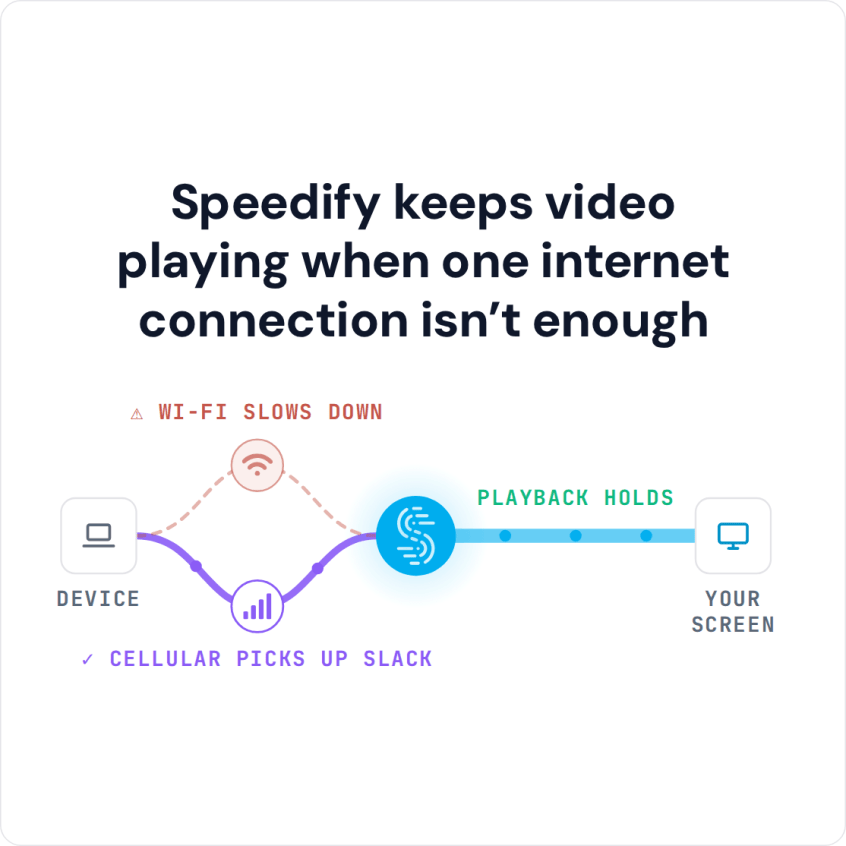
Need Help on Your Video Streaming Problems? Movies that take forever to start, playback that keeps pausing to reload and video that arrives fuzzy instead of sharp are all bandwidth problems. Even a fast internet connection does this when it wobbles, because streaming needs data delivered steadily, not merely quickly. Speedify is an app that keeps Wi-Fi, 4G/5G cellular, wired … Read More
Verizon Fios Packet Loss and Latency: Keep Games Running with Speedify
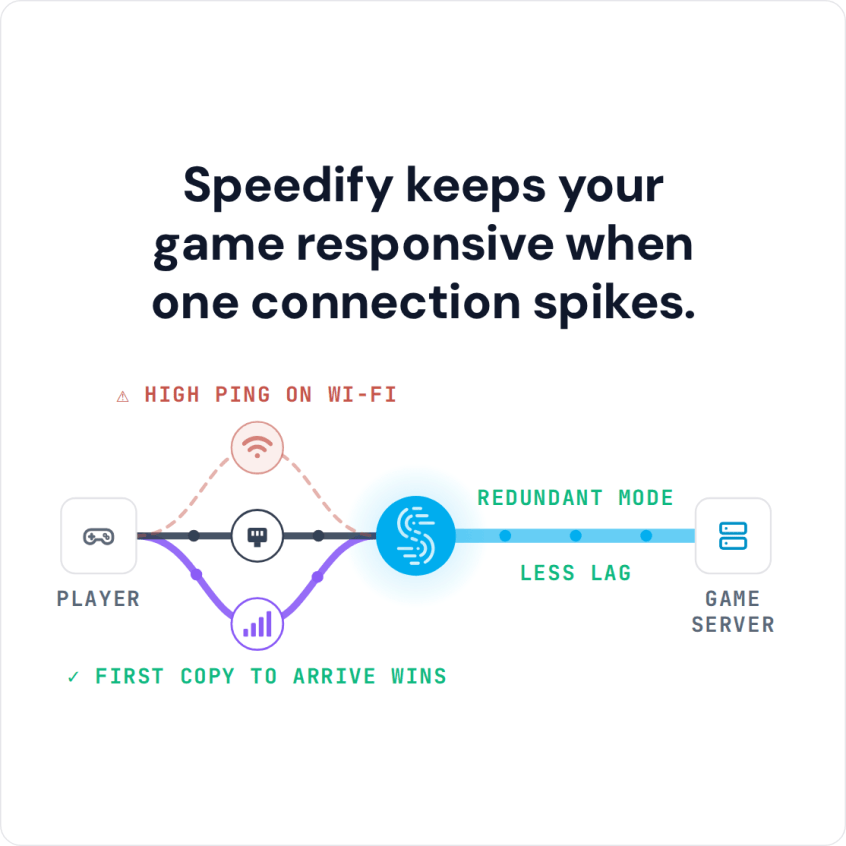
High Packet Loss and Lag While Gaming on Verizon Fios Packet loss on a Verizon Fios line means bundles of your game data never arrive, which you see as freezing, rubber-banding and dropped frames when you stream. Congestion on the provider’s network at peak hours is a frequent cause, and it is not yours to fix. Speedify is an app … Read More
Comcast Xfinity Packet Loss and Lag: Stay Connected with Speedify

Solved: Problem with Comcast Internet Packet Loss when Gaming or Streaming Online Xfinity packet loss is worse than slow speed: the data does not arrive late, it never arrives, and the app has to ask again. On a game or a call that shows up as a freeze rather than a slowdown. Fiber customers see it too, as in Verizon … Read More
YouTube Keeps Buffering with Good Internet: Speedify Combines Internet Connections for Faster Downloads
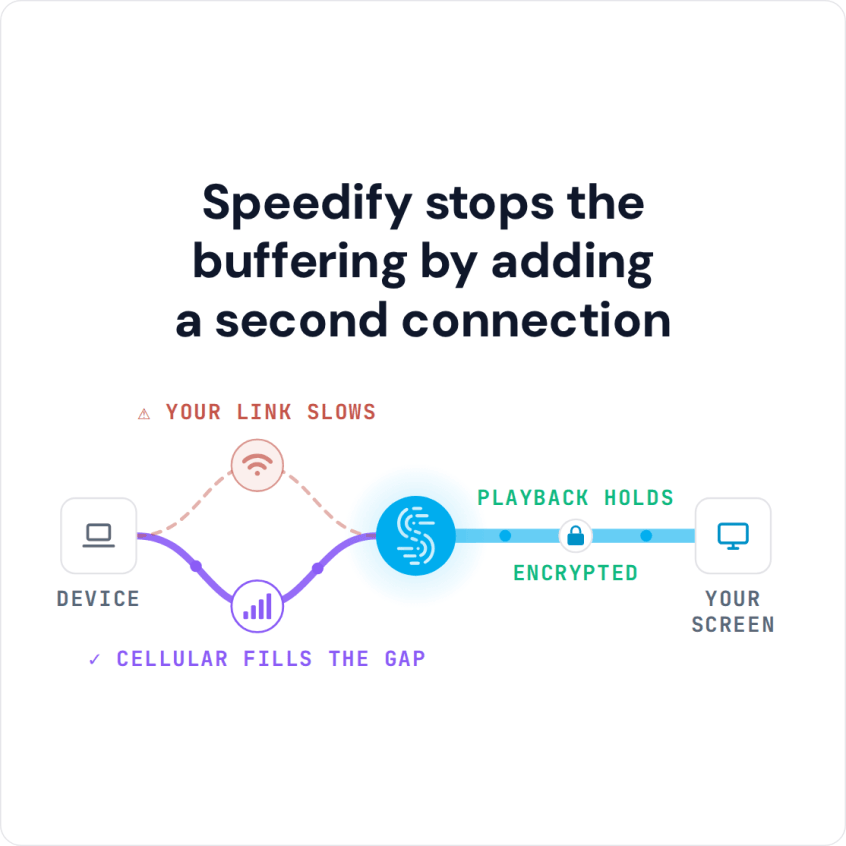
Is YouTube Buffering for You? Combine Multiple Internet Connections Together – Like Starlink, Wi-Fi, 4G, 5G, and DSL – with Speedify When YouTube keeps buffering but your internet is fine, the problem is usually how steady the connection is, not how fast, and you are not the only one: people on fast fiber see it too. Buffering nearly always strikes … Read More
Proton VPN Slow: Why ProtonVPN Slows Down and How Speedify Gets Faster Downloads
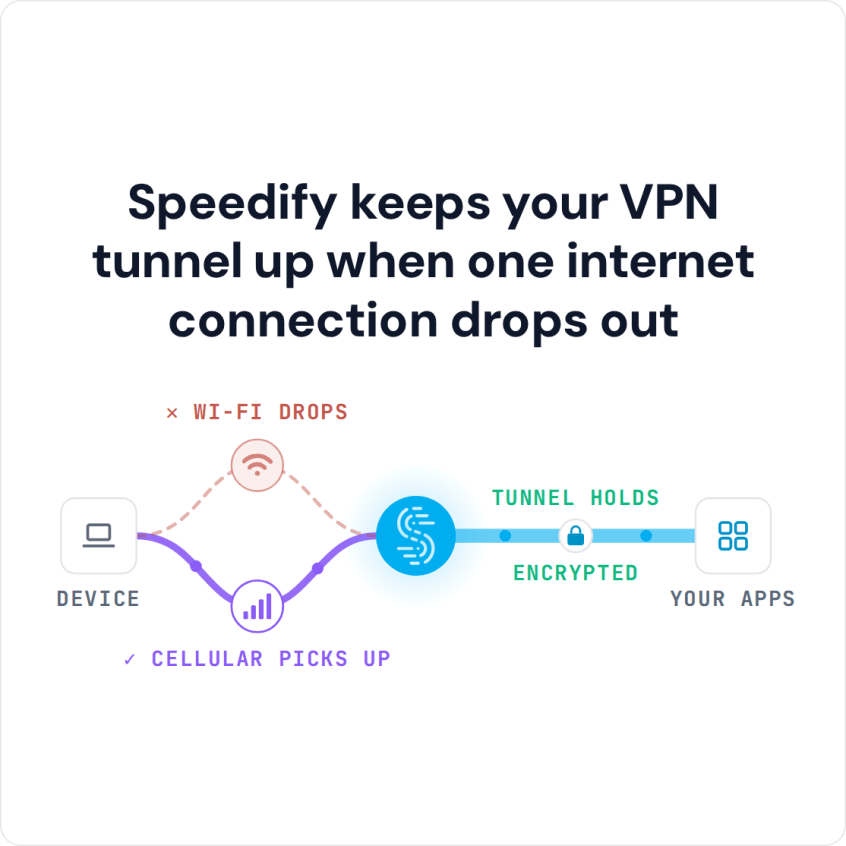
Unbreakable VPN Connection to Fix Slow ProtonVPN by Combining Starlink, Wi-Fi, 4G, 5G, and DSL with Speedify Proton VPN is slow for the same reasons most VPNs are: all your traffic is encrypted and squeezed through one internet connection to one server, so a busy or distant server, packet loss or a slow connection at home drags everything down. Speedify … Read More