
Speedify’s Starlink Control Center Helps You Aim Each Starlink Dish So Your Starlink Dishes Work Better Together To align a Starlink dish, give it the clearest view of the sky you can, and check the obstruction map in the Starlink app for anything blocking it. To align two or more Starlink dishes, don’t point them all the same way: aim … Read More
Starlink Compass Direction and Tilt: How to Aim Starlink Dishes Apart

Why Two Starlink Dishes Overlap, and How to Aim Them Apart To aim two Starlink dishes, point them at different parts of the sky. If both face the same direction, they see the same trees, roofs and poles, so you pay for two Starlink dishes but get close to the coverage of one. Speedify, an app that uses all of … Read More
Connect Two Starlink Antennas Together: How to Mount Both Antennas

Speedify Uses Two Mounted Starlink Antennas Together as One Faster, More Reliable Internet Connection The best way to connect two Starlink antennas together is to mount them apart, each with its own clear view of the sky, and plug both into one computer or router running Speedify. Speedify uses both Starlink internet connections at the same time, so you get … Read More
Two Starlink Dishes Together: Use Both at Once Instead of Keeping a Spare

Speedify Combines Two or More Starlink Dishes into One Faster, More Reliable Internet Connection You can use two Starlink dishes together, and the second Starlink dish doesn’t have to sit idle as a spare. Starlink doesn’t combine the speeds of two Starlink dishes for you, but Speedify does: it uses both Starlink internet connections at the same time, for nearly … Read More
FIPS Compliance for Contractors: What Speedify Provides

FIPS Compliance for Government Contractors: What to Check First Satcom companies, government contractors, federal agencies and any business handling Controlled Unclassified Information face the same hard requirement: the cryptographic module protecting data in transit has to be validated. Speedify for Routers runs on OpenWrt routers, and Speedify also runs on Linux computers and servers. Paired with a Speedify Self-Hosted Server … Read More
Combine Starlink Internet and a Tethered iPhone on Ubuntu Linux for Cellular Failover
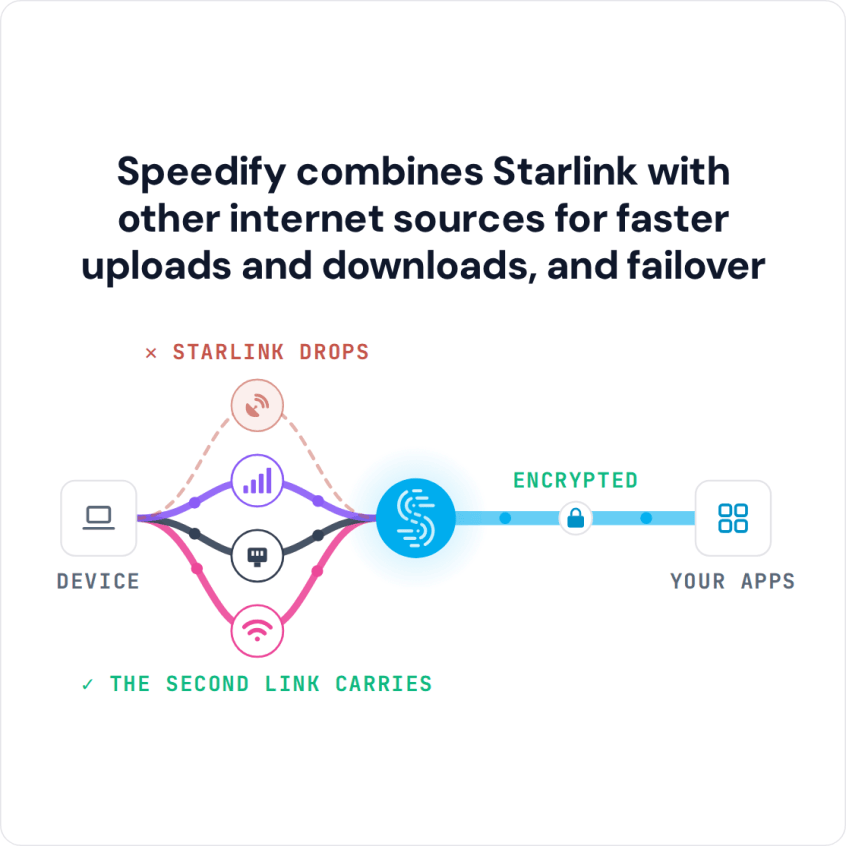
Speedify Uses a Tethered iPhone as Backup for Starlink on Ubuntu Linux to Keep You Online Plug your iPhone into your Ubuntu computer with a USB cable, turn on Personal Hotspot, and Speedify uses your iPhone’s 4G/5G cellular together with Starlink. If your Starlink internet connection drops, Speedify switches your traffic to the iPhone automatically, so SSH sessions, downloads and … Read More