
Speedify Pulls Each Starlink Dish’s Obstruction Map Into One View The Starlink Obstruction Map in Speedify’s Starlink Control Center renders the sky as your dish sees it, a polar fish-eye view of everything above the antenna. Green is clear sky with a direct line to satellites, red is where the dish has been blocked, and gray is sky Starlink doesn’t … Read More
Reading the Starlink Connectivity Card in Speedify’s Starlink Control Center

The Starlink Connectivity Card in Speedify Shows How Each Dish Holds Up Over Time A single throughput reading only tells you about this second. The Starlink Connectivity card in Speedify’s Starlink Control Center plots a rolling 15-minute timeline for every connected dish, so you can see whether a dish drops out in a steady pattern or holds a clean connection. … Read More
Monitor Your Starlink Dishes: How to Read Speedify’s Starlink Summary Card
The Starlink Summary Card in Speedify’s Starlink Control Center Shows Every Dish’s Key Stats at a Glance Speedify’s Starlink Control Center appears in the Speedify dashboard whenever Speedify detects one or more Starlink connections. The Starlink Summary card sits at the top of it. For each connected dish, Speedify reports download and upload throughput, ping, obstruction percentage, uptime, and connection … Read More
Watch Now: Starlink Speed Test – Same Location, Wildly Different Results
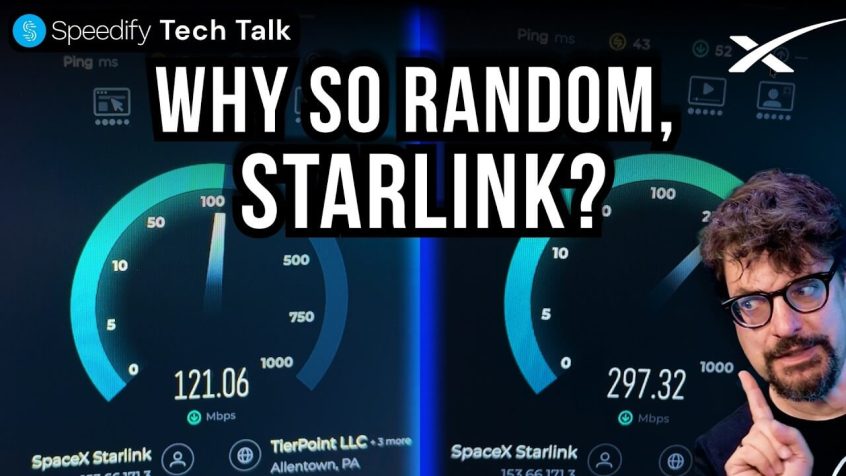
Speedify Alex Gizis & Speedify devs explain your connectivity tech 🛜Subscribe on YouTubeSpeedify engineers discuss real Starlink speed test footage showing why Starlink bandwidth and latency are constantly changing: every 15 seconds Starlink switches satellites, and both dishes can end up on the same satellite limiting download speed to 300Mbps each instead of 600Mbps combined download speed. And, rain drops … Read More
How to See Your Starlink Status with Speedify and What Each State Means
Speedify Shows Your Starlink Status in Real Time and Keeps You Online When Starlink Internet Drops Out Your Starlink status tells you whether your dish is online, still booting, searching for satellites, or blocked by an obstruction. Knowing where to check it, and what each status means, is the fastest way to tell whether a problem is your dish, the … Read More
How to Check Your Second Starlink Dish When the Starlink App Only Shows One, with Speedify
Speedify’s Starlink Control Center Lets You See How Both Starlink Dishes Are Doing at Once You bought a second Starlink dish, connected it, and opened the Starlink app to check on it, only to find the app still shows just one dish. The second Starlink gives you no signal data, no obstruction map, and no way to see how it’s … Read More