
Speedify Increases Upload and Download Speed for Any Starlink Antenna by Bonding It with Another Internet Connection Starlink sells several antennas, and the obvious assumption is that a bigger, pricier antenna means faster internet. Sometimes it does. Often the real bottleneck isn’t the antenna at all. This guide compares the main Starlink antenna types, explains when a hardware upgrade actually … Read More
Why Install a Second Starlink Dish? Reasons to Run Multiple Starlinks with Speedify

Speedify Turns a Second Starlink Dish into More Speed and Real Redundancy, Not Just a Backup Most people install a second Starlink dish expecting a backup that sits quiet until the first one fails. Set up that way, the second dish earns its cost only on the rare day something breaks. There’s a better use for it. Speedify combines Wi-Fi, … Read More
How to Monitor Your Starlink Internet Connection: Reading Starlink Statistics with Speedify
Speedify’s Starlink Control Center Monitors Your Dish and Bonds It with Another Internet Connection for Faster Upload and Download Speeds Monitoring your Starlink connection tells you why your internet slows down or drops: an obstruction, a satellite handoff, a thermal throttle, or a wider outage. Starlink shows a set of statistics in its own app, and those numbers are worth … Read More
Starlink Antenna Placement: Where to Mount Your Dish for the Best Upload and Download Speeds with Speedify
Speedify Keeps Your Starlink Online Even When Antenna Placement Isn’t Perfect The biggest factor in how fast and stable your Starlink runs is where you put the antenna. A clear view of the open sky means fewer dropouts and steadier speeds. A tree, a chimney, or a roofline in the way means obstructions, brief disconnects, and slower throughput. This guide … Read More
Why Use Two Starlink Dishes Together with Speedify? To Get Faster Upload and Download Speeds
Speedify Combines Two or More Starlink Dishes into One Faster, More Reliable Internet Connection You can use two Starlink dishes together, and the second dish doesn’t have to sit idle as a backup. The catch is that Starlink doesn’t combine dishes for you. Every Starlink dish ships locked to the same local IP address, 192.168.100.1, so a standard router reaches … Read More
Watch Now: We Tested Every Way Starlink Can Fail. Here’s What We Found
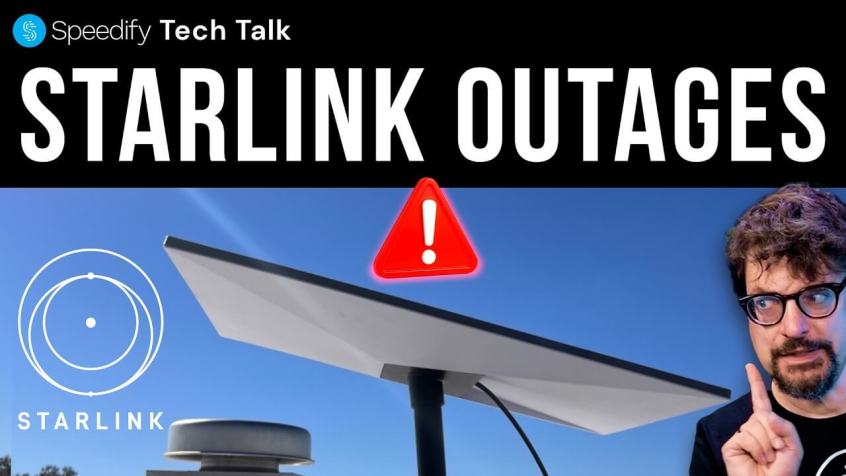
Speedify Alex Gizis & Speedify devs explain your connectivity tech 🛜Subscribe on YouTubeAlex and Speedify engineers discuss what actually happens when Starlink internet fails. We’ve done all kinds of tests on Starlink dropouts. Tipping dishes, blocking signals, running Starlink speed tests, triggering every Starlink error code. Our Starlink review found Starlink internet works just over 99% of the time, and … Read More