
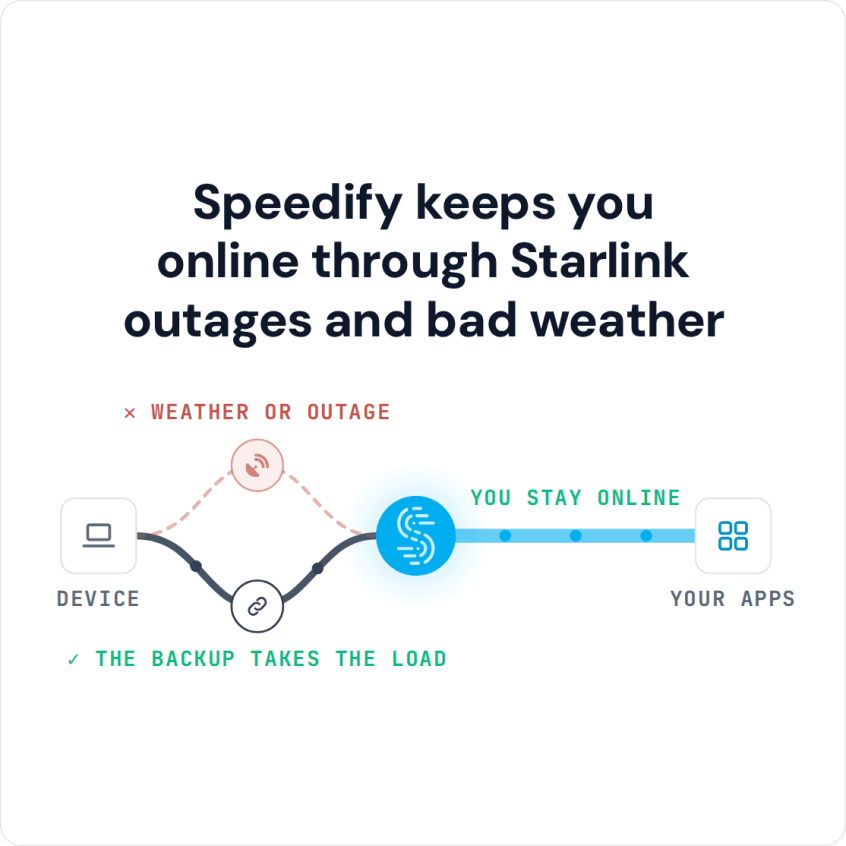
Speedify Keeps You Online While You Troubleshoot a Dead Starlink Internet Connection When Starlink stops working, the cause is usually one of a few things: a Starlink outage, a loose cable, a Starlink dish that needs a restart, a blocked view of the sky, bad weather, or a Starlink router problem. Speedify’s engineers walk through every way Starlink can fail … Read More
Why the Starlink App Only Shows One Dish, and How Speedify Shows Every Starlink Dish

Speedify’s Starlink Control Center Lets You See How Both Starlink Dishes Are Doing at Once If you add a second Starlink dish and the Starlink app only shows one, nothing is broken: every Starlink dish uses the same address on your network, 192.168.100.1, so the Starlink app can only reach one of them at a time. The second Starlink dish … Read More
How Often Does Starlink Go Down: Uptime, and How Speedify Keeps Calls Online
Speedify Monitors Your Starlink Internet Connection and Keeps You Online Through Starlink Outages Starlink does go down, in two ways. Short drops happen often: your Starlink dish switches satellites about every 15 seconds, and a switch, a storm or something blocking its view can cut your internet for a moment. Longer outages come from a network problem on Starlink’s side, … Read More
6 Reasons for a Second Starlink Dish, and How Speedify Uses Both Dishes

Speedify Turns a Second Starlink Dish into More Speed and a Real Backup, Not Just a Spare Install a second Starlink dish for faster downloads and uploads and fewer dropouts every day, not just as a spare. Used together with Speedify, both Starlink dishes carry your traffic at the same time, so you get nearly the full speed of both … Read More
Starlink Monitoring with Speedify: Track Starlink Speed, Ping and Uptime
Speedify’s Starlink Control Center Monitors Your Starlink Dish and Uses It Together with Another Internet Connection for Faster Upload and Download Speeds To monitor your Starlink internet connection, open Statistics in the Starlink app, or type dishy.starlink.com or 192.168.100.1 into a web browser on your Starlink Wi-Fi. You’ll see your speed, ping, uptime, recent outages and how much of your … Read More
Starlink Antenna Placement Tips, Plus How Speedify Adds Speed

Speedify Keeps Your Starlink Online Even When Antenna Placement Isn’t Perfect Starlink antenna placement is the biggest thing you control that decides how fast and steady your Starlink internet connection is. The antenna is the Starlink dish itself. Starlink sells three main antenna types, and placement matters for all of them. Mount the Starlink dish high, with a clear view … Read More