

How Boats and Commercial Vessels Get Reliable Internet at Sea Offshore Wi-Fi on boats and ships comes from satellite: Starlink Maritime (Starlink’s service for boats and ships) or older ship satellite systems, often called VSAT, plus 4G/5G cellular when you’re near the coast. Ships get reliable internet by using more than one of these at the same time. Speedify combines … Read More
Wi-Fi While Sailing: Speedify Combines Starlink and Cellular on Sailboats
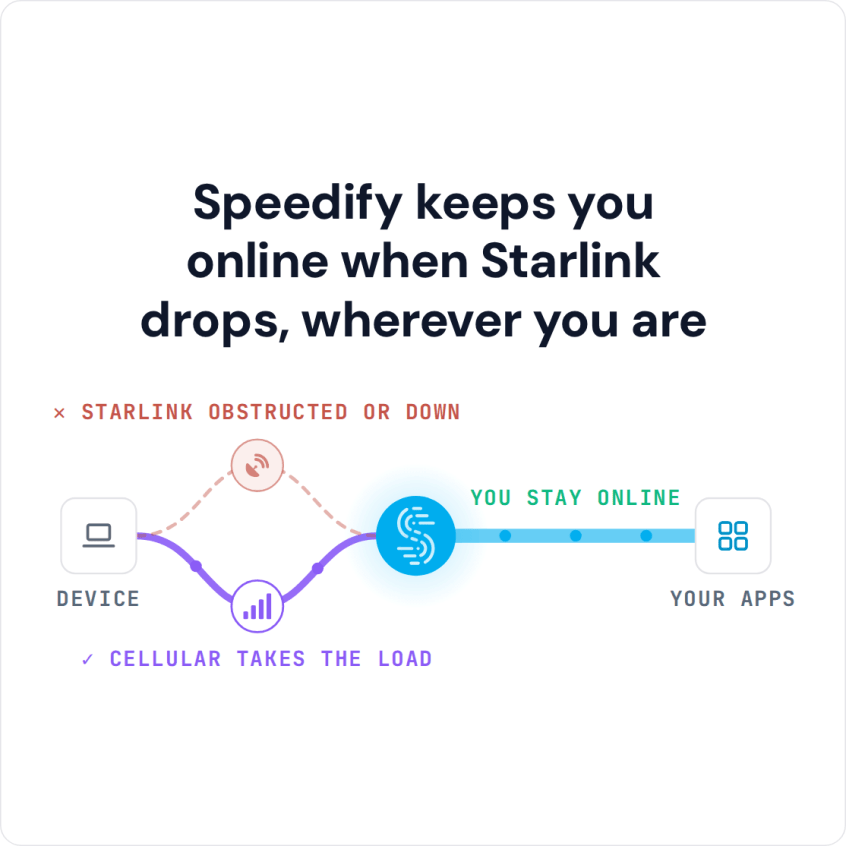
How to Get Internet on a Sailboat While Cruising To keep Wi-Fi while sailing, your sailboat or yacht needs a second internet connection alongside Starlink. Starlink struggles when the boom or sails block the Starlink dish or the boat leans in a swell, and cellular fades once the coastline drops behind you. Speedify is an app that uses Starlink and … Read More
How to Get Wi-Fi on a Boat: Speedify Combines Starlink and Cellular
Best Internet for a Boat: Combine Starlink and Cellular with Speedify Most boats get internet from three places: 4G/5G cellular near the coast, marina Wi-Fi at the dock, and satellite internet like Starlink farther out. The best internet for a boat uses two of them at once, because cellular fades offshore, and even Starlink drops in bad weather, when the … Read More
Fleet Wi-Fi for Vehicles and Vessels: Speedify Combines Cellular and Starlink
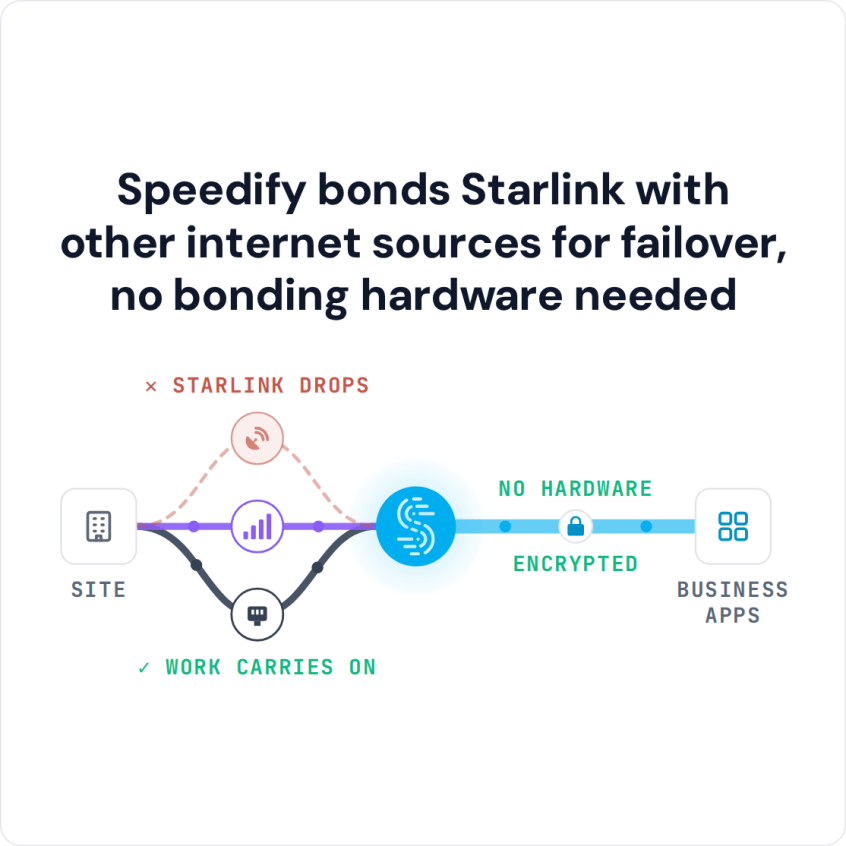
Reliable Internet for Commercial Fleets and Vessels on the Move Fleet Wi-Fi works best when each truck, van or vessel uses more than one internet connection at the same time: 4G/5G cellular on land, Starlink at sea and on remote routes, and shore Wi-Fi in port. Any single internet connection drops somewhere along the route. A delivery truck losing its … Read More
How to Check Starlink Status and What Each Status Means, with Speedify
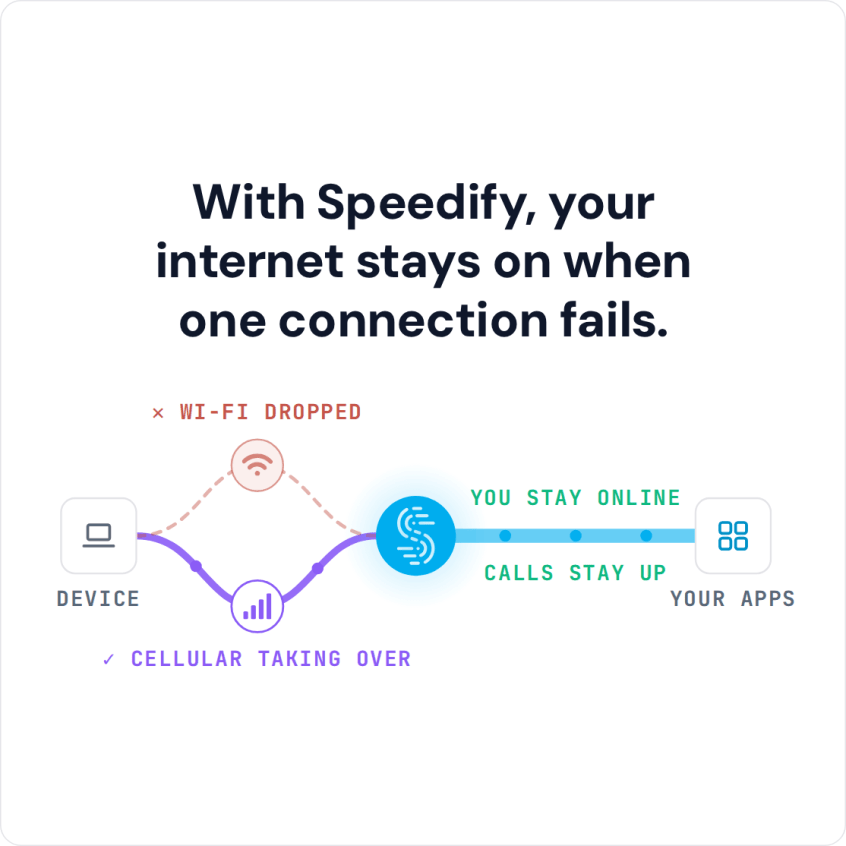
Speedify Shows Your Starlink Status in Real Time and Keeps You Online When Your Starlink Internet Connection Drops Out To check your Starlink status, open the Starlink app, or type dishy.starlink.com or 192.168.100.1 into a web browser while you’re on your Starlink Wi-Fi. Your Starlink dish’s status tells you whether it’s online, still starting up, looking for satellites, or blocked … Read More
Why the Starlink App Only Shows One Dish, and How Speedify Shows Every Starlink Dish
Speedify’s Starlink Control Center Lets You See How Both Starlink Dishes Are Doing at Once If you add a second Starlink dish and the Starlink app only shows one, nothing is broken: every Starlink dish uses the same address on your network, 192.168.100.1, so the Starlink app can only reach one of them at a time. The second Starlink dish … Read More