
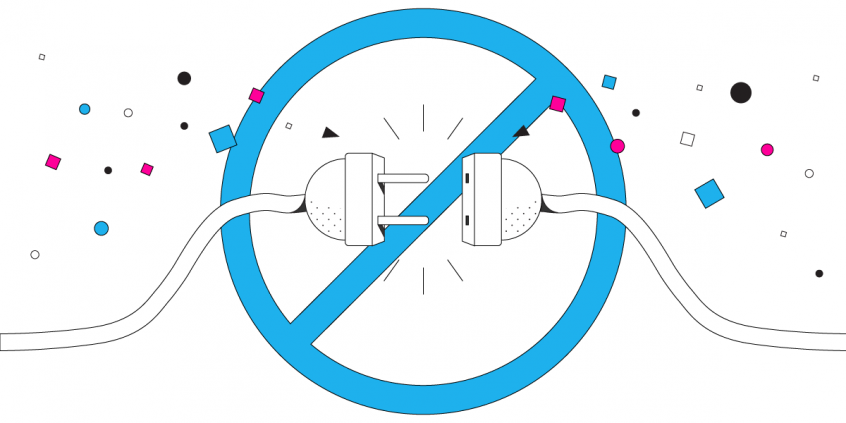
Why is the Internet Continuously Connecting and Disconnecting?
Full signal one moment and nothing the next – phones and laptops only ever use one internet connection at a time, and the switch between them is where your internet disappears. A phone clings to a Wi-Fi network long after you have walked out of range, then takes seconds to attach to the next one.
Speedify is an app that relies on Wi-Fi, 4G/5G cellular data, wired Ethernet, Starlink satellite internet and others simultaneously, handing traffic to whichever ones work. Further down, this guide explains why the internet keeps connecting and disconnecting, why monitoring tools do not help, and how using Speedify gives you internet access that survives moving around.
Speedify keeps your devices online when Wi-Fi drops.
Wi-Fi cuts out for all kinds of reasons: a weak signal, a tired router, a phone clinging to the wrong access point. Speedify bonds your Wi-Fi with any second connection, often 4G/5G cellular, and switches the moment one drops. Nothing has to reconnect.
No Need for Internet Connection Monitors and Continuous Online Latency Tests
Your mobile device is not designed for continuous Internet connectivity. By default, it either sends all Internet traffic over the cell network or over a WiFi connection. It’s the same thing for laptops and computers. They only use one connection at a time. If you are relying on your mobile network signal and you lose coverage, you lose your Internet connection. Same happens while connected to a WiFi connection, if you move around. The connection will be gone.
Speedify solves all of that. It unlocks the full power of your phone and helps you stay connected to the Internet, no matter what. The fast bonding app allows your mobile device to connect to WiFi and the cell network simultaneously.
If something happens with one connection, your web traffic is automatically routed through the other connection. Did you move out of a WiFi connection’s range? Speedify automatically connects you to the next strongest WiFi network. You won’t even notice anything has changed.
The Speedify app works in the background managing your connections—and it doesn’t drain your battery either.
Speedify Fixes the Continuous Internet Connectivity Issue
Speedify not only ensures that you are always connected. It also makes sure you have the fastest connection possible. Speedify makes dead zones and painfully slow public WiFi a thing of the past. Even better, Speedify is smart enough to prioritize your traffic. If you want, you can have Speedify use WiFi whenever possible. This way, you will preserve your cellular data for when you absolutely need it.
Walk around the city, hop on a train, take an Uber. No matter what you do, you can enjoy true continuous Internet connectivity and lightning fast service with Speedify. Imagine binge watching your favorite show or live streaming your downtown adventures without dealing with lag or losing your connection. That is the power of Speedify’s continuous connectivity.
Secure and Continuous Internet Connectivity at Your Fingertips
Speedify knows that sometimes public WiFi can make you vulnerable to cyberattacks. When you use the Speedify app on your mobile device it will also encrypt your web traffic. Speedify uses advanced technology that doesn’t slow down your phone, but keeps you safe and your data private. It keeps your data safe from the prying eyes of ISPs and hackers. And it doesn’t keep any browsing logs either!
You can download Speedify from our website or from Google Play Store / Apple Store. If you aren’t using Speedify, you are missing out on the joy of true continuous Internet connectivity. Try Speedify today and enjoy the Internet on your own terms.
Speedify
Get started with Speedify today.
Combine Wi-Fi, 4G/5G cellular, Ethernet, Starlink, and more into one faster, steadier connection. Free to try — no credit card required.
🚀 Speed
Faster uploads and downloads by bonding all your connections at once.
📶 Stability
Automatic failover in under a second when any connection drops.
🔒 Security
AES-256 encryption on every connection, on every network you join.



15M+ downloads worldwide. 75K+ five-star reviews on iOS and Android.