
Mobile Live Streaming Backpack Kit for IRL
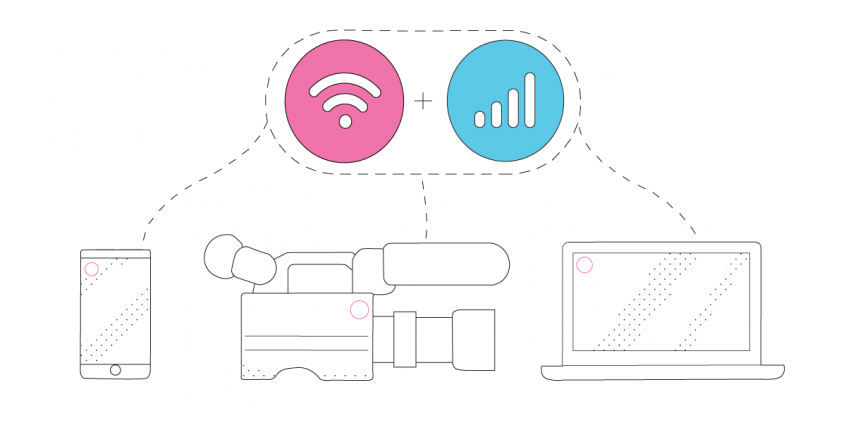
An IRL live stream stays online when its upload speed holds steady while you move – through crowds, streets, and venues with patchy signal. Speedify is an app that combines two or more internet connections at once – a phone’s 4G/5G plus Wi-Fi, or multiple cellular SIMs – into one faster, steadier upload, and it keeps the stream running if any single connection drops.
Here is what to pack in an IRL streaming backpack, with Speedify handling the internet.
Speedify combines your connections into enough upload to go live
How do I use WiFi and 4G/5G cellular at the same time with Speedify?

Pick your two internet connections and your device below and we'll take you to the step-by-step setup guide.


Connectivity Issues While IRL Streaming – What You’re Doing Wrong
Experiencing unreliable Internet when you’re streaming live to your followers? That’s OK – you’re not doing anything wrong. The Internet connection you’re using is to blame.
The most common situations where you might encounter these type of connectivity issues live streams include:
- When traveling / on the go – on the street, bus, train. You may be connected to a bad / spotty WiFi hotspot.
- In crowded areas – the available bandwidth for both WiFi and cellular data connections may not be sufficient to serve everyone on a stadium, at a concert or at a frat house party.
- At home – if your ISP is doing maintenance work right when you’re broadcasting live streams. Or if they’re throttling your connection.
When the connection is unreliable, you may not be live streaming at a high resolution due to limited available bandwidth. So your videos may appear jittery or choppy. Plus – if your Internet connection is spotty and disconnects for some reason – you will lose many of your viewers at least for that specific stream.
Your IRL backpack to be able to handle unfriendly Internet conditions while streaming live.
IRL Backpack Must-Have: Channel Bonding Solution
Speedify is the perfect IRL backpack companion. It’s a powerful channel bonding software app that gets you faster, more reliable and secure Internet. Speedify allows you to use multiple Internet connections at the same time. Speedify runs on computers, smartphones, tablets and various devices that run Linux (Ubuntu and Raspberry Pi OS), including Raspberry Pi.
Depending on the device, you can combine any mix of two or more WiFi networks, cellular networks and wired networks. By doing that, you’re not only solving the reliability aspect of live streaming through the automatic Internet failover mechanism, but also the bandwidth and latency issues.
Although there are multiple hardware bonding solutions available, Speedify’s performance is similar and, often times, better. It’s the only standalone software service that does that. For example, here’s how to combine 10 connections at the same time on an iPad with Speedify.
If one of your connections fails, Speedify automatically reroutes all the traffic through your other available connection(s). This happens in the background without you having to do anything. When the dropped connection is back online, Speedify will pick it up and start using it again.
IRL Backpack Checklist – What Else is Needed
We discussed about the need for reliable Internet, which is, indeed, a must-have for any IRL backpack. But what are other required elements?
- Computer or mobile device that you would use for live streaming. For IRL purposes, we recommend a mobile device – smartphone or tablet. You can also use a dedicated streaming device like the LiveU Solo.
- Video camera – it should stream video at least 720p / 60 fps. You can definitely go with your smartphone camera or with the GoPro live streaming functionality.
- Two or more cellular modems – to get a fast and reliable Internet connection. These should be connected either directly to the streaming device, if it supports multiple USB network adapters, or you can use a Raspberry Pi as a bonding router.
- Channel bonding software – this will help you combine the connections available to you at once. No more buffering or stream disconnects!
- Battery pack – get one with at least 20,000 mAh. Also check the rated power – should be max. 100 Wh, to avoid issues when traveling by plane.
- Selfie stick or special camera mount for you to hold when streaming. Look for something with a stabilizer for smoother video.
- Backpack or something to carry all this equipment in an organized way. It’s even better if it’s waterproof.
- Streaming apps – these generally depend on the platform you wish to stream to. Twitch, YouTube, Facebook Live – they each have their own app that should recognize the video camera so you can set it up for live streaming. These include Streamlabs OBS, Streamyard, Melon, Restream, Ecamm Live, etc.
IRL Backpack + Speedify Channel Bonding Software for the Win!
Speedify doesn’t just get you a fast and reliable Internet connection when live streaming in real life. Speedify also protects you from compromised WiFi networks and snooping hackers. It uses advanced encryption to make sure your private data stays under your control.
Before Speedify, users often had to choose between security and speed. As Speedify was designed with speed as one of its primary goals, you no longer have to sacrifice speed for security. You can have both.
If it’s something you need for your IRL backpack, it’s Speedify for a reliable Internet connection!
Speedify
Get started with Speedify today.
Combine Wi-Fi, 4G/5G cellular, Ethernet, Starlink, and more into one faster, steadier connection. Free to try — no credit card required.
🚀 Speed
Faster uploads and downloads by bonding all your connections at once.
📶 Stability
Automatic failover in under a second when any connection drops.
🔒 Security
AES-256 encryption on every connection, on every network you join.



15M+ downloads worldwide. 75K+ five-star reviews on iOS and Android.